
Audio-Technica AT2020USB-X
KSh23,500.00Cardioid USB-C condenser microphone with 24-bit/96 kHz recording, mix control, soft-touch mute and direct headphone monitoring for studio-quality content creation.
USB microphones provide a convenient way to improve voice quality when recording podcasts, streaming games, attending online meetings, creating videos or communicating with an audience.
Unlike conventional analogue microphones, a USB microphone contains a built-in audio interface. It converts your voice into a digital signal and sends it directly to a computer or compatible device through a USB connection.
This means most USB microphones do not require a separate audio interface, mixer or external preamplifier. Connect the microphone, select it in your recording or communication software and begin recording.
USB microphones are commonly used for:
The right model depends on where you will use it, how many people you need to record, the amount of background noise in the room and whether you intend to upgrade to professional XLR equipment later.
A basic desktop USB microphone can provide clearer voice transmission than the microphone built into a laptop.
For Zoom, Microsoft Teams, Google Meet, remote learning and everyday office calls, consider a compact model with:
An omnidirectional microphone picks up sound from several directions. This can be useful when two or more people are sitting around one computer, but it may also capture more keyboard, fan and room noise.
A cardioid microphone focuses mainly on sound arriving from the front. It is normally a better choice when one person is speaking directly into the microphone.
Affordable models such as the UGREEN CM564 and BOYA BY-CM1 are suitable for calls, online classes, basic voice recording and general computer use.
Gaming and streaming microphones should capture speech clearly while reducing sounds coming from the keyboard, mouse and surrounding room.
Useful features include:
RGB lighting may complement a gaming setup, but lighting does not improve recording quality. Pickup pattern, microphone positioning, room acoustics and gain control are more important.
Models such as the Razer Seiren V3 Mini, HyperX SoloCast, HyperX QuadCast S, JBL Quantum Stream and UGREEN CM769 are designed with gaming, streaming and desktop content creation in mind.
Before buying a microphone for PlayStation or another console, confirm compatibility with the exact console and microphone model. USB audio support can differ between platforms.
Podcast microphones should reproduce speech clearly and consistently while providing useful monitoring and recording controls.
For solo podcasts, a cardioid microphone is normally the most practical option because it focuses on the speaker in front of the microphone.
For interviews or conversations involving two people, consider:
Multi-pattern microphones such as the Logitech Blue Yeti and HyperX QuadCast S can support solo narration, face-to-face interviews and small group discussions.
The Maono AU-903, Logitech Blue Yeti Nano and JBL Quantum Stream also provide more than one pickup option for different recording arrangements.
For more advanced podcasting, the Shure MV7 provides both USB and XLR connectivity. It can be connected directly to a computer through USB or used with an audio interface and other professional equipment through XLR.
Voice-over recording requires more than a high-resolution microphone. The recording environment has a major effect on the final sound.
A sensitive condenser microphone can capture detailed speech, but it may also pick up:
Recording in a quieter, furnished room often produces a larger improvement than simply choosing the microphone with the highest sample rate.
Content creators should consider models with:
The RØDE NT-USB Mini, Elgato Wave:3 and Audio-Technica AT2020USB-X are suitable for voice-overs, podcasts, livestreams and other creator applications where recording control and monitoring are important.
Most desktop USB microphones are condenser microphones.
Condenser microphones are sensitive and can capture detailed speech, vocals and instruments. They work well in controlled indoor recording environments but can also capture more room noise.
Dynamic microphones are generally less sensitive and are commonly used for close-range speech, broadcasting, live sound and podcasting. They may perform better than sensitive condenser microphones in untreated rooms, provided the user speaks close to the microphone.
The Shure MV7 is a dynamic USB and XLR microphone designed primarily for podcasting, speech and content production.
Neither type is automatically better for every user. Choose according to your room, recording distance, voice, intended use and available equipment.
The pickup pattern describes the directions from which a microphone captures sound.
A cardioid microphone records mainly from the front and rejects more sound from the rear.
It is suitable for:
A supercardioid microphone has a narrower front pickup area than a standard cardioid model.
It can help focus on one speaker, but correct microphone positioning is important.
An omnidirectional microphone captures sound from around the microphone.
It may be suitable for:
It will normally capture more environmental noise than a directional microphone.
A bidirectional microphone captures sound from the front and rear while rejecting more sound from the sides.
It can be useful for face-to-face interviews where two people sit on opposite sides of one microphone.
A stereo pattern captures left and right spatial information.
It may be useful for certain music, ambience and sound-effect recordings, but is usually unnecessary for ordinary spoken-word content.
USB microphone specifications may show recording resolutions such as:
Bit depth affects the available recording range, while sample rate determines how frequently the audio signal is measured.
A 24-bit microphone provides more recording headroom than a 16-bit microphone, which can make gain management easier during content production.
However, a 24-bit/96 kHz specification does not guarantee that one microphone will sound better than another. Capsule design, microphone placement, room acoustics, background noise and recording technique remain important.
For meetings, classes, gaming streams and spoken-word content, 16-bit/48 kHz can still provide clear and practical audio. Higher recording resolutions are more useful when the recording will be edited, processed or used in a more demanding production workflow.
A microphone with a headphone output allows you to listen to your voice directly while recording.
Direct or low-latency monitoring can help you detect:
Some microphones also allow you to adjust the balance between microphone audio and computer playback.
Headphone monitoring is particularly useful for podcasting, livestreaming, voice-over recording and music production.
Controls vary considerably between USB microphone models.
Useful onboard controls may include:
A physical or touch-sensitive mute button is useful during meetings and livestreams. Look for a clear visual indicator showing whether the microphone is muted.
Gain control determines how strongly the microphone signal is amplified. Setting the gain too high can introduce room noise or distortion. Setting it too low can produce a quiet recording that requires heavy amplification during editing.
Many USB microphones include a small desktop stand. This may be sufficient for calls and occasional recording, but a boom arm can improve positioning and free desk space.
A boom arm allows the microphone to be placed closer to the speaker without positioning the stand beside the keyboard.
Before buying a separate arm or stand, confirm:
A shock mount reduces vibrations transmitted through the desk or stand. A pop filter reduces bursts of air caused by sounds such as “p” and “b”.
Some microphones include these features, while others require separate accessories.
Most USB microphones work with Windows and macOS computers using standard USB audio support.
Compatibility with phones, tablets and consoles varies.
Before ordering, check:
A USB-C connector does not automatically mean that a microphone works with every USB-C phone or tablet. The mobile device must support compatible USB audio, and some microphones may require more power than the device can provide.
The price of a USB microphone in Kenya depends on the microphone capsule, pickup patterns, recording resolution, connectivity, monitoring features, included stand, software support and brand.
Approximate reference prices for models in this category include:
| USB microphone | Approximate price |
|---|---|
| UGREEN CM564 Desktop USB Microphone | KSh 2,700 |
| BOYA BY-CM1 USB Microphone | KSh 3,500 |
| UGREEN CM769 RGB USB Microphone | KSh 5,300 |
| Razer Seiren V3 Mini | KSh 7,999 |
| Maono AU-903 Multi-Pattern USB Microphone | KSh 9,500 |
| JBL Quantum Stream USB Microphone | KSh 12,500 |
| HyperX SoloCast USB Microphone | KSh 14,500 |
| RØDE NT-USB Mini | KSh 17,000 |
| AVerMedia AM310 USB Microphone | KSh 18,500 |
| HyperX QuadCast S RGB | KSh 18,500 |
| Audio-Technica AT2020USB-X | KSh 23,500 |
| Logitech Blue Yeti Nano | KSh 25,000 |
| Elgato Wave:3 USB Microphone | KSh 27,000 |
| Logitech Blue Yeti USB Microphone | KSh 29,000 |
| Shure MV7 USB/XLR Microphone | KSh 45,000 |
Entry-level USB microphones generally cost between approximately KSh 2,500 and KSh 8,000. These models are suitable for meetings, classes, basic content creation and casual gaming.
Mid-range models commonly cost between approximately KSh 9,000 and KSh 20,000. They may add higher recording resolutions, headphone monitoring, selectable pickup patterns, improved controls, shock absorption or RGB lighting.
Premium creator and podcast microphones can cost between approximately KSh 20,000 and KSh 45,000 or more. These models may include advanced monitoring, software mixing, improved construction, multiple pickup modes or combined USB and XLR connectivity.
Prices can vary according to stock availability, included accessories, colour, warranty, exchange rates and supplier.
For online meetings and classes, prioritise simple controls, reliable compatibility and a stable desktop stand.
For gaming and streaming, look for directional pickup, mute control, headphone monitoring and convenient mounting.
For podcasting, consider the number of speakers, room acoustics, monitoring, pickup patterns and whether you may need XLR connectivity later.
For voice-overs and professional content, prioritise recording consistency, microphone positioning, monitoring controls and a quiet recording space.
Before ordering, compare:
Explore the main Audio category for other sound and entertainment products.
For portable personal listening, compare Wireless Earbuds and Noise-Cancelling Earbuds.
For music playback at home, work or outdoors, browse Bluetooth Speakers.
For events, entertainment and higher-volume playback, see Party Speakers.
You can also explore Computer Accessories when building a desktop setup for streaming, podcasting, remote work or online learning.
Browse the available USB microphones above to compare current models, pickup patterns, recording resolutions, connectivity, monitoring features and prices in Kenya.
Showing all 15 results

Cardioid USB-C condenser microphone with 24-bit/96 kHz recording, mix control, soft-touch mute and direct headphone monitoring for studio-quality content creation.
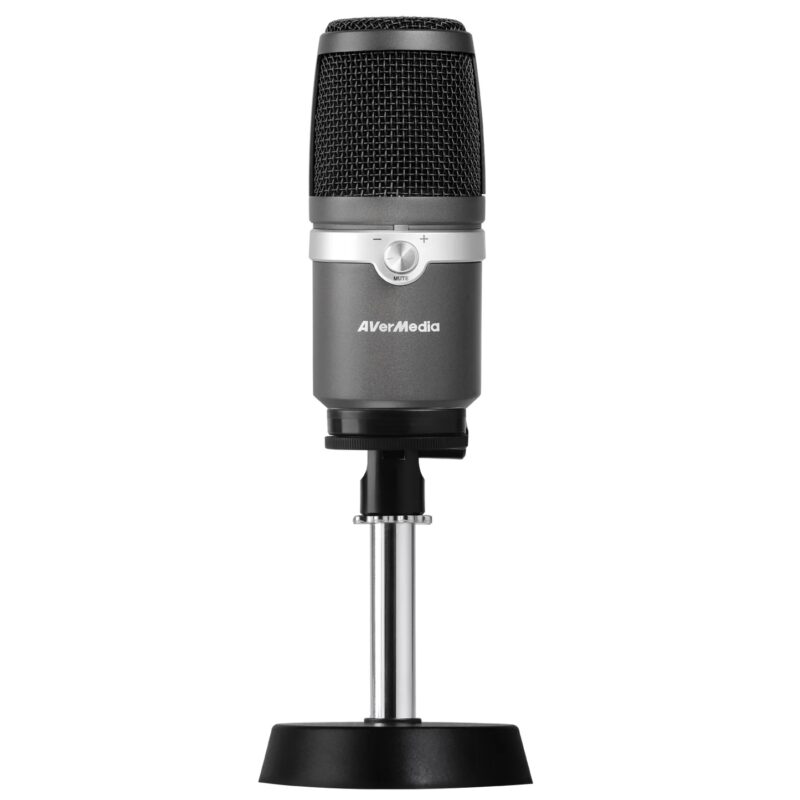
Cardioid USB condenser microphone with 16-bit/48 kHz audio, one-touch mute and direct headphone monitoring for streaming, commentary and voice recording.

Cardioid USB condenser microphone with noise reduction, mute control and a compact desktop stand for calls, streaming, voice recording and online learning.
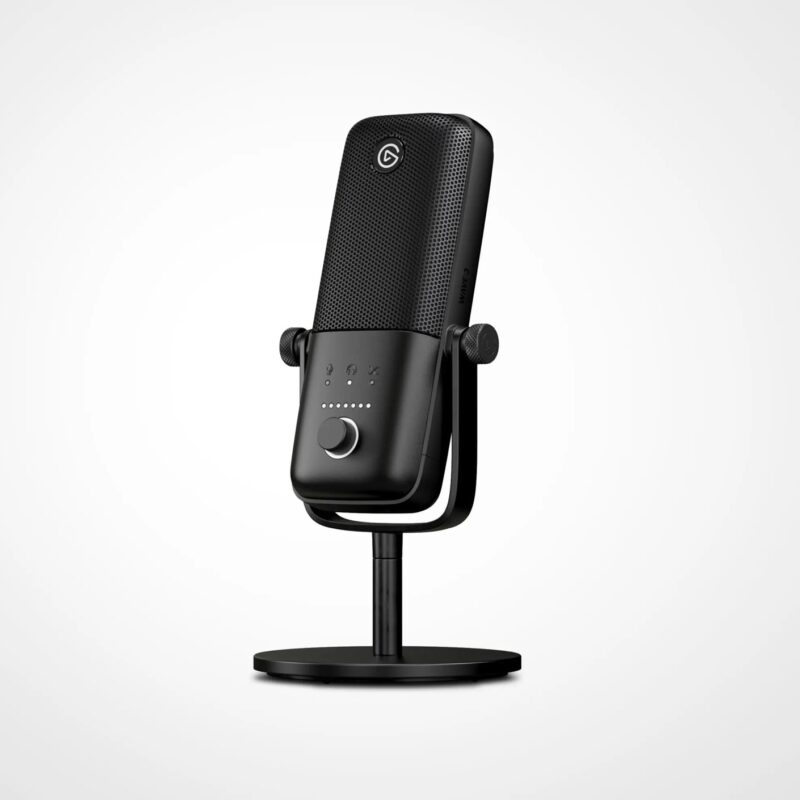
Cardioid USB-C condenser microphone with 24-bit/96 kHz audio, capacitive mute, headphone monitoring and Wave Link mixing for streaming and podcasts.

RGB USB condenser microphone with four pickup patterns, built-in pop filter, anti-vibration mount, tap-to-mute and headphone monitoring for streams and podcasts.
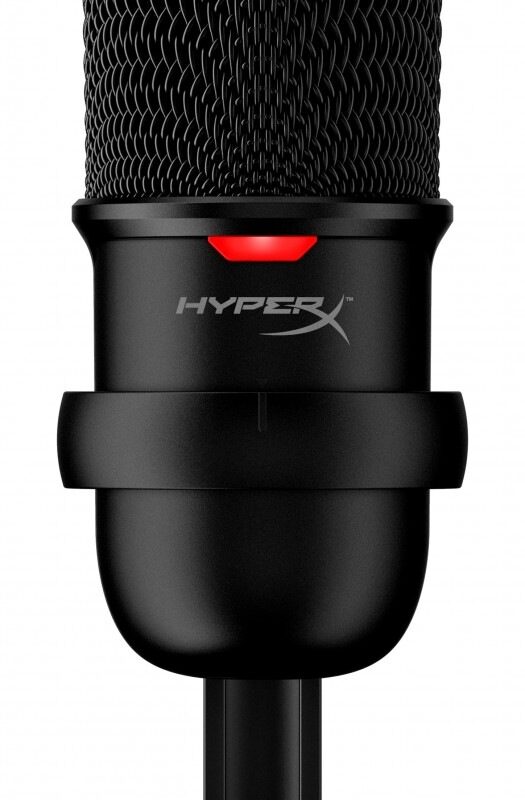
Cardioid USB condenser microphone with up to 24-bit/96 kHz recording, tap-to-mute and an adjustable stand for streaming, gaming and video calls.
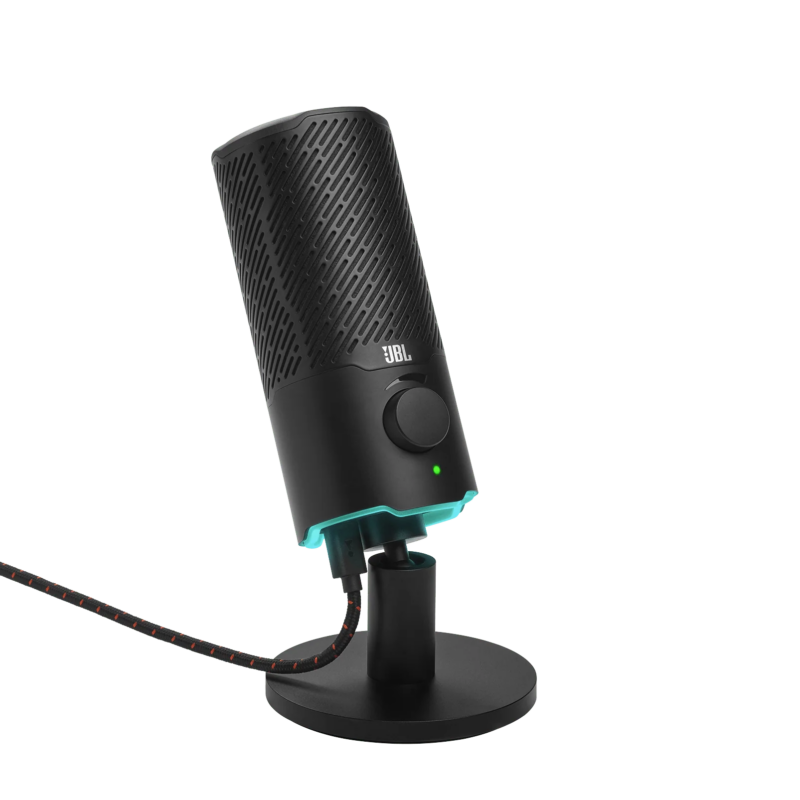
Dual-pattern USB condenser microphone with 24-bit/96 kHz audio, RGB mute indicator, headphone monitoring and reversible mounting for gaming and streaming.

Compact dual-pattern USB condenser microphone with 24-bit/48 kHz audio and headphone monitoring for podcasts, calls, voice-overs and streaming.
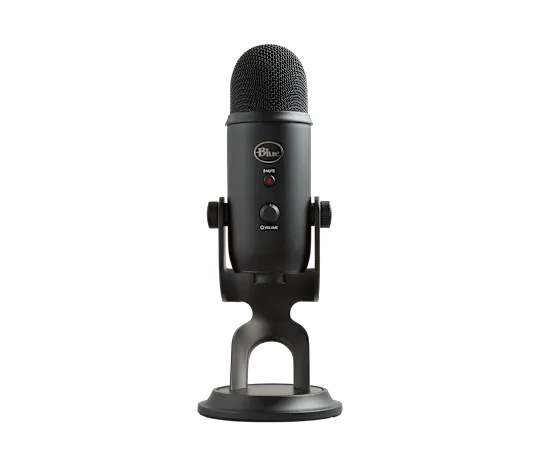
Four-pattern USB condenser microphone with onboard gain, mute and headphone monitoring for podcasts, interviews, voice-overs, streaming and music demos.
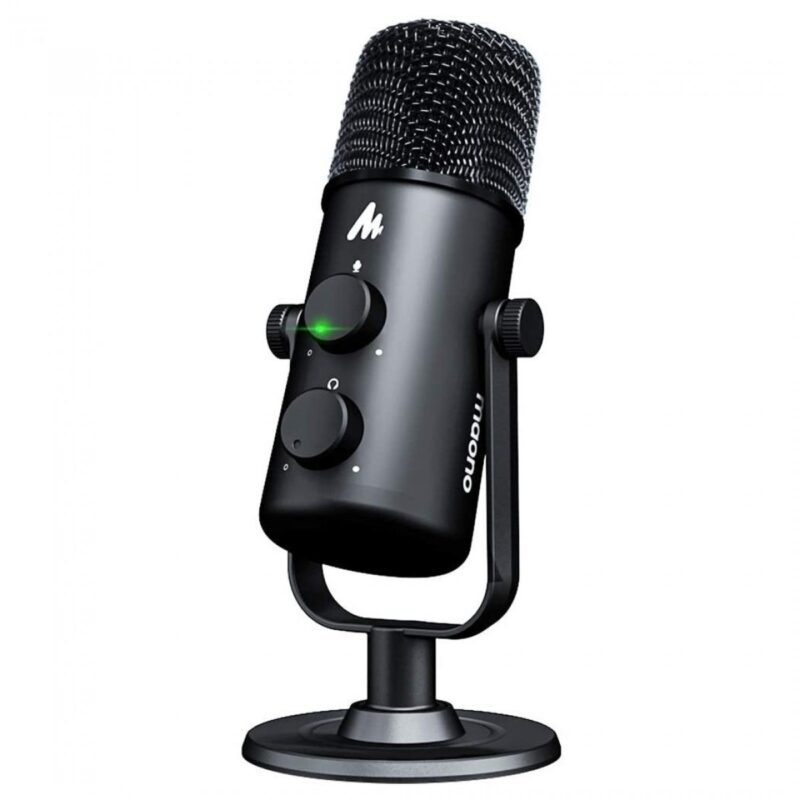
Cardioid and omnidirectional USB condenser microphone with gain, mute and headphone monitoring for solo recording, interviews and group conversations.

Compact supercardioid USB condenser microphone with 24-bit/96 kHz audio, tap-to-mute and an integrated shock absorber for gaming and streaming.
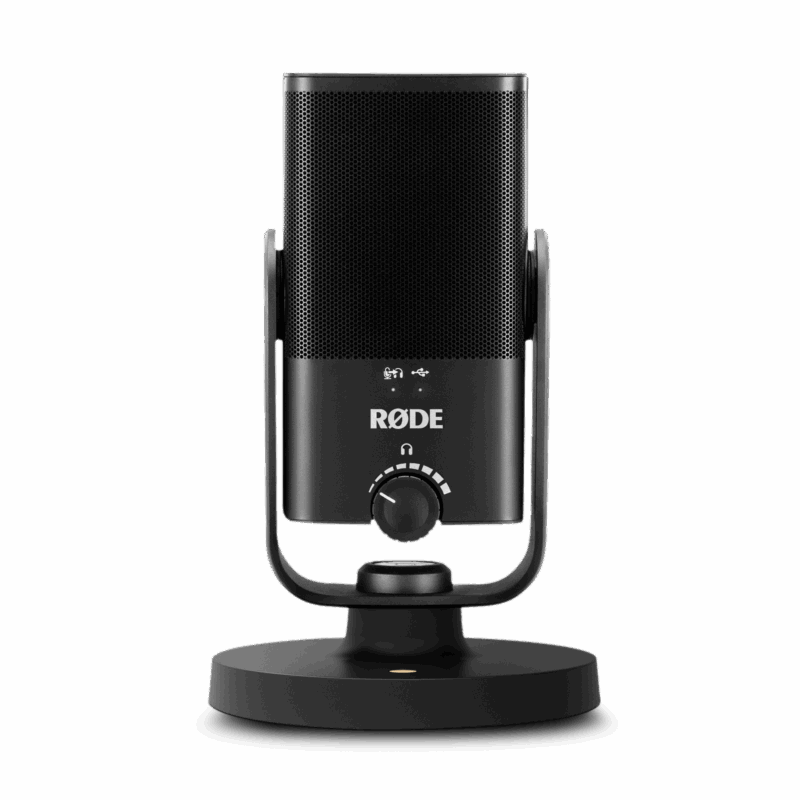
Compact cardioid USB-C condenser microphone with 24-bit/48 kHz audio, built-in pop filtering and studio-grade headphone monitoring for speech and recording.

Cardioid dynamic podcast microphone with USB and XLR outputs, touch controls, headphone monitoring and Shure MOTIV software support for flexible creator setups.
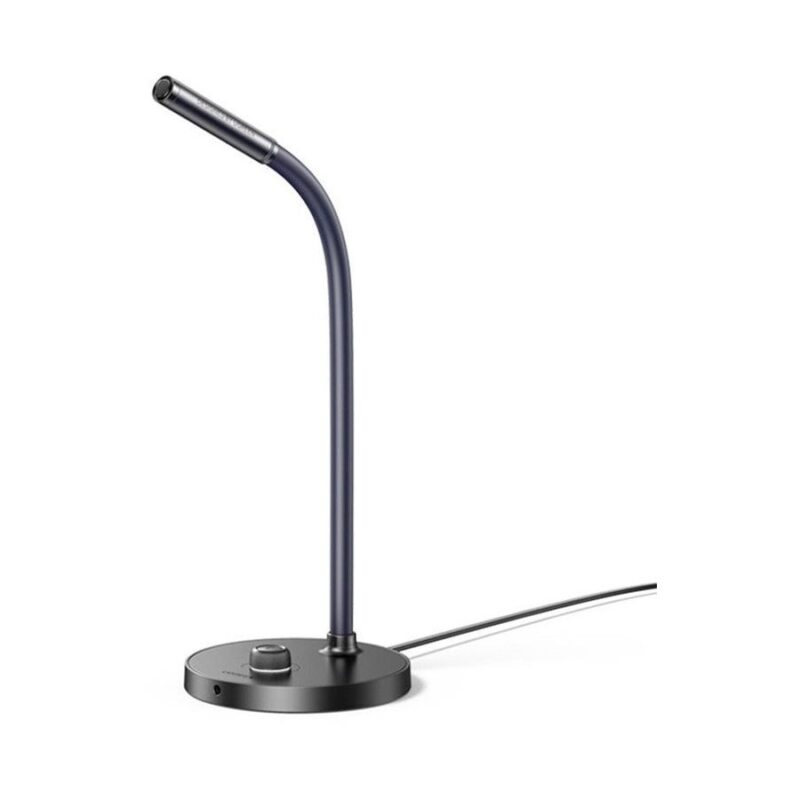
Omnidirectional desktop USB microphone with one-touch mute and adjustable positioning for online meetings, classes, calls and everyday computer use.
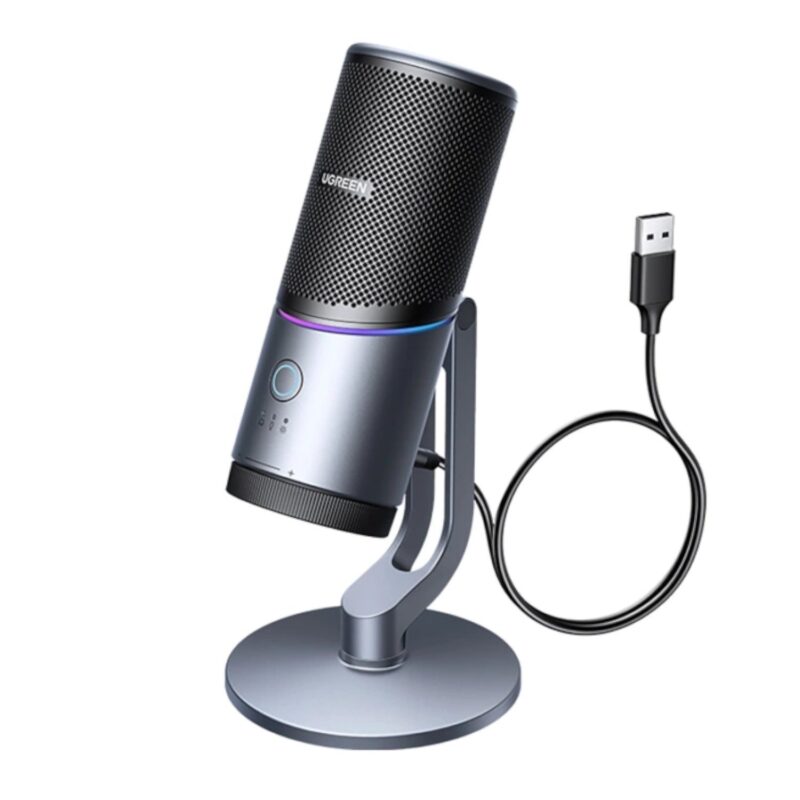
Cardioid RGB USB microphone with 24-bit/96 kHz recording, noise reduction, mute, gain control and headphone monitoring for gaming and streaming.
No products in the cart.