
AOC 24G4 180Hz
KSh28,500.0023.8-inch 1920 x 1080 Fast IPS monitor with a 180Hz refresh rate and HDMI 2.0, DisplayPort 1.4, headphone out for gaming use.
Displays include computer monitors, commercial signage screens and large-format interactive panels used to present visual content.
The right display depends on what it will be connected to, how far viewers will sit from the screen and whether the user needs conventional viewing, professional content presentation or touchscreen interaction.
Computer monitors are designed for individual desktop use. They are suitable for office work, study, gaming, programming, design, video editing and general computing.
Commercial displays and digital-signage screens are intended for customer-facing content in shops, reception areas, restaurants, schools, offices and public spaces. They may support longer operating hours, central content management and portrait installation.
Interactive displays add touch input, digital writing, annotation and collaboration features. They are commonly used in classrooms, training rooms and boardrooms.
When comparing displays in Kenya, check:
A 22-inch to 24-inch monitor is generally suitable for basic office work, study and home computing.
A 27-inch display provides more workspace and is widely used for productivity, programming, content creation and gaming.
Screens between 32 and 34 inches are suitable for multitasking, design work, dashboards and immersive entertainment. Ultrawide monitors provide extra horizontal workspace and may replace a dual-monitor setup.
Commercial and interactive displays commonly range from 43 to 86 inches. The appropriate size depends on the room, viewing distance and number of viewers.
Full HD resolution is adequate for many office and everyday applications, particularly on screens of 24 inches or smaller.
QHD provides more working space and sharper detail than Full HD. It is commonly chosen for 27-inch productivity, design and gaming monitors.
4K UHD is useful for larger displays, detailed creative work, professional signage and interactive panels. A higher resolution may require a more capable computer or graphics card when used for gaming or demanding visual applications.
For office work, consider a monitor with:
A USB-C monitor may carry video, data and laptop charging through one cable. Confirm the charging wattage because not every USB-C monitor can supply enough power for every laptop.
Gaming monitors should be compared using:
A high refresh rate is only useful when the computer or console can produce a sufficiently high frame rate. Resolution and refresh rate should therefore be considered together.
Designers, photographers and video editors should pay particular attention to:
Do not judge professional colour performance from resolution alone. Two 4K monitors can have significantly different colour accuracy.
Commercial screens are designed for business communication, advertising, information boards and menu displays.
When choosing one, check:
A commercial display may cost more than a television of the same size because it is designed for longer operating hours, controlled installation and business content management.
| Popular display type | Approximate price range |
|---|---|
| 19-inch to 22-inch office monitors | KSh 8,000–KSh 18,000 |
| 24-inch Full HD monitors | KSh 12,000–KSh 28,000 |
| 27-inch Full HD monitors | KSh 18,000–KSh 35,000 |
| 27-inch QHD monitors | KSh 27,000–KSh 60,000 |
| 27-inch 4K professional monitors | KSh 40,000–KSh 100,000 |
| 32-inch 4K monitors | KSh 40,000–KSh 100,000 |
| 34-inch ultrawide monitors | KSh 40,000–KSh 150,000 |
| Premium gaming monitors | KSh 35,000–KSh 250,000 |
| Commercial signage displays | KSh 70,000–KSh 400,000 |
| Interactive displays and smart boards | KSh 180,000–KSh 850,000+ |
Kenyan monitor listings currently include a 27-inch Samsung ViewFinity QHD USB-C monitor at approximately KSh 27,000, a 32-inch Samsung 4K monitor at about KSh 40,000 and an HP Z27k G3 27-inch 4K USB-C display at approximately KSh 44,995.
Large-format display pricing varies more widely. Commercial 4K signage screens cost more than ordinary monitors, while interactive displays from Uniview, Samsung, Hikvision and Huawei currently range from below KSh 200,000 to more than KSh 800,000 depending on size and configuration.
Display prices in Kenya vary according to screen size, resolution, panel technology, refresh rate, connectivity, colour performance, operating-hour rating and touch capability.
Before ordering, confirm that the display includes the required stand, power cable, video cable, remote control or wall-mount hardware.
Browse available displays above to compare screen sizes, specifications and current prices.
Showing 1–16 of 20 results
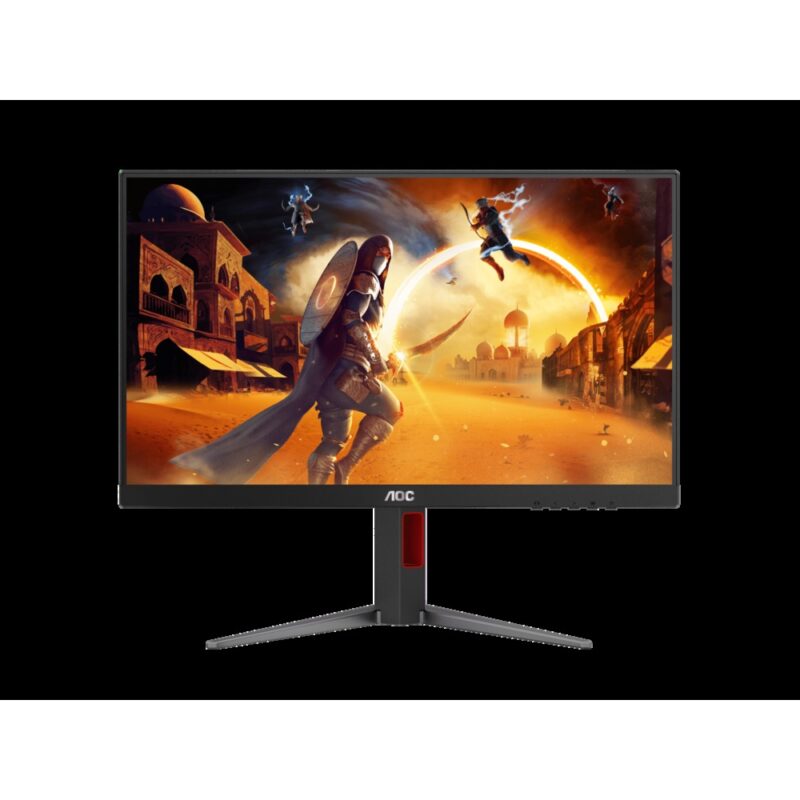
23.8-inch 1920 x 1080 Fast IPS monitor with a 180Hz refresh rate and HDMI 2.0, DisplayPort 1.4, headphone out for gaming use.
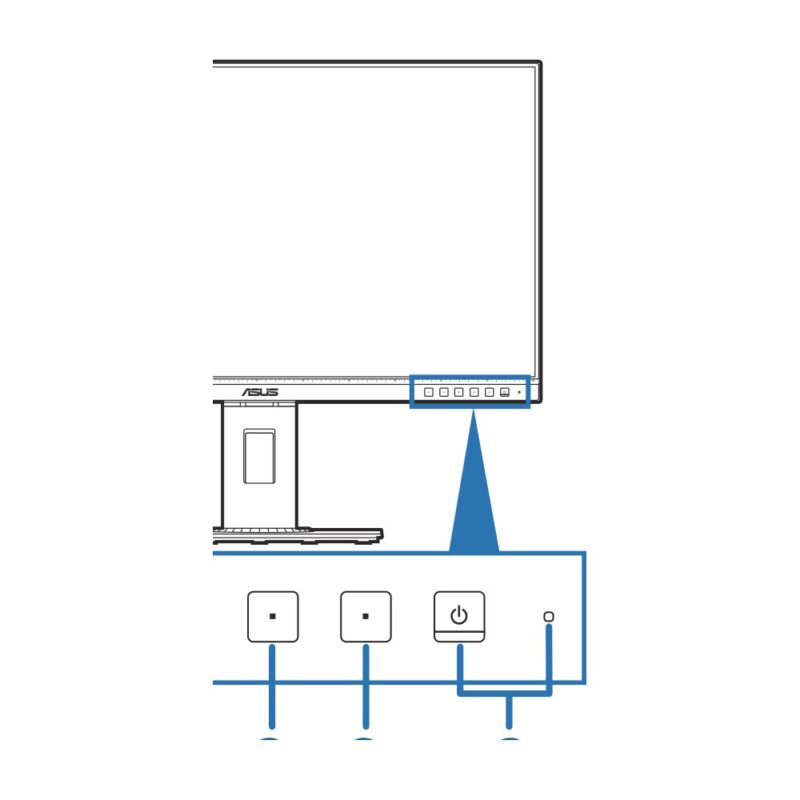
27-inch 2560 x 1440 IPS monitor with a 75Hz refresh rate and DisplayPort, Mini DisplayPort, HDMI, DVI-D, USB hub for creator, professional use.
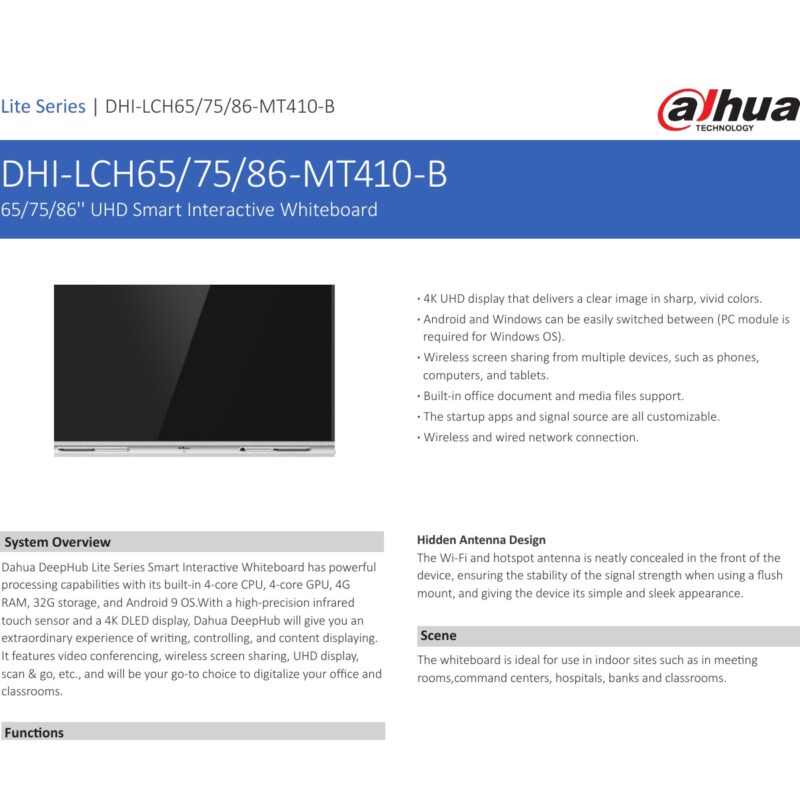
Embedded Android processor (exact chipset not publicly confirmed), Not confirmed RAM, Not confirmed storage and a 86 inch 3840 x 2160 4K UHD touch display with Integrated display graphics for interactive teaching, presentations and collaboration.
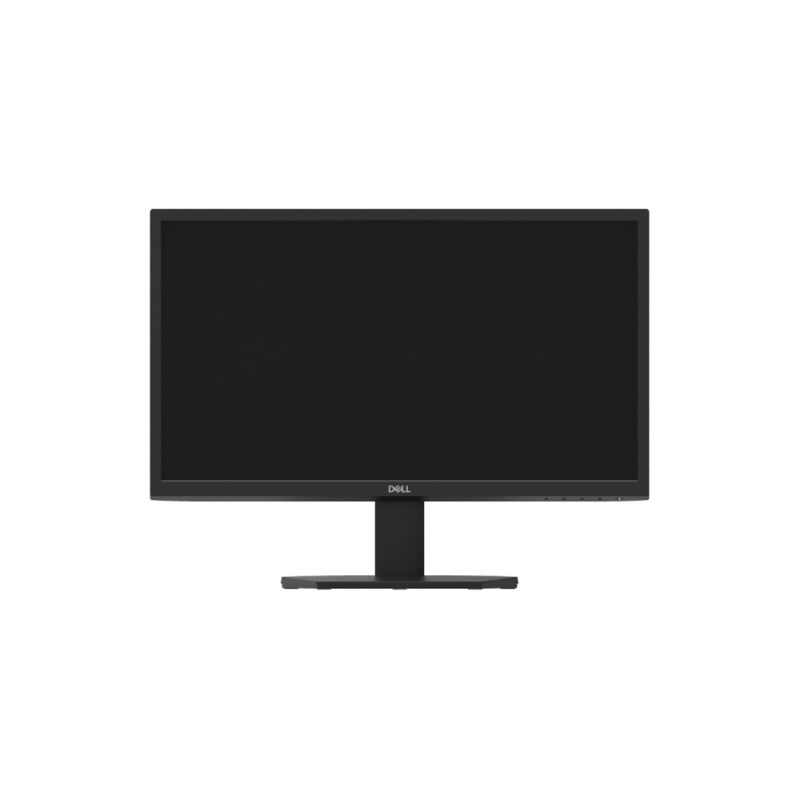
21.5-inch 1920 x 1080 VA monitor with a 60Hz refresh rate and DisplayPort 1.2, VGA for entry-level, business use.
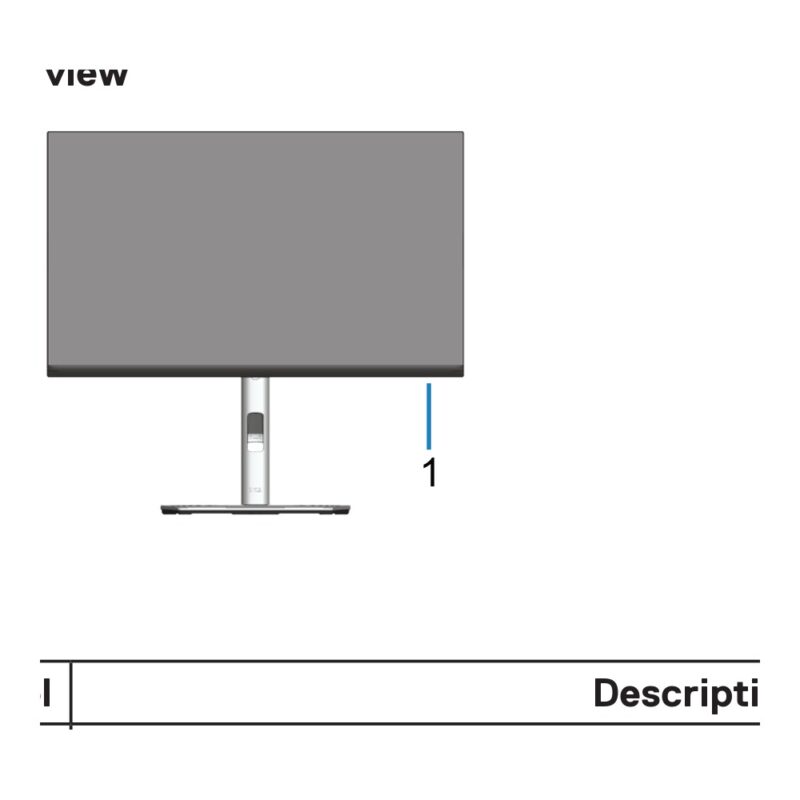
23.8-inch 1920 x 1080 IPS monitor with a 60Hz refresh rate and DisplayPort, HDMI, VGA, USB hub for business, professional use.
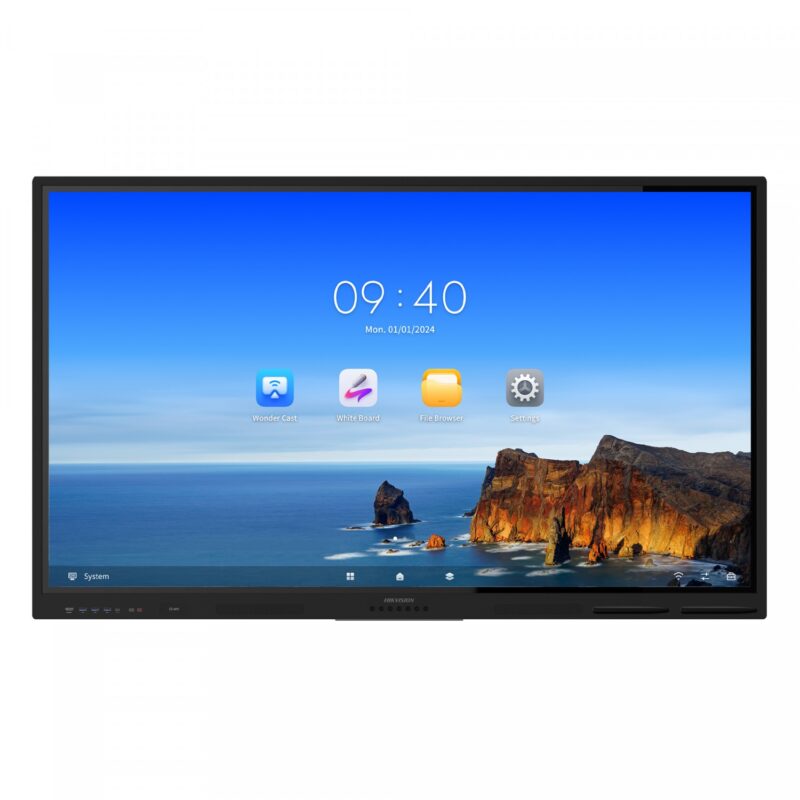
Quad-core Cortex-A55 1.92GHz, 8GB RAM, 64GB storage and a 65 inch 3840 x 2160 4K UHD touch display with Mali-G52 MP2 for interactive teaching, presentations and collaboration.
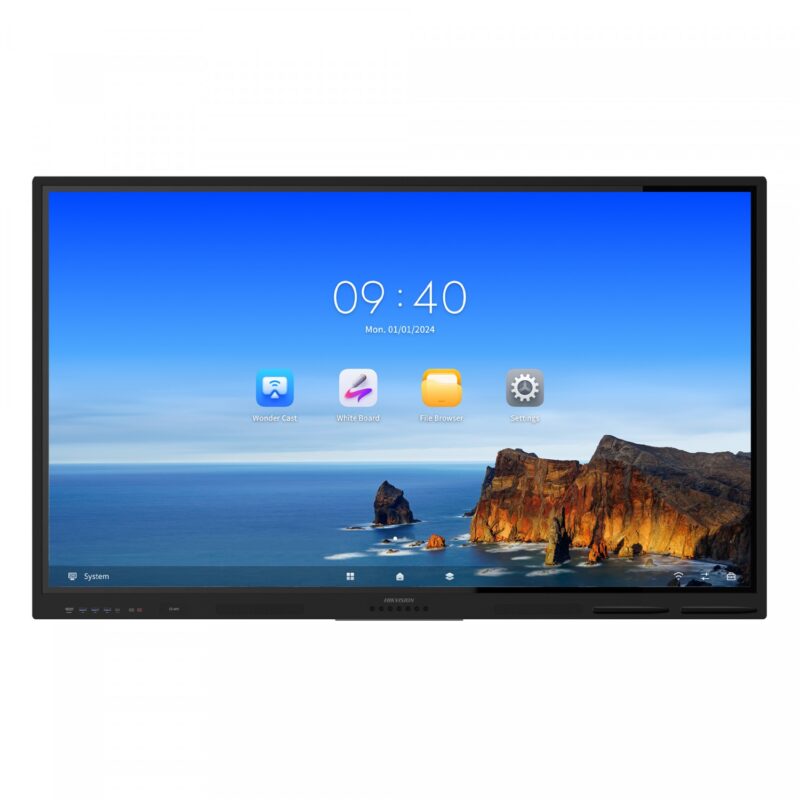
Quad-core Cortex-A55 1.92GHz, 8GB RAM, 64GB storage and a 75 inch 3840 x 2160 4K UHD touch display with Mali-G52 MP2 for interactive teaching, presentations and collaboration.
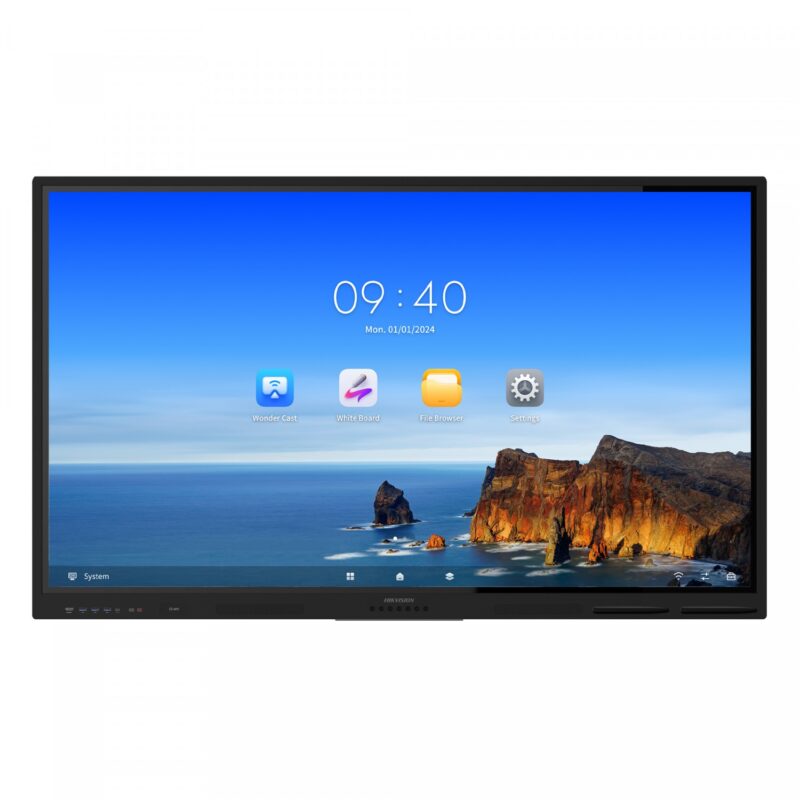
Quad-core Cortex-A55 1.92GHz, 8GB RAM, 64GB storage and a 86 inch 3840 x 2160 4K UHD touch display with Mali-G52 MP2 for interactive teaching, presentations and collaboration.
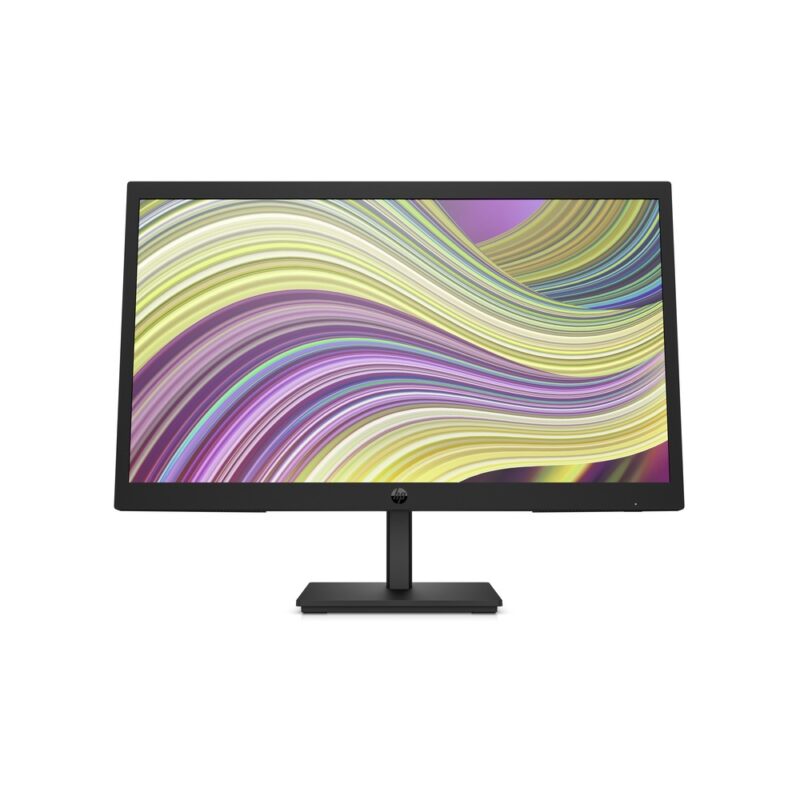
21.45-inch 1920 x 1080 VA monitor with a 75Hz refresh rate and HDMI 1.4, VGA for budget, home, office use.
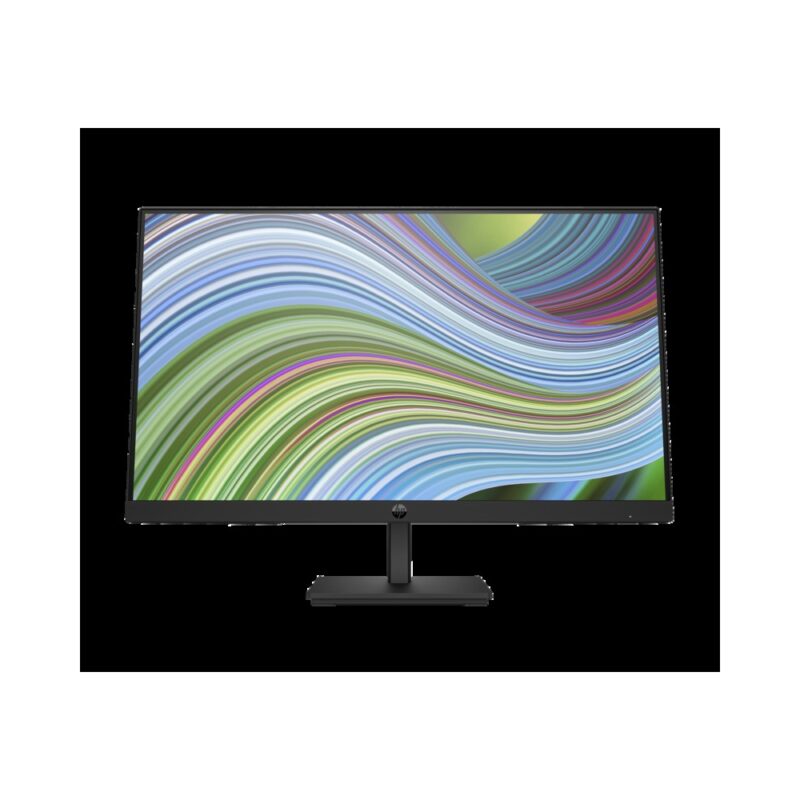
23.8-inch 1920 x 1080 IPS monitor with a 75Hz refresh rate and DisplayPort 1.2, HDMI 1.4, VGA for everyday, business use.
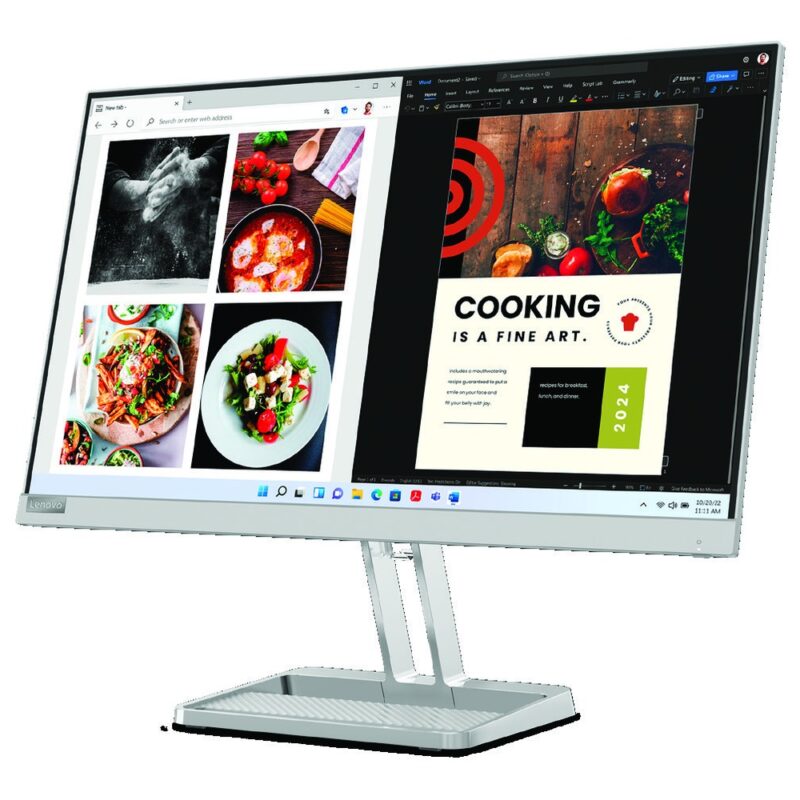
23.8-inch 1920 x 1080 IPS monitor with a 100Hz refresh rate and HDMI 1.4, VGA, audio out for home, student, everyday use.
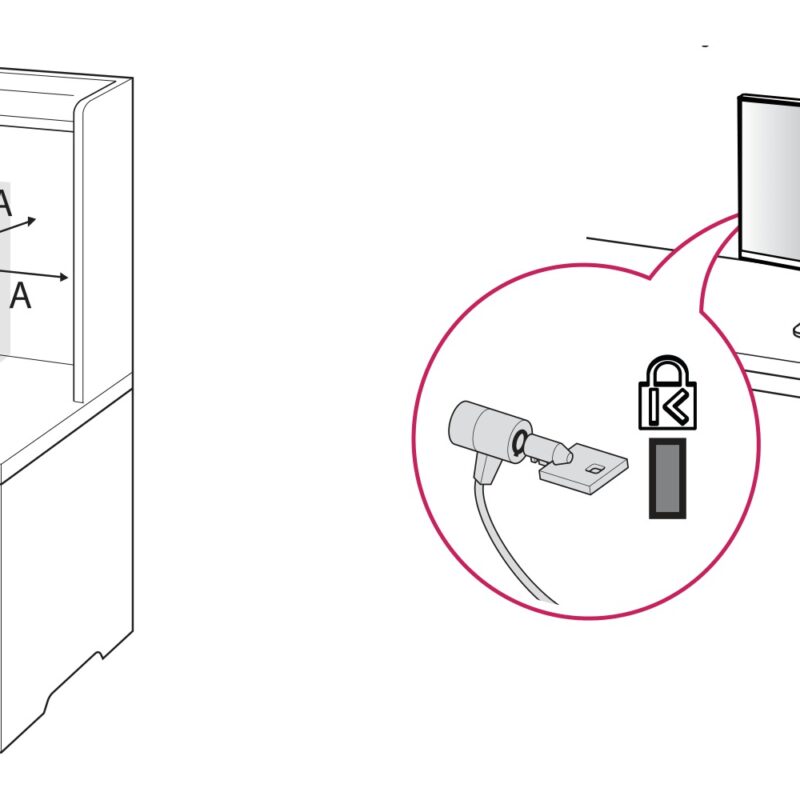
23.8-inch 1920 x 1080 IPS monitor with a 100Hz refresh rate and HDMI, D-Sub, headphone out for home, student, everyday use.
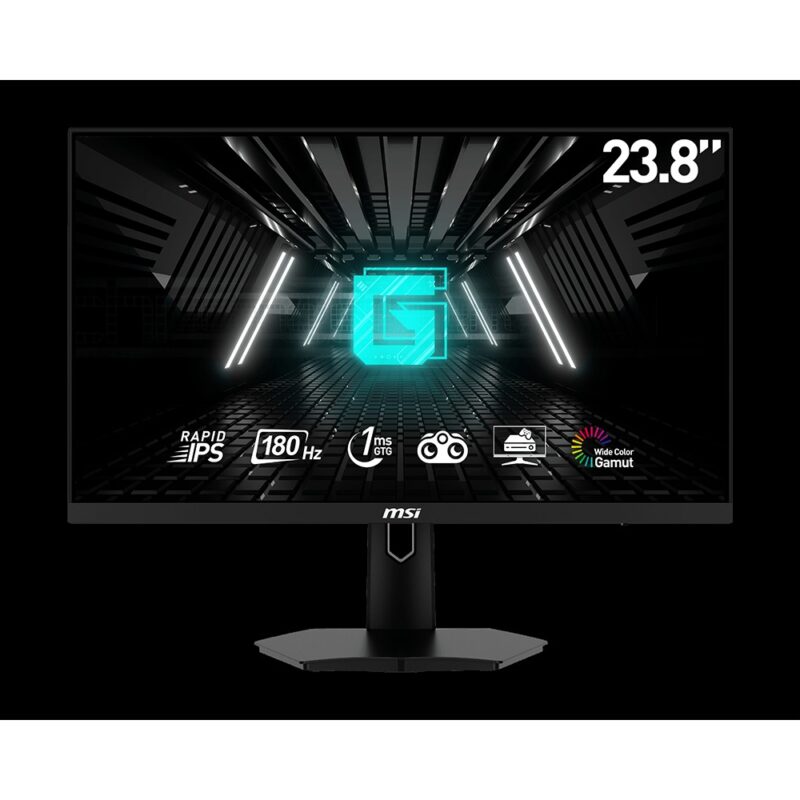
23.8-inch 1920 x 1080 Rapid IPS monitor with a 180Hz refresh rate and 2 x HDMI 2.0b, DisplayPort 1.2a, headphone out for gaming use.
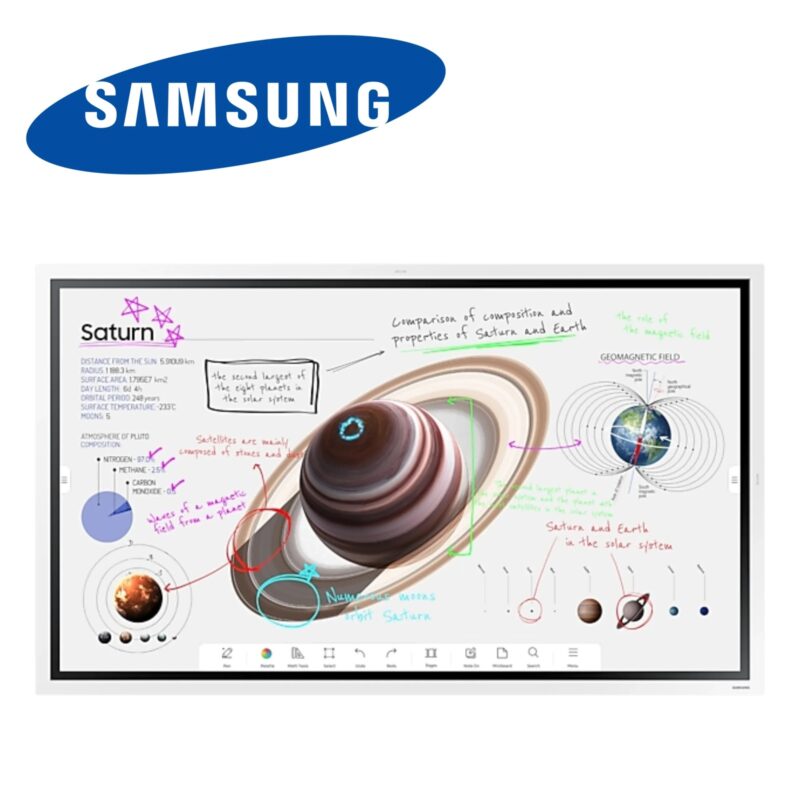
Samsung embedded processor (not publicly specified), Not publicly specified RAM, Not publicly specified storage and a 55 inch 3840 x 2160 4K UHD touch display with Integrated display graphics for interactive teaching, presentations and collaboration.
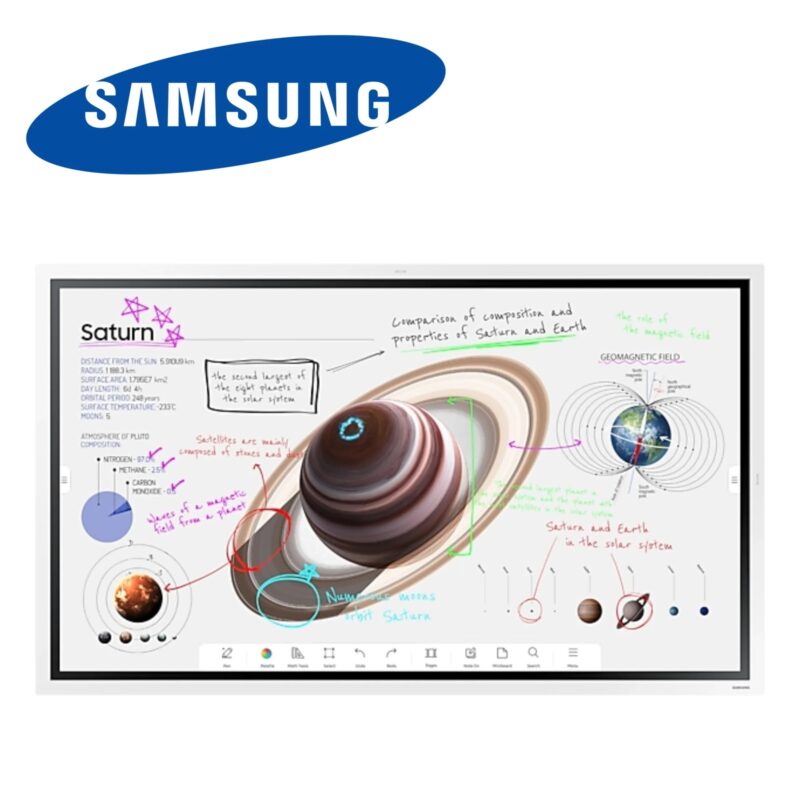
Samsung embedded processor (not publicly specified), Not publicly specified RAM, Not publicly specified storage and a 65 inch 3840 x 2160 4K UHD touch display with Integrated display graphics for interactive teaching, presentations and collaboration.
Samsung embedded processor (not publicly specified), Not publicly specified RAM, Not publicly specified storage and a 85 inch 3840 x 2160 4K UHD touch display with Integrated display graphics for interactive teaching, presentations and collaboration.
No products in the cart.