
AOC 24G4 180Hz
KSh28,500.0023.8-inch 1920 x 1080 Fast IPS monitor with a 180Hz refresh rate and HDMI 2.0, DisplayPort 1.4, headphone out for gaming use.
Computer monitors provide a dedicated display for desktop computers, laptops, gaming consoles, CCTV systems and other compatible devices.
They are commonly used in homes, offices, schools, computer labs, gaming setups, design studios, reception areas and professional workstations. A suitable monitor can provide more screen space, clearer text and a more comfortable working position than relying only on a laptop display.
Computer monitors in Kenya are available in different screen sizes, resolutions, panel types and refresh rates. Entry-level models are designed mainly for browsing, office applications and schoolwork, while gaming and professional monitors may provide faster refresh rates, higher resolutions, wider colour coverage and more advanced connectivity.
When comparing computer monitors in Kenya, check:
The correct monitor depends on how it will be used. A basic Full HD monitor may be sufficient for office work, online learning and general home use, while gaming, design and content-production tasks may require higher refresh rates, improved colour accuracy or QHD and 4K resolutions.
Common monitor sizes in Kenya include:
A 21.5-inch or 22-inch monitor is suitable for basic office work, point-of-sale systems, reception desks, student use and compact workspaces.
A 23.8-inch or 24-inch monitor provides more working space while remaining practical for most desks. This is one of the most useful sizes for home offices, businesses, computer labs and everyday computing.
A 27-inch monitor is better suited to multitasking, gaming, design work, spreadsheets and applications that benefit from a larger viewing area. At this size, QHD resolution generally provides sharper text and more usable screen space than Full HD.
Monitors measuring 32 inches or more are commonly used for gaming, video editing, financial dashboards, surveillance monitoring and multi-window professional workflows. Large displays require sufficient desk space and a suitable viewing distance.
Monitor resolution determines how many pixels are displayed on the screen.
Full HD resolution is 1920 × 1080 pixels.
Full HD monitors remain widely used for:
Full HD is appropriate for most 21.5-inch and 24-inch displays. It is usually the most affordable option and works with almost any modern computer.
QHD resolution is 2560 × 1440 pixels.
QHD monitors provide more detail and workspace than Full HD. They are useful for:
QHD is particularly suitable for 27-inch monitors because it provides a good balance between image sharpness, price and graphics-card requirements.
4K UHD resolution is 3840 × 2160 pixels.
A 4K monitor provides substantially more detail than Full HD, but it also requires more graphics-processing power. It is commonly used for:
Before buying a 4K monitor, confirm that the computer, docking station or graphics card supports the required resolution and refresh rate through its available HDMI, DisplayPort or USB-C connection.
The panel type affects colour reproduction, viewing angles, contrast and response characteristics.
IPS monitors generally provide wide viewing angles and consistent colours.
They are suitable for:
IPS panels are widely used in current business, professional and gaming monitors.
VA panels generally provide stronger contrast and deeper blacks than comparable IPS panels.
They are commonly used in:
Viewing angles and motion performance vary by model, so the panel type alone should not determine the purchase.
TN panels are generally associated with fast response times and lower prices, although their viewing angles and colour reproduction may be more limited than IPS alternatives.
They may still be suitable for basic office systems, competitive gaming and environments where cost is the main priority.
For general office work, studying and home use, consider a monitor with:
A 75Hz or 100Hz monitor can provide smoother scrolling and cursor movement than a basic 60Hz display, even during normal office use.
Business users who spend long hours at a desk should also consider height adjustment, swivel, pivot and cable-management features. Models such as the Dell P2422H include a fully adjustable stand and a USB hub, making them better suited to professional office environments than basic fixed-stand monitors.
Gaming monitors are designed to display fast-moving content more smoothly and with lower perceived delay.
When comparing gaming monitors, check:
Entry-level gaming monitors commonly offer refresh rates between 100Hz and 180Hz. Competitive gamers may prefer 165Hz, 180Hz or faster displays.
A higher refresh rate is useful only when the computer or console can generate a sufficiently high frame rate. A 180Hz monitor will not automatically make a low-performance computer run games at 180 frames per second.
The Samsung Odyssey G5 G55C, for example, combines a 27-inch QHD curved display with a 165Hz refresh rate and 1ms MPRT response specification.
Professional monitors are designed for work where colour consistency, resolution and viewing accuracy matter.
They are commonly used for:
When choosing a creator monitor, consider:
The ASUS ProArt PA278QV is a 27-inch QHD IPS professional monitor with 100% sRGB and Rec.709 coverage, factory-calibrated colour accuracy and an adjustable stand. It is better suited to colour-sensitive work than a basic office monitor, although professionals should still calibrate displays according to their own production workflow.
Common monitor connections include:
HDMI is widely supported by laptops, desktops, gaming consoles, decoders and media devices.
Confirm the HDMI version where high refresh rates or 4K resolution are required. Older HDMI ports may not support the monitor’s maximum resolution and refresh rate at the same time.
DisplayPort is commonly found on business desktops, gaming graphics cards and professional monitors.
It is often preferred for high-refresh-rate displays, multi-monitor setups and desktop workstations.
VGA is an older analogue connection still found on some entry-level monitors and older computers.
It can be useful for compatibility with legacy systems, but HDMI and DisplayPort generally provide better digital image quality.
A USB-C monitor may carry video, data and power through a single cable.
However, not every USB-C port supports video output or laptop charging. Confirm:
Some business monitors include USB ports for keyboards, mice, flash drives and other accessories.
A USB hub may require a separate upstream connection between the monitor and computer before its USB ports will function.
Flat monitors are suitable for most office, education, design and multi-monitor arrangements.
Curved monitors are mainly used for gaming, entertainment, simulation and wide-screen professional setups. The curve can make a large display feel more immersive when the user sits near the centre of the screen.
A curved monitor is not automatically better. It may be less practical for wall-mounted displays, shared workstations and tasks where straight-line representation is important.
| Monitor model | Approximate price range |
|---|---|
| HP P22v G5 21.5-inch | KSh 17,000–KSh 21,000 |
| HP P24 G5 23.8-inch | KSh 17,500–KSh 22,000 |
| LG 24MR400-B 24-inch | KSh 18,000–KSh 24,000 |
| Lenovo L24i-40 23.8-inch | KSh 19,000–KSh 24,000 |
| Dell E2222H 21.5-inch | KSh 20,500–KSh 28,500 |
| AOC 24G4 180Hz | KSh 25,000–KSh 34,000 |
| MSI G244F E2 180Hz | KSh 27,000–KSh 36,000 |
| Dell P2422H 23.8-inch | KSh 29,000–KSh 43,000 |
| Samsung Odyssey G5 G55C 27-inch | KSh 32,000–KSh 43,000 |
| ASUS ProArt PA278QV 27-inch | KSh 40,000–KSh 60,000 |
Current Kenyan listings place the HP P22v G5 at approximately KSh 17,499 before VAT in one listing, while comparable sellers position it as an entry-level 21.5-inch Full HD monitor.
The HP P24 G5 has recently been listed at approximately KSh 17,500, although the actual selling price can vary according to tax treatment, stock source and warranty.
The Lenovo L24i-40 has been listed locally at approximately KSh 19,000 including VAT. This model combines a 23.8-inch Full HD IPS screen, 100Hz refresh rate and HDMI and VGA connectivity.
Recent Dell E2222H listings range from approximately KSh 20,500 to KSh 28,100. The model is a 21.5-inch Full HD office monitor with VGA and DisplayPort connectivity.
Dell P2422H pricing varies more significantly. Kenyan listings place it at approximately KSh 29,000–KSh 32,000 at some retailers, while another current listing shows about KSh 42,999. The difference may reflect supplier source, warranty, tax treatment and stock age.
The Samsung Odyssey G5 G55C has recently been listed from approximately KSh 31,999 to KSh 42,999. Some listings may show temporary discounts, so the normal price should be confirmed before publishing or ordering.
Computer monitor prices in Kenya vary according to:
Imported professional and gaming monitors may have wider price differences than ordinary office monitors because some sellers import individual units rather than sourcing them through local distributors.
Before ordering, confirm whether the quoted price includes:
Browse the available computer monitors above to compare current screen sizes, resolutions, refresh rates, connectivity options and prices in Kenya.
Showing all 10 results
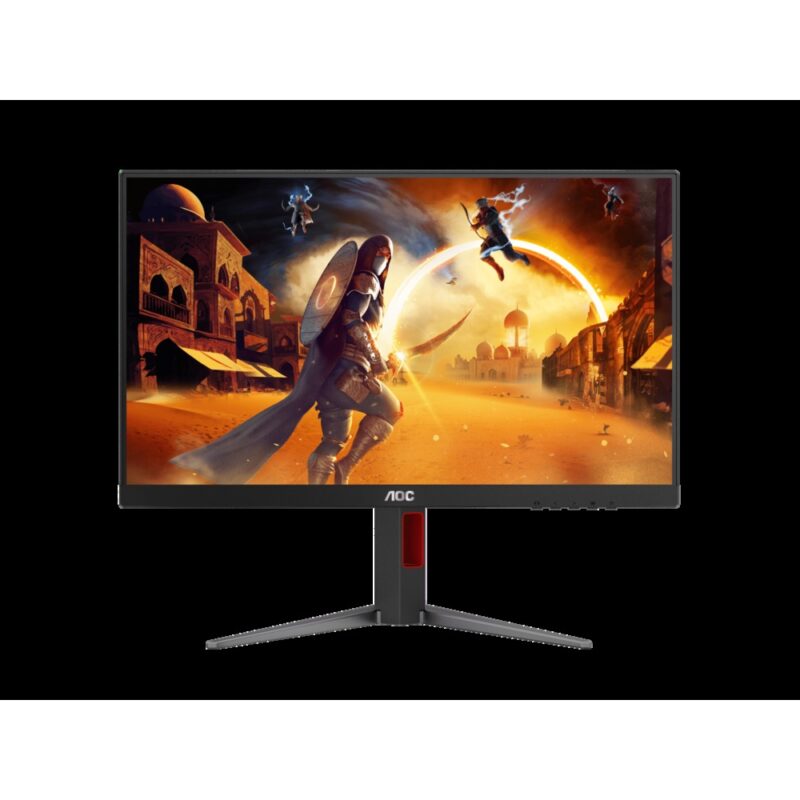
23.8-inch 1920 x 1080 Fast IPS monitor with a 180Hz refresh rate and HDMI 2.0, DisplayPort 1.4, headphone out for gaming use.
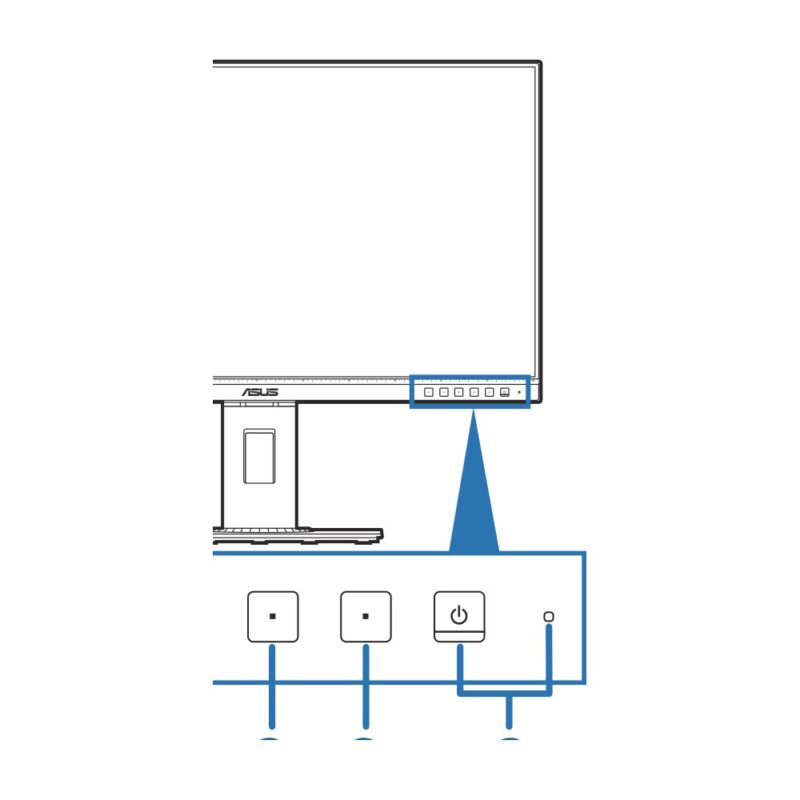
27-inch 2560 x 1440 IPS monitor with a 75Hz refresh rate and DisplayPort, Mini DisplayPort, HDMI, DVI-D, USB hub for creator, professional use.
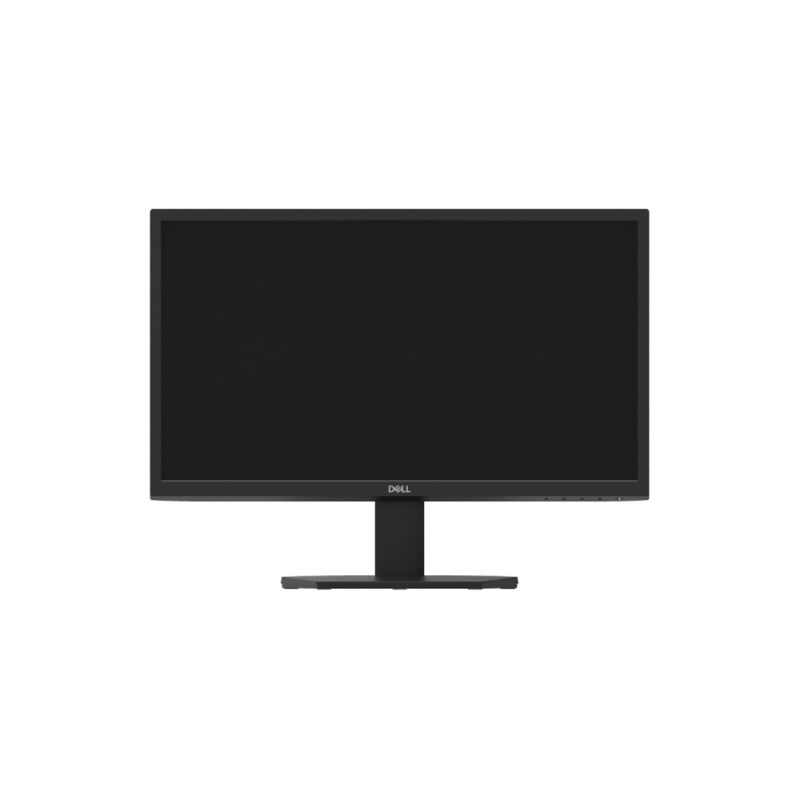
21.5-inch 1920 x 1080 VA monitor with a 60Hz refresh rate and DisplayPort 1.2, VGA for entry-level, business use.
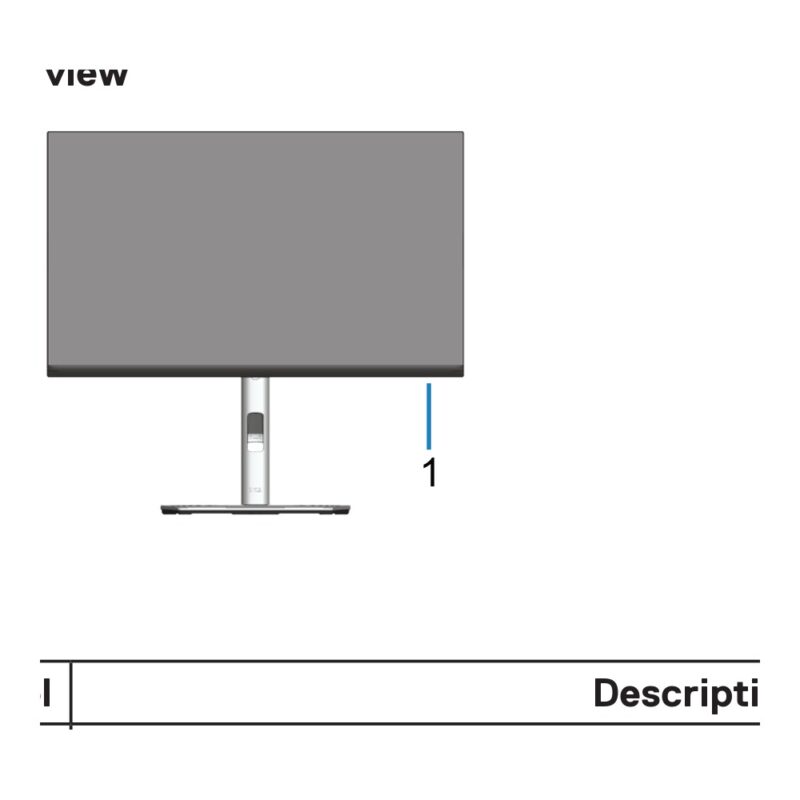
23.8-inch 1920 x 1080 IPS monitor with a 60Hz refresh rate and DisplayPort, HDMI, VGA, USB hub for business, professional use.
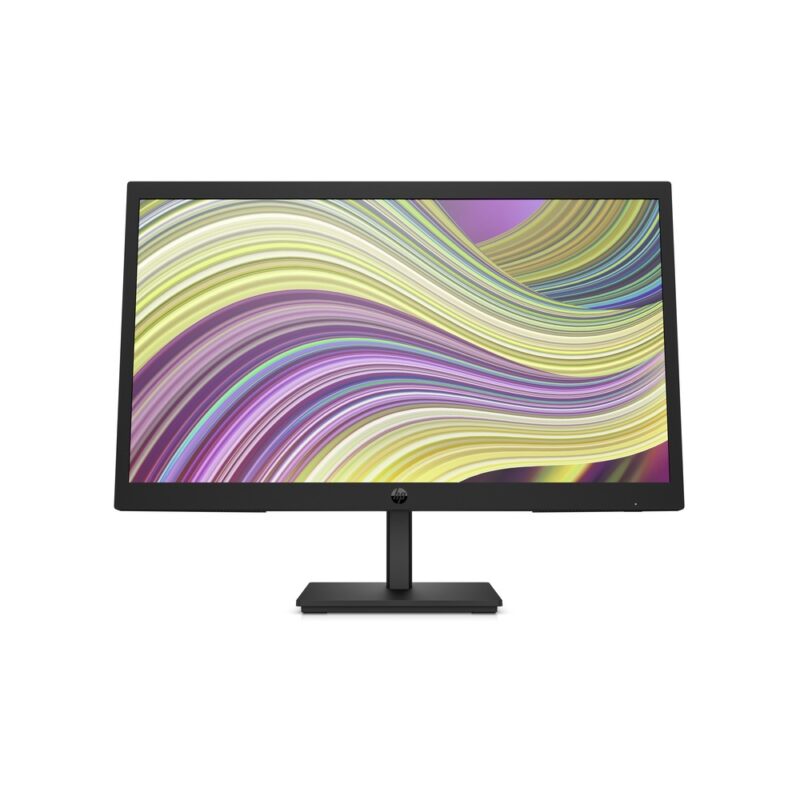
21.45-inch 1920 x 1080 VA monitor with a 75Hz refresh rate and HDMI 1.4, VGA for budget, home, office use.
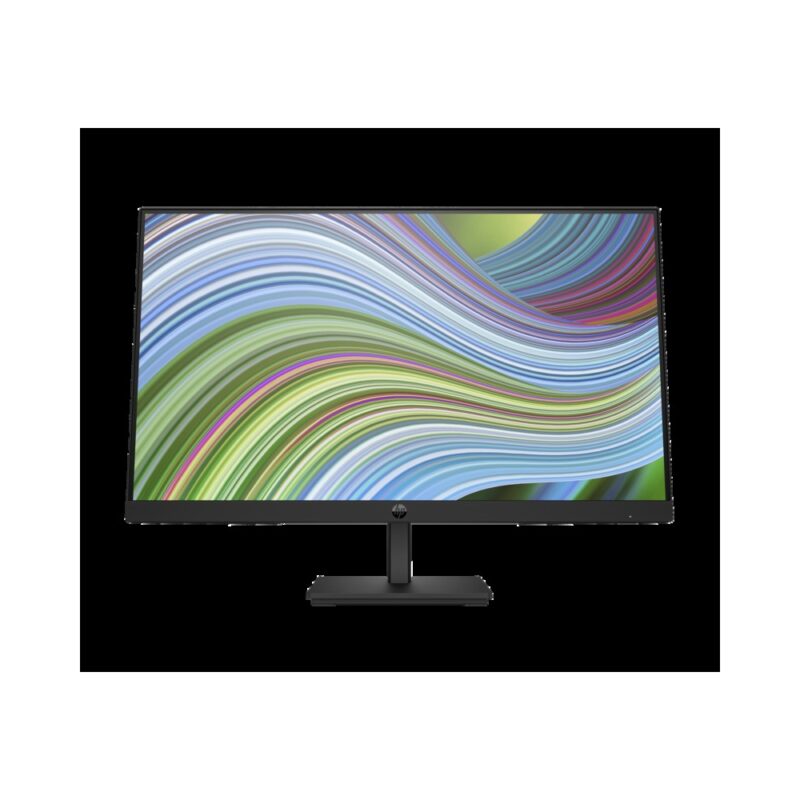
23.8-inch 1920 x 1080 IPS monitor with a 75Hz refresh rate and DisplayPort 1.2, HDMI 1.4, VGA for everyday, business use.
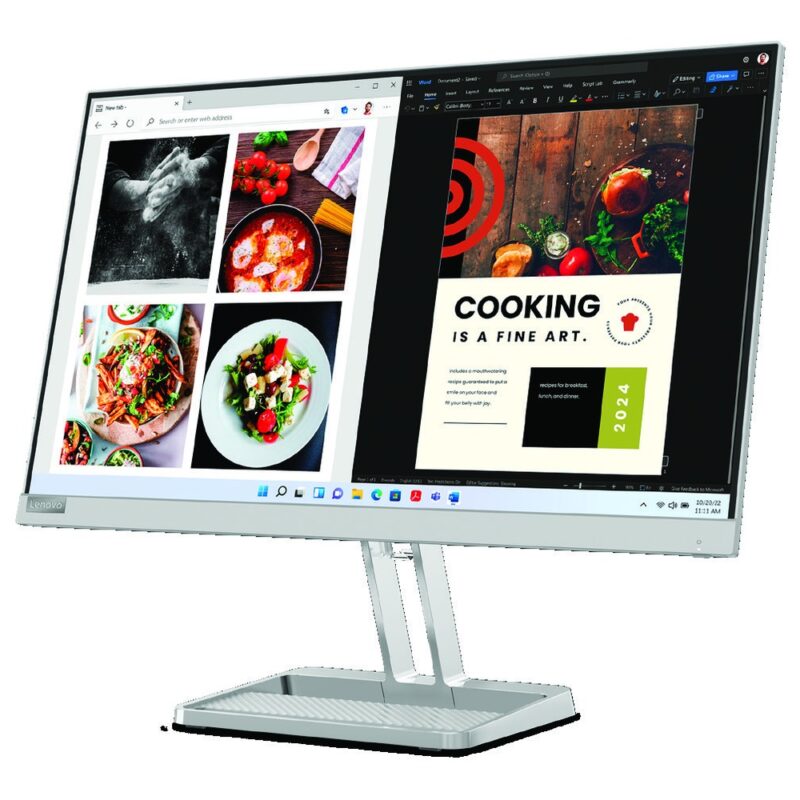
23.8-inch 1920 x 1080 IPS monitor with a 100Hz refresh rate and HDMI 1.4, VGA, audio out for home, student, everyday use.
23.8-inch 1920 x 1080 IPS monitor with a 100Hz refresh rate and HDMI, D-Sub, headphone out for home, student, everyday use.
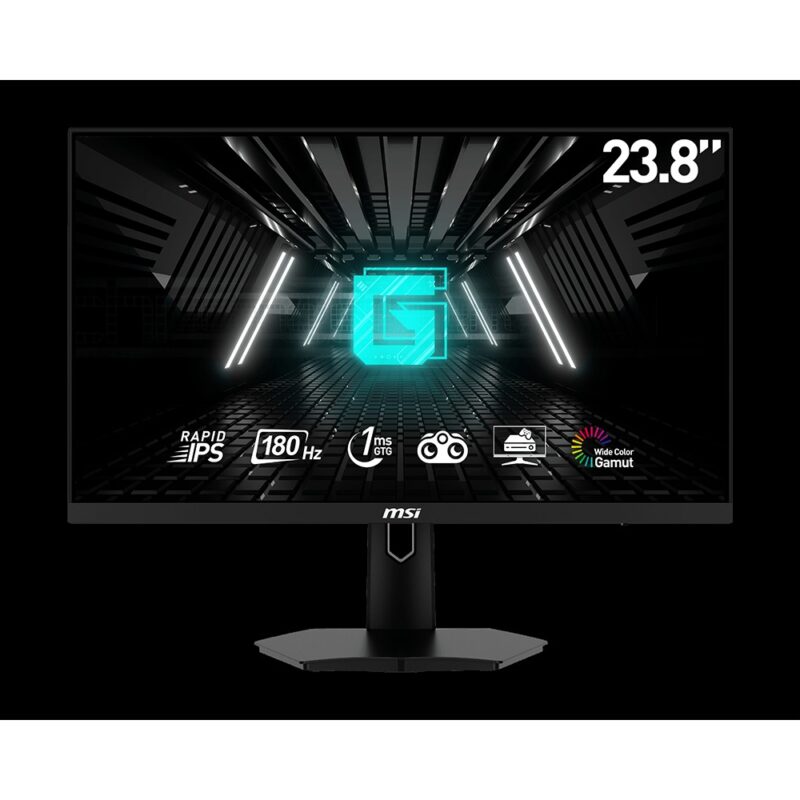
23.8-inch 1920 x 1080 Rapid IPS monitor with a 180Hz refresh rate and 2 x HDMI 2.0b, DisplayPort 1.2a, headphone out for gaming use.
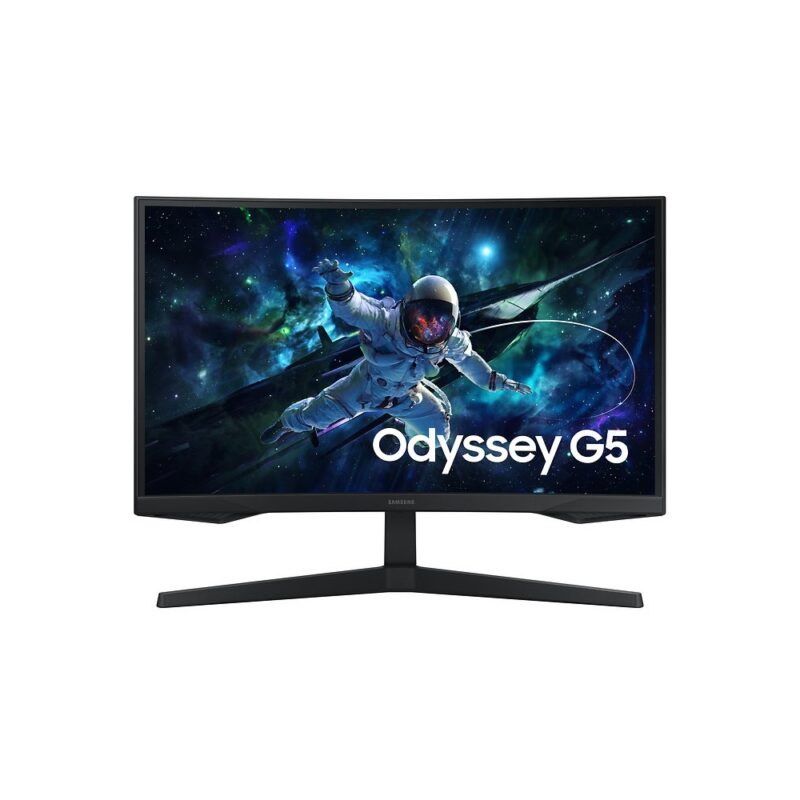
27-inch 2560 x 1440 VA, 1000R curved monitor with a 165Hz refresh rate and HDMI 2.0, DisplayPort 1.2, headphone out for gaming, premium use.
No products in the cart.