
APC Back-UPS BX1200MI-MS 1200VA
KSh22,000.001200VA / 650W line-interactive UPS, 4 universal + 1 IEC outlet for professional workstation and network backup.
A UPS, or uninterruptible power supply, provides temporary battery backup when electricity goes off and helps protect connected equipment against power interruptions, voltage fluctuations and sudden shutdowns.
UPS power backups are commonly used with desktop computers, monitors, Wi-Fi routers, CCTV systems, point-of-sale equipment, office workstations, network devices and other sensitive electronics.
Unlike a standard surge protector, a UPS contains an internal battery that keeps supported devices running for a limited period after a power failure. This gives users time to save their work, shut equipment down safely or maintain essential network and security devices during short outages.
When comparing UPS power backups in Kenya, check:
The most suitable UPS depends on the total power consumption of the devices being connected. A higher VA figure does not automatically guarantee long runtime because runtime also depends on the UPS watt rating, battery size, battery condition and actual connected load.
UPS capacity is normally stated in volt-amperes, abbreviated as VA. Common capacities include:
The VA rating represents the apparent power that the UPS can support. The watt rating shows the usable real-power limit.
Always check both figures before connecting equipment. A 1000VA UPS, for example, may support substantially less than 1000 watts. Exceeding the stated watt capacity can cause an overload alarm or force the UPS to shut down.
Add the approximate watt consumption of all the devices you intend to connect, then select a UPS with sufficient spare capacity. Running a UPS continuously near its maximum load may reduce runtime and battery life.
Entry-level UPS systems generally use either offline or line-interactive technology.
An offline UPS normally supplies mains electricity directly to connected equipment and switches to battery power when the incoming supply fails or moves outside the accepted range.
A line-interactive UPS includes automatic voltage regulation, often abbreviated as AVR. AVR can correct certain low-voltage and high-voltage conditions without switching to battery power.
Line-interactive UPS systems are particularly useful in locations where voltage fluctuations occur regularly because they can reduce unnecessary battery use.
For most homes, small offices, CCTV systems and individual desktop workstations, an offline or line-interactive UPS is usually more practical and affordable than a larger online UPS installation.
Desktop computers are vulnerable to sudden shutdowns, file corruption and interrupted updates when power goes off unexpectedly.
A UPS gives the user time to:
A basic desktop setup with one computer and monitor may work with a 650VA or 850VA UPS, depending on the computer’s power consumption.
Gaming computers, workstations and desktops with powerful graphics cards may require a higher-capacity UPS. Check the computer power-supply rating and estimated operating load rather than choosing a UPS solely from the computer brand or model.
High-performance computers should not automatically be connected to a small entry-level UPS. The startup or peak load may exceed the UPS capacity even when average consumption appears lower.
Browse computer accessories if you are building or upgrading a complete workstation.
A UPS can keep a Wi-Fi router, fibre terminal, network switch or other low-power networking equipment operating during short power interruptions.
Because routers and network devices generally consume less power than desktop computers, they may run considerably longer on the same UPS battery.
Before connecting networking equipment, check:
A UPS can keep your local equipment powered, but it cannot guarantee internet access when the service provider’s upstream equipment is offline.
Compare compatible equipment in the networking and Wi-Fi routers categories.
UPS power backups are commonly used with:
Backup duration depends on the combined power consumption of the recorder, cameras, monitor, switch and any other connected devices.
A CCTV installation with several cameras may require a larger UPS than a simple recorder-and-monitor setup. Power-over-Ethernet switches can also add a substantial load because they supply electricity to the connected cameras.
For longer outages, consider the total system load and whether a larger UPS, inverter or dedicated backup-power system is more appropriate.
Browse related CCTV cameras, IP cameras and other security products.
UPS runtime varies according to:
A small UPS powering a router may provide significantly more runtime than the same unit powering a desktop computer and monitor.
For computer users, a UPS is often intended to provide enough time for a controlled shutdown rather than several hours of continued operation.
Do not estimate runtime from the VA rating alone. Check the manufacturer’s runtime chart at a similar load where one is available.
UPS batteries also lose capacity with age. A unit that originally provided several minutes of backup may provide considerably less runtime after years of regular use.
These models are generally suitable for lighter loads such as:
They are primarily intended for safe shutdowns and short interruptions rather than long-term backup for high-power equipment.
These provide more capacity for:
The exact supported load still depends on the watt rating of the chosen model.
Higher-capacity models may support:
Do not connect high-consumption appliances such as kettles, heaters, refrigerators, laser printers or photocopiers unless the UPS manufacturer explicitly confirms compatibility.
UPS models sold in Kenya may use different output socket designs, including:
Check that the UPS sockets are compatible with your equipment or that suitable approved cables are available.
Some UPS systems also include:
A communication port can allow a compatible computer to monitor UPS status and shut down automatically when the battery reaches a defined level.
Not every USB port provides computer communication. Some are intended only for charging mobile devices.
UPS batteries are consumable components and gradually lose capacity.
To extend battery life:
High temperatures can shorten battery life. Avoid placing the UPS next to heaters, direct sunlight or equipment that releases excessive heat.
A UPS should not be opened or repaired by an unqualified person because it contains mains-voltage components and a high-current battery.
| UPS model | Approximate listed price |
|---|---|
| Lightwave LW UPS650 650VA | KSh 5,000 |
| Lightwave LW UPS850 850VA | KSh 6,000 |
| Mecer ME-650-VU 650VA | KSh 7,500 |
| Hikvision DS-UPS1000 1000VA | KSh 8,300 |
| Lightwave LW UPS1000 1000VA | KSh 8,500 |
| APC Back-UPS BX650LI-MS 650VA | KSh 8,500 |
| Mercury Maverick 1050 1050VA | KSh 9,700 |
| Mercury Elite 1000 Pro 1000VA | KSh 9,900 |
| Mecer ME-850-VU 850VA | KSh 10,800 |
| Lightwave LW UPS1500 1500VA | KSh 12,500 |
| Mercury Elite 1500 Pro 1500VA | KSh 12,500 |
| Mercury Maverick 1550 1550VA | KSh 14,000 |
| APC Back-UPS BX950MI-MS 950VA | KSh 15,000 |
| Lightwave LW UPS2000 2000VA | KSh 18,000 |
| APC Back-UPS BX1200MI-MS 1200VA | KSh 22,000 |
Entry-level 650VA UPS prices in Kenya generally start at approximately KSh 5,000 in the current product range. Models between 850VA and 1050VA are commonly positioned between roughly KSh 6,000 and KSh 11,000.
Higher-capacity 1500VA and 2000VA models generally cost more, while recognised international brands such as APC may command a higher price than similarly rated entry-level alternatives.
UPS prices vary according to:
Before ordering, confirm the exact model number, watt rating, socket type, battery specification and warranty included with the supplied unit.
A UPS, surge protector and power extension perform different functions.
A power extension primarily provides additional sockets.
A surge protector is designed to reduce the risk of damage from certain voltage spikes.
A UPS provides temporary battery power and may also include surge protection and voltage regulation, depending on the model.
A smart power strip may add remote switching, timers, energy monitoring or automation, but it does not necessarily include battery backup.
Choose the product based on the problem you need to solve:
Browse the available UPS power backups above to compare capacities, specifications, features and current prices in Kenya.
Showing all 15 results
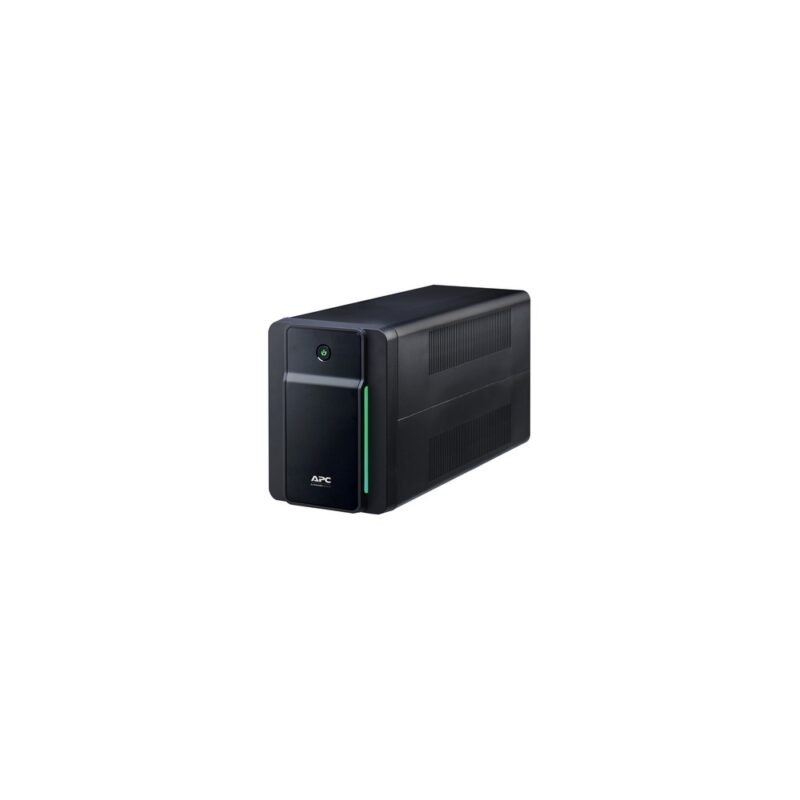
1200VA / 650W line-interactive UPS, 4 universal + 1 IEC outlet for professional workstation and network backup.
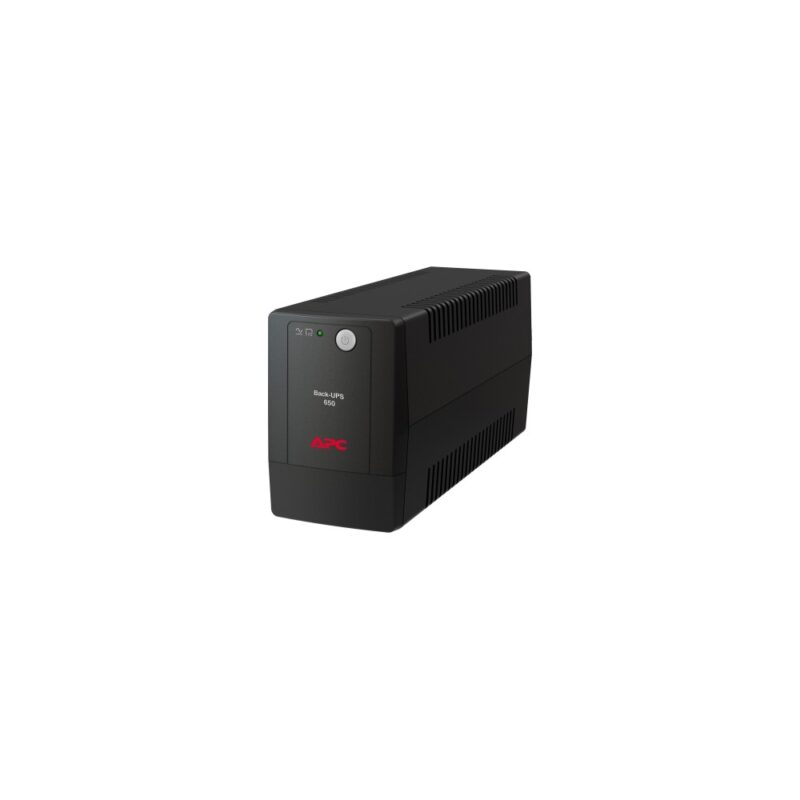
650VA / 325W line-interactive UPS, Universal outlet configuration for home electronics and workstation backup.
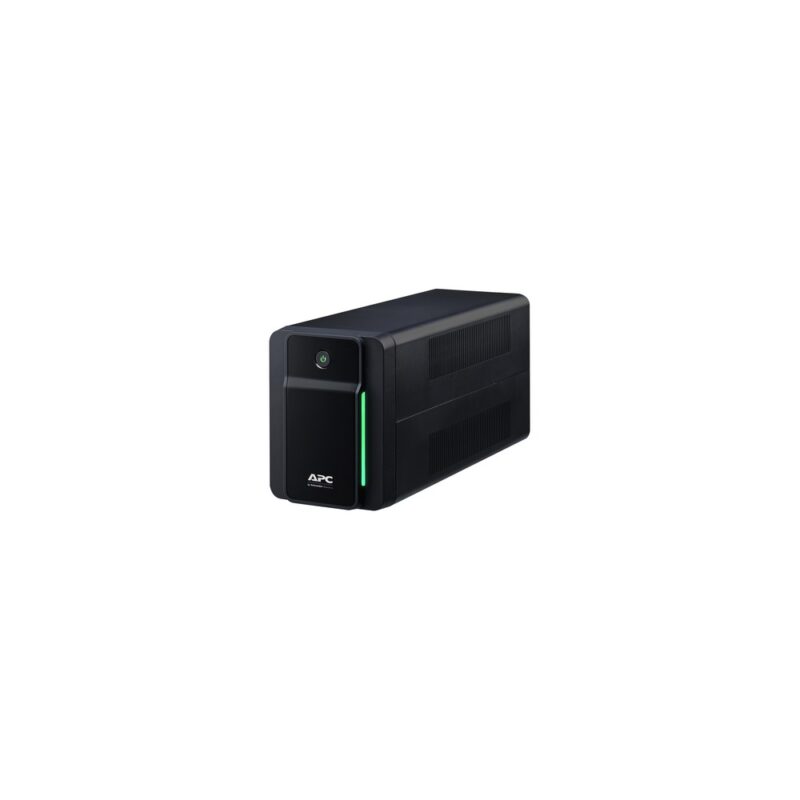
950VA / 480W line-interactive UPS, 2 universal + 2 IEC outlets for home office and professional workstation backup.
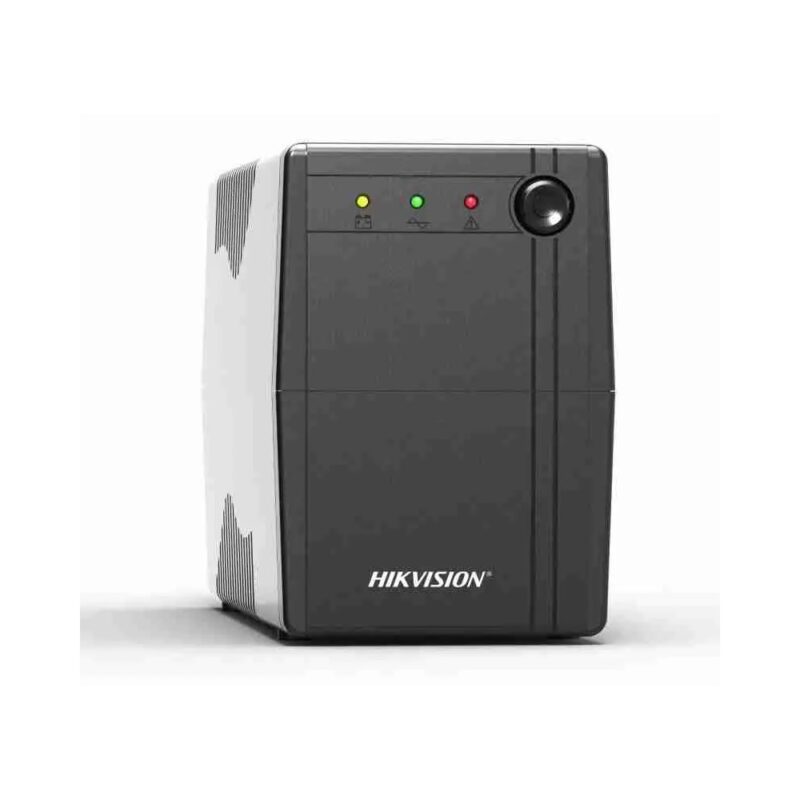
1000VA / 600W line-interactive UPS, 4 battery-backed + 2 bypass universal outlets, 12V 9Ah battery for cctv, desktop and small office backup.
1000VA / 600W line-interactive UPS, 1 x 3-pin socket, 12V 9Ah sealed lead-acid battery for desktop and small office backup.
1500VA / 900W line-interactive UPS, 3-pin output for business desktop and network backup.
2000VA / 1200W line-interactive UPS, 3-pin output for high-capacity office backup.
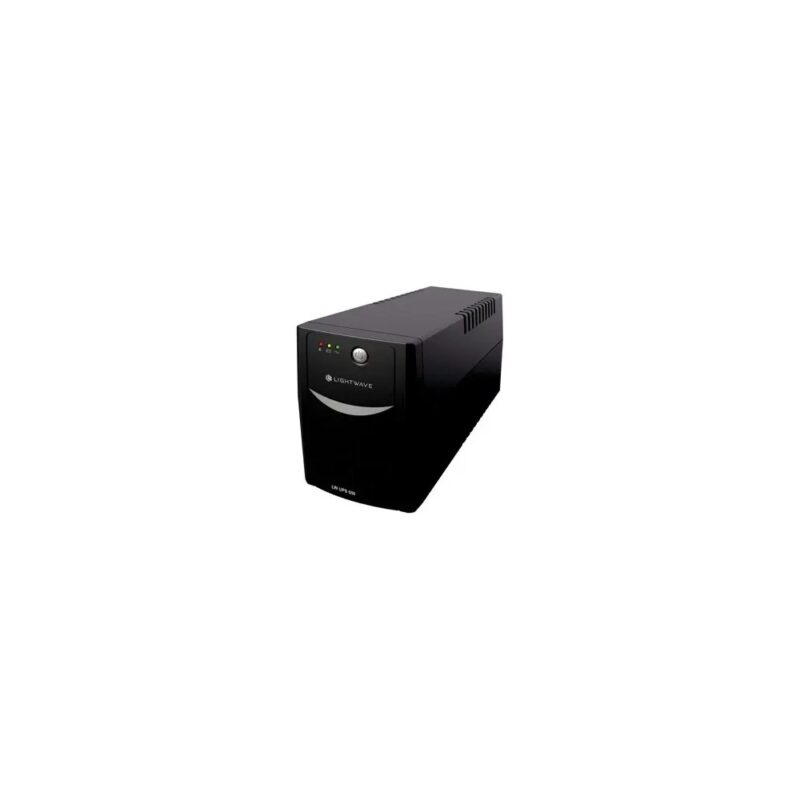
650VA / 360W line-interactive UPS, 3 x 3-pin sockets, 12V sealed lead-acid battery for budget home and workstation backup.
850VA / 480W line-interactive UPS, 1 x 3-pin socket, 12V 7Ah sealed lead-acid battery for home office and desktop backup.
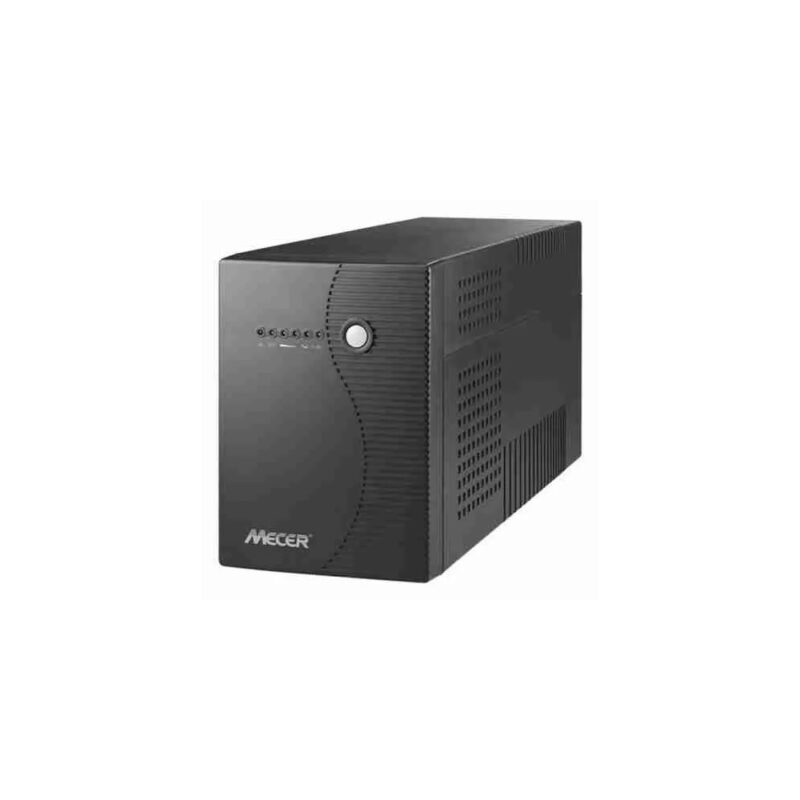
650VA / 360W line-interactive UPS, 1 x 12V 7Ah battery for desktop and communication equipment backup.
850VA / 480W line-interactive UPS, 1 x 12V 7Ah battery for home office and desktop backup.
1000VA / 600W line-interactive UPS, UK plug configuration for home office and business backup.
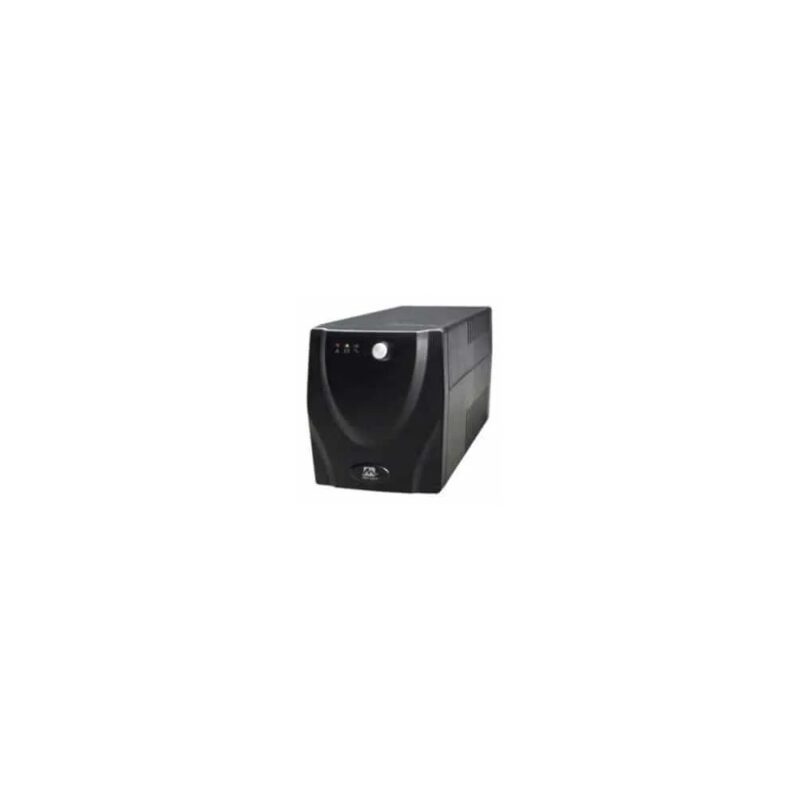
1500VA / 900W line-interactive UPS, 4 x universal sockets, 2 x 12V 8.2Ah batteries for office workstations and small network backup.
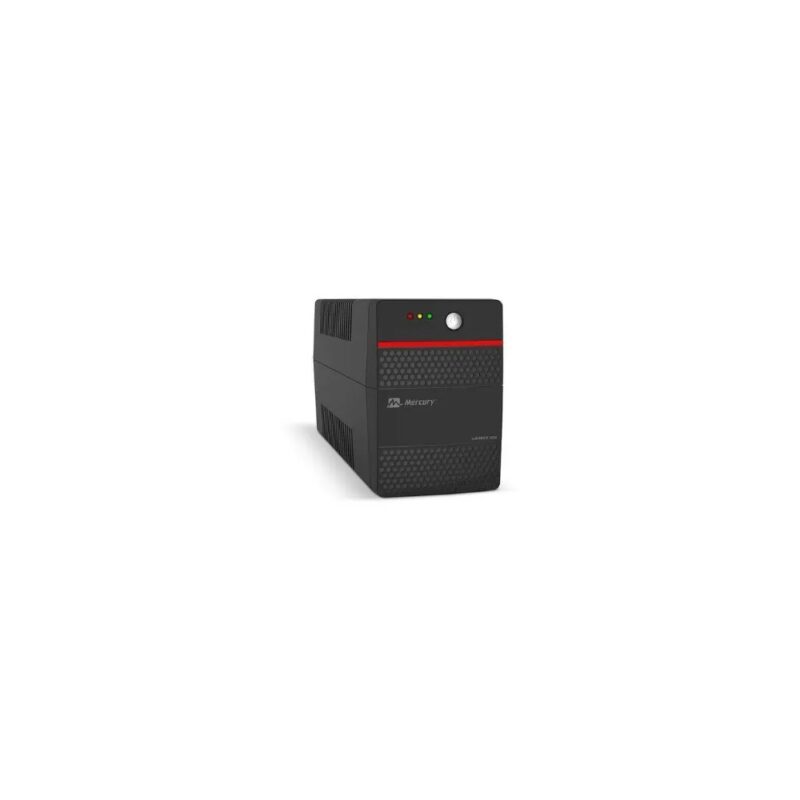
1050VA / 630W offline ups with avr UPS, 2 x universal sockets, 12V 9Ah battery for home and small office backup.
1550VA / 930W offline ups with avr UPS, 4 x universal sockets, 2 x 12V 8.2Ah batteries for business workstations and network devices.
No products in the cart.