
Jabra Evolve 20 MS Stereo
KSh9,900.0028mm stereo speakers, USB-A connectivity, a noise-cancelling boom microphone and an in-line call-control unit for Microsoft-focused office communication.
Computer headsets combine headphones and a microphone in one device, making them suitable for video meetings, online classes, customer-support calls, gaming, voice recording and everyday computer audio.
Unlike standard headphones, a computer headset normally includes a boom microphone positioned close to the user’s mouth. This helps improve voice clarity during calls and reduces the need for a separate desktop microphone.
Computer headsets are available with several connection types, including:
The correct connection depends on the computer, phone, tablet or gaming system you intend to use.
A basic wired headset may be sufficient for occasional calls or online classes. Someone who attends meetings throughout the day may benefit from a professional USB or Bluetooth headset with better microphone processing, call controls and a more comfortable headband.
Gamers should generally choose a headset designed for gaming because these models may include low-latency wireless audio, removable microphones, larger drivers, surround-sound software or platform-specific compatibility.
Browse Business Headsets for office calls and meetings, or view Gaming Headsets for PC and console gaming.
Wired headsets are generally easier to set up because they do not require charging or wireless pairing.
A 3.5mm headset connects through a standard combined headphone-and-microphone port. It may work with compatible laptops, desktop computers, tablets, phones and game controllers.
Before buying a 3.5mm headset, check whether the device has a combined four-pole audio port. Some desktop computers have separate microphone and headphone sockets and may require an adapter.
USB headsets contain their own digital audio connection. They are useful for office computers, video conferencing, call-centre applications and online classes because they offer straightforward plug-and-play installation.
USB-A remains common on desktop computers and older laptops. USB-C is increasingly common on newer laptops, tablets and compact computers. Check the connector on the exact headset rather than assuming an adapter is included.
Wireless headsets normally use either Bluetooth or a dedicated 2.4GHz USB receiver.
Bluetooth is convenient for moving between a laptop, phone and tablet. However, the exact calling features and microphone behaviour may depend on the operating system and application.
A dedicated 2.4GHz receiver is commonly used by gaming headsets because it can provide lower latency than ordinary Bluetooth.
You can compare compatible computers in the Laptops category or browse Tablets for portable devices that may support USB-C or Bluetooth headsets.
The phrase “noise cancelling” can describe two different features.
A noise-cancelling or noise-reducing microphone is designed to reduce background sound picked up during calls. This helps other participants hear the speaker more clearly.
Active noise cancellation, commonly abbreviated as ANC, reduces the background noise heard by the person wearing the headset.
A headset can therefore have a noise-cancelling microphone without including active noise cancellation in the earcups.
For calls from a quiet room, a basic rotating boom microphone may be adequate. Busy offices, shared workspaces and contact centres may require better microphone processing and a microphone positioned closer to the mouth.
The ability to raise, rotate or detach the microphone can also affect convenience. Some wireless models automatically mute when the boom arm is raised, while gaming headsets may use a detachable microphone.
On-ear headsets rest against the ears. They are normally lighter and are common among office and call-centre models.
Over-ear headsets surround the ears. They can provide stronger passive sound isolation and may be more suitable for entertainment or gaming, although they are usually larger.
Comfort should be evaluated based on:
A headset that feels comfortable during a short demonstration may become uncomfortable after several hours. People who work on calls throughout the day should prioritise low weight, replaceable cushions and an adjustable headband.
Students and occasional home users may only require a straightforward 3.5mm or USB headset.
The Logitech H111 is suited to basic calls, language learning and online classes where a standard audio connection is available. USB alternatives such as the Logitech H340, Logitech H390 and Rapoo H120 are useful where a dedicated digital connection is preferred.
For frequent professional calls, models from Jabra and Poly add features such as in-line call controls, professional microphone systems, unified-communications support and wireless connectivity.
People building a home-office setup may also want to compare Monitors and Computer Accessories.
A headset is usually the better choice when microphone position and consistent call quality are important.
Wireless earbuds are smaller and easier to carry, but their microphones sit farther from the mouth. Performance can vary significantly in windy or noisy environments.
Over-ear headphones may provide stronger music performance or noise isolation, but not every model includes a boom microphone suitable for frequent calls.
For more portable audio options, browse Wireless Earbuds or Noise-Cancelling Earbuds.
| Computer headset | Approximate price |
| Logitech H111 Stereo Headset | KSh 2,000 |
| Rapoo H120 USB Headset | KSh 2,900 |
| Logitech H340 USB Headset | KSh 4,500 |
| Logitech H390 USB Headset | KSh 5,500 |
| JBL Quantum 100M2 | KSh 7,000 |
| Jabra Evolve 20 MS Stereo | KSh 9,900 |
| Poly Blackwire 3220 USB-A | KSh 10,200 |
| JBL Quantum 350 Wireless | KSh 13,500 |
| Poly Blackwire 3225 USB-A | KSh 13,700 |
| Jabra Evolve2 30 SE MS USB-A | KSh 14,900 |
| Logitech Zone Vibe 100 | KSh 15,700 |
| Logitech G733 LIGHTSPEED | KSh 19,000 |
| Jabra Evolve 65 SE | KSh 24,400 |
| JBL Quantum ONE | KSh 28,500 |
| Jabra Evolve2 75 MS USB-A | KSh 56,900 |
Computer headset prices in Kenya vary according to the connection type, microphone system, wireless technology, battery life, comfort features, certification and included accessories.
A low-cost wired headset may be appropriate for occasional calls, while professional wireless models can cost substantially more because they include advanced microphones, active noise cancellation, charging stands or USB communication adapters.
Before ordering, confirm:
Browse the available computer headsets above to compare current models, connections, specifications and prices.
Showing all 15 results
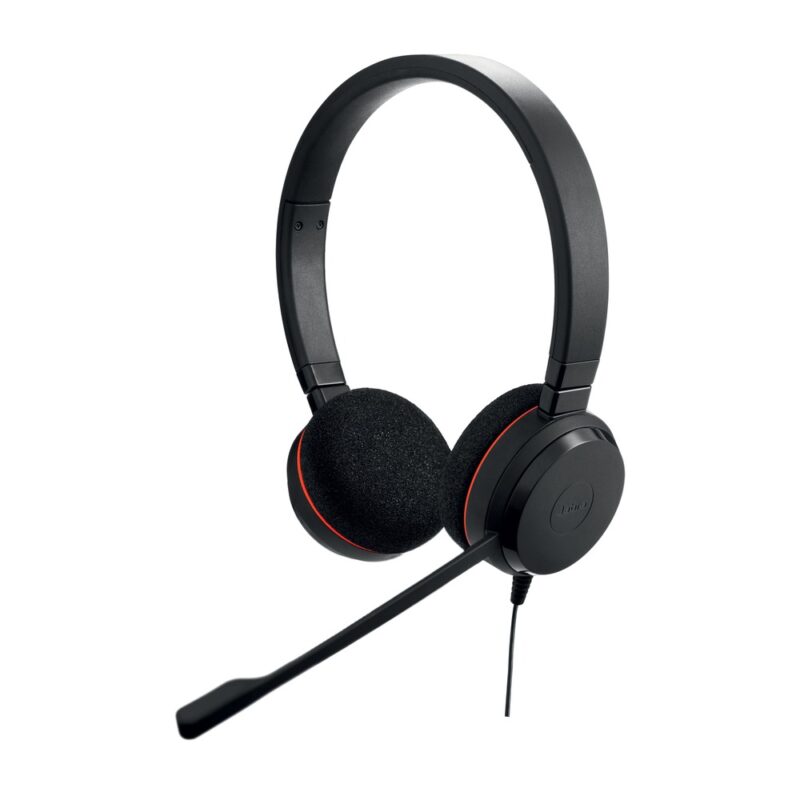
28mm stereo speakers, USB-A connectivity, a noise-cancelling boom microphone and an in-line call-control unit for Microsoft-focused office communication.
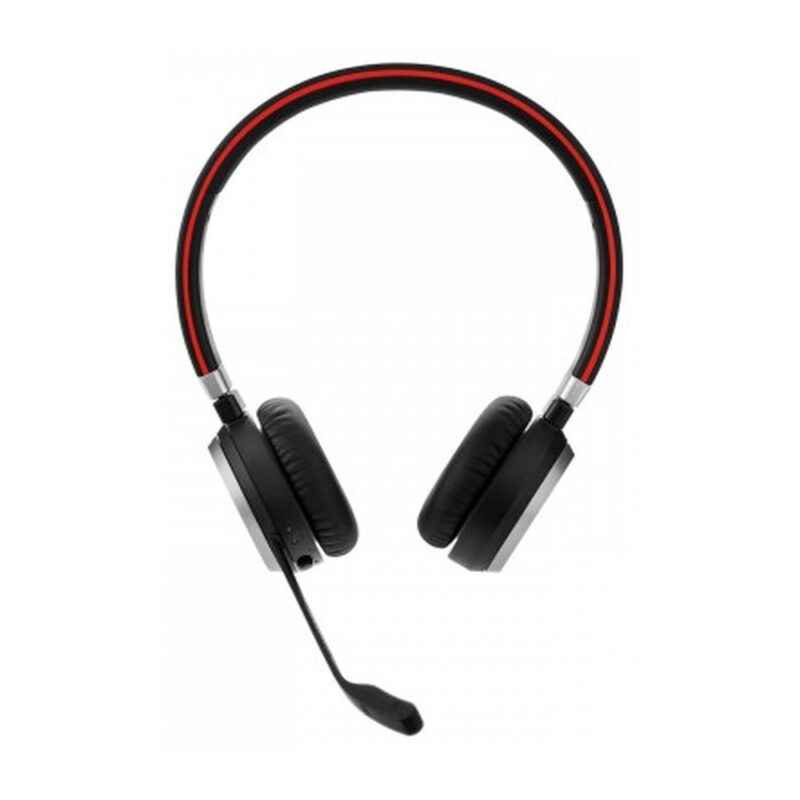
Bluetooth with a Link 380a USB-A adapter, stereo on-ear speakers, a noise-cancelling boom microphone, dual-device connectivity and up to 14 hours of battery life.
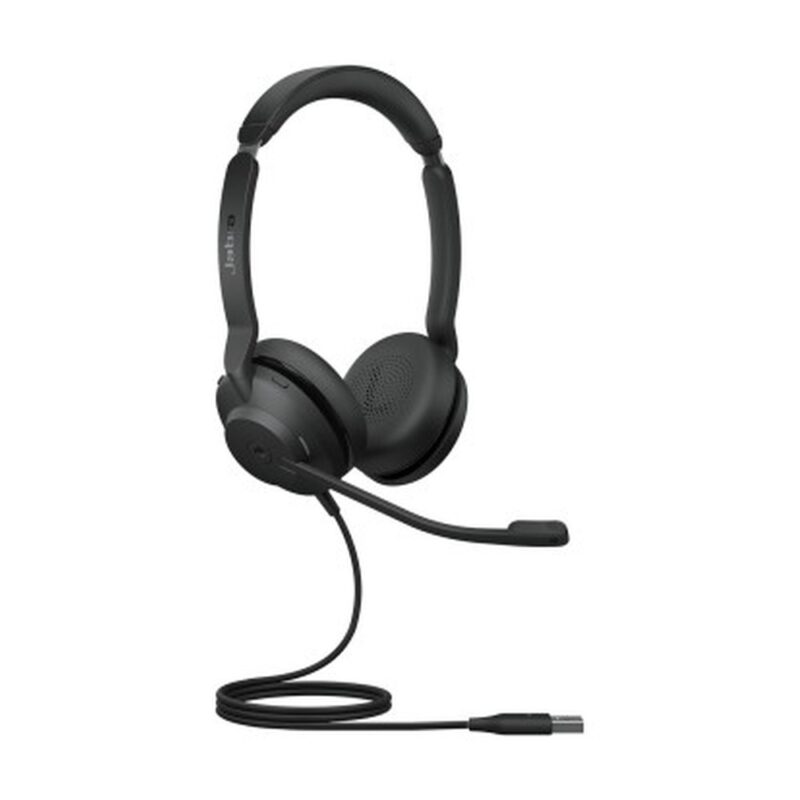
28mm stereo speakers, dual noise-cancelling microphones, USB-A connectivity and Microsoft Teams certification for professional calls in office and hybrid-work settings.
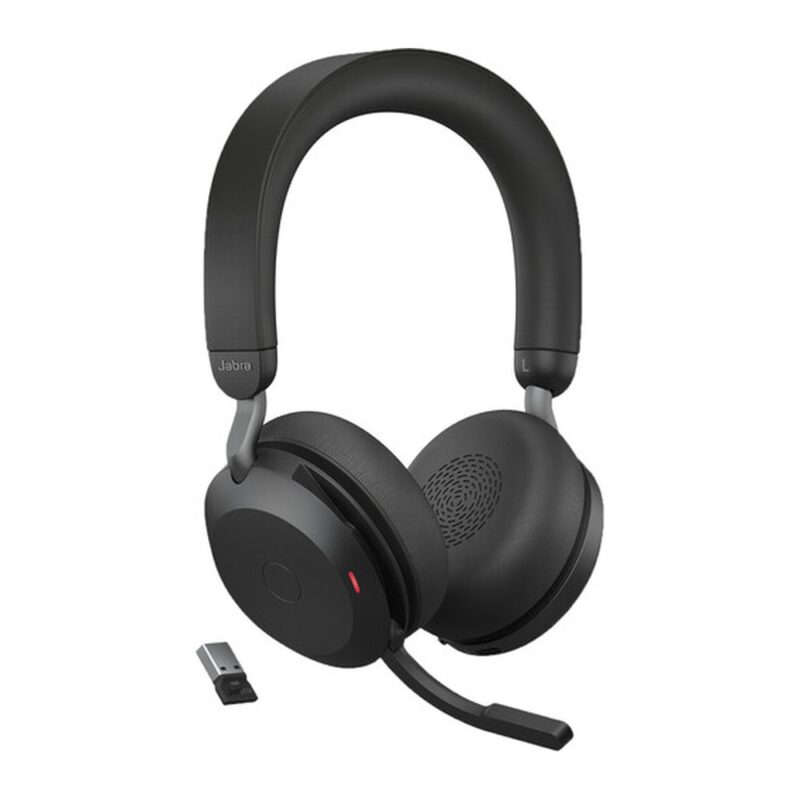
Bluetooth 5.2, a Link 380a USB-A adapter, 40mm speakers, adjustable active noise cancellation, an eight-microphone system and a charging stand for premium hybrid work.
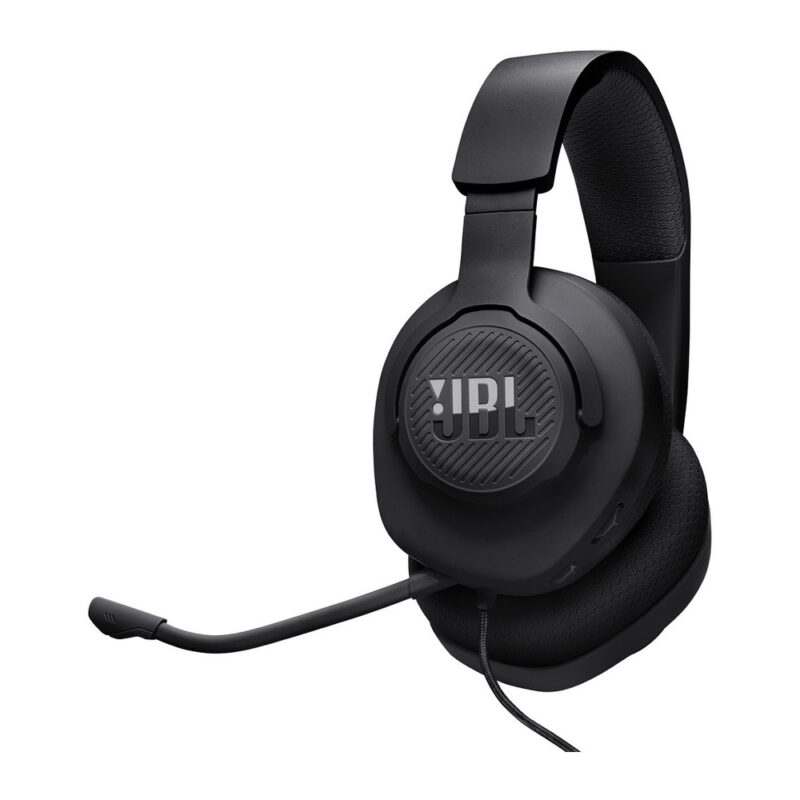
40mm drivers, a 3.5mm wired connection, breathable memory-foam ear cushions and a detachable directional boom microphone for affordable multi-platform gaming.
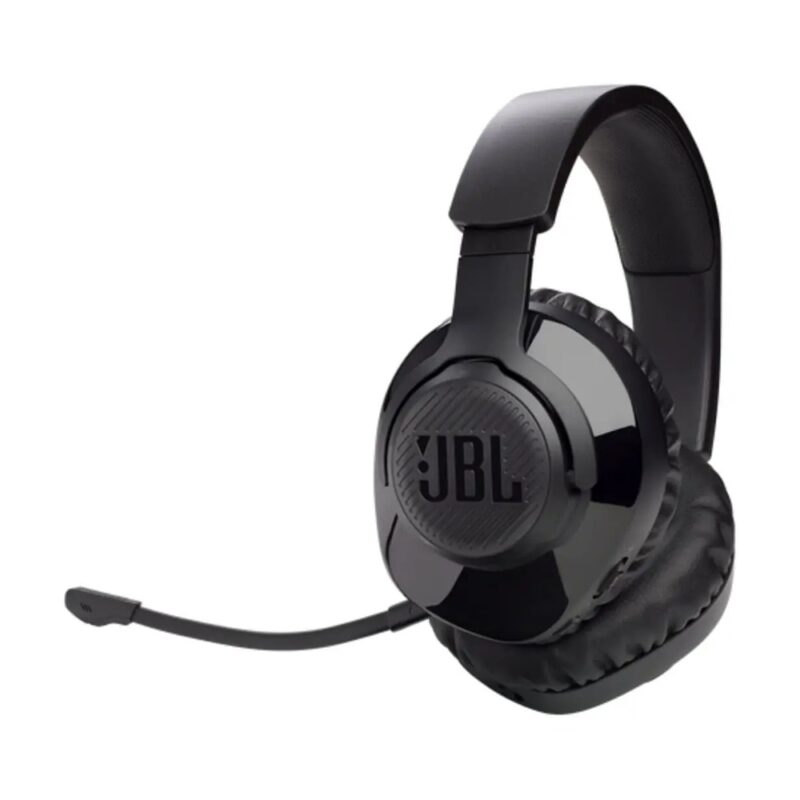
Low-latency 2.4GHz wireless, 40mm drivers, a detachable boom microphone, USB-C charging and up to 22 hours of battery life for PC and compatible console gaming.
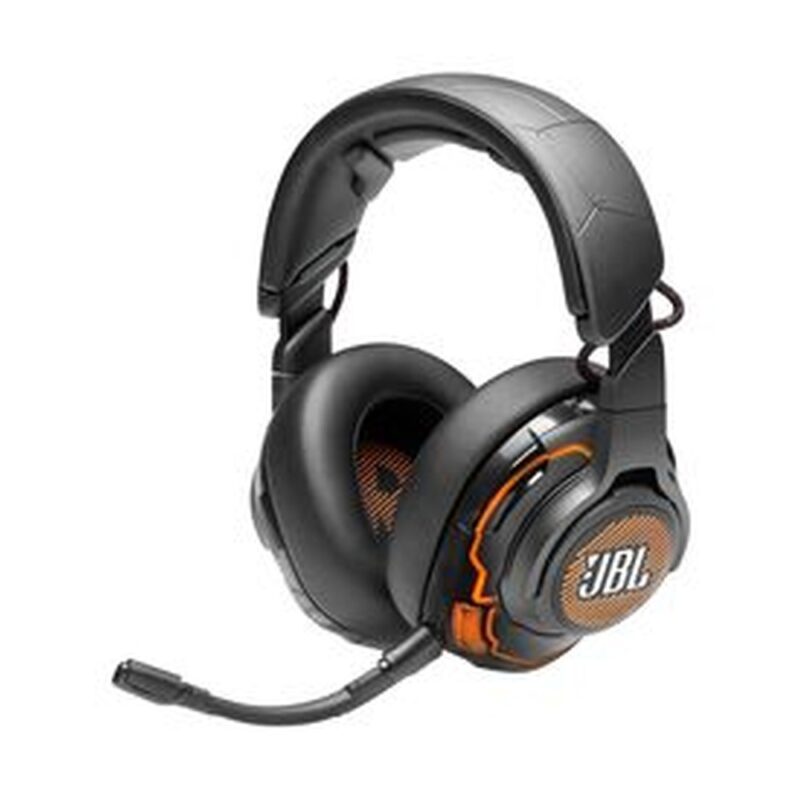
50mm Hi-Res drivers, USB and 3.5mm connectivity, active noise cancellation, a detachable boom microphone and QuantumSPHERE 360 head tracking for premium PC gaming.
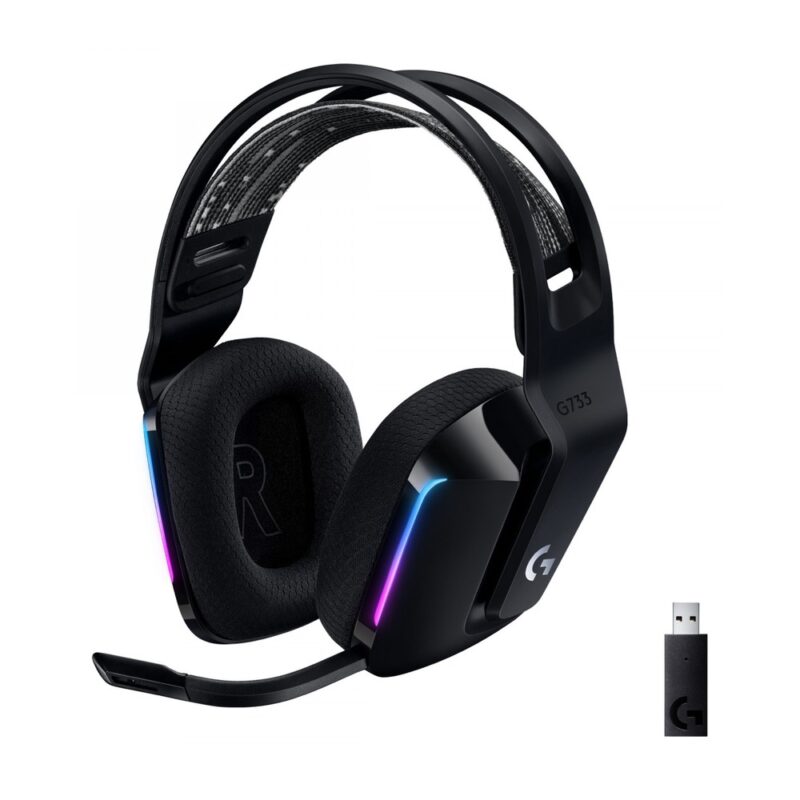
LIGHTSPEED 2.4GHz wireless, 40mm PRO-G drivers, a detachable cardioid boom microphone, RGB lighting and up to 29 hours of battery life for PC and console gaming.
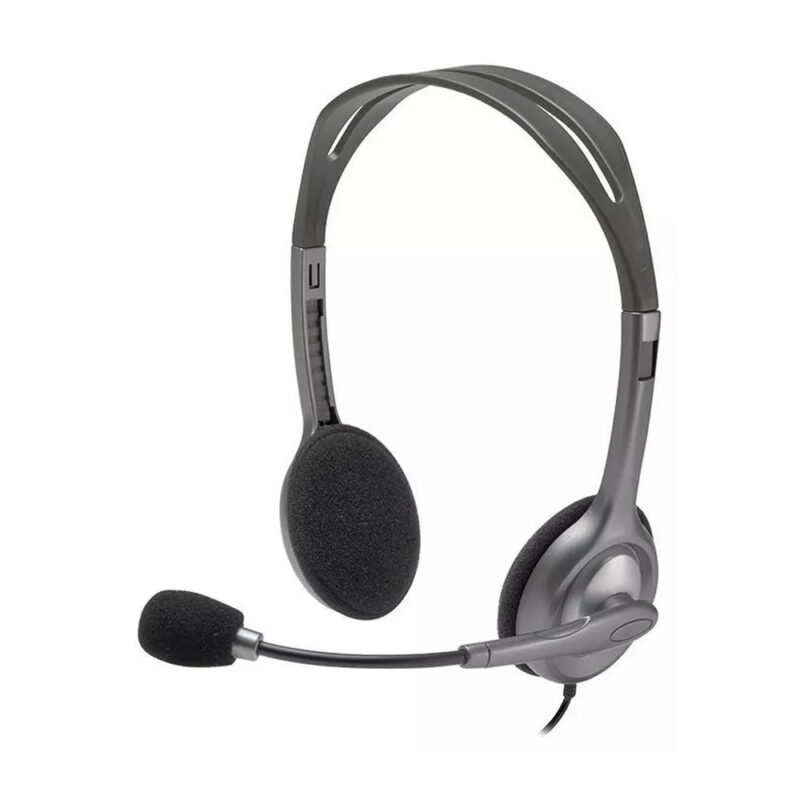
30mm stereo drivers, a standard 3.5mm four-pole connection and a rotating noise-reducing boom microphone for calls, online classes and everyday computer audio.
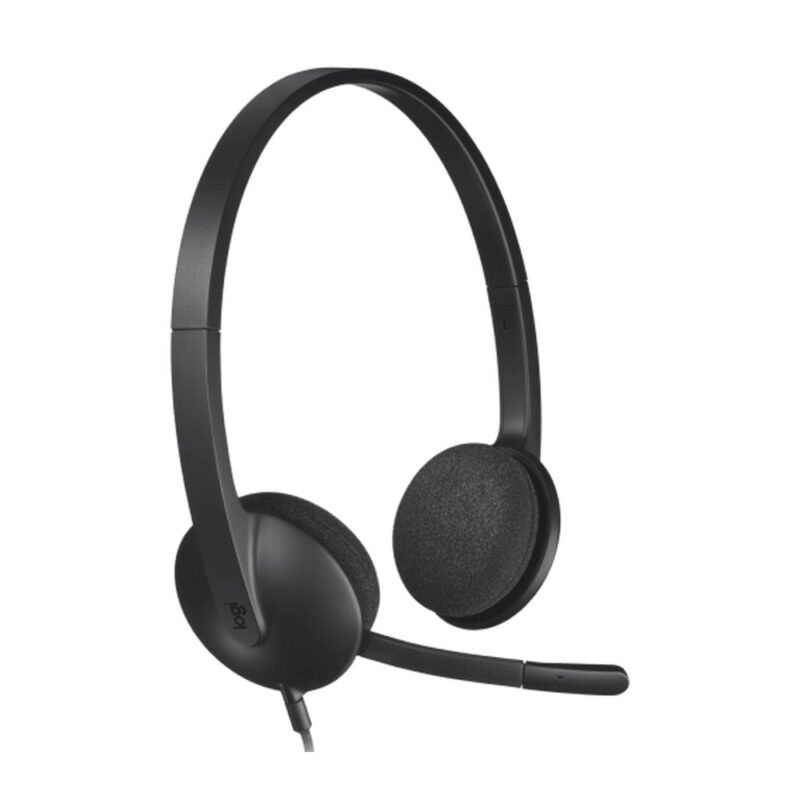
30mm stereo drivers, plug-and-play USB-A connectivity and a noise-reducing boom microphone for video meetings, calls, webinars and online study.
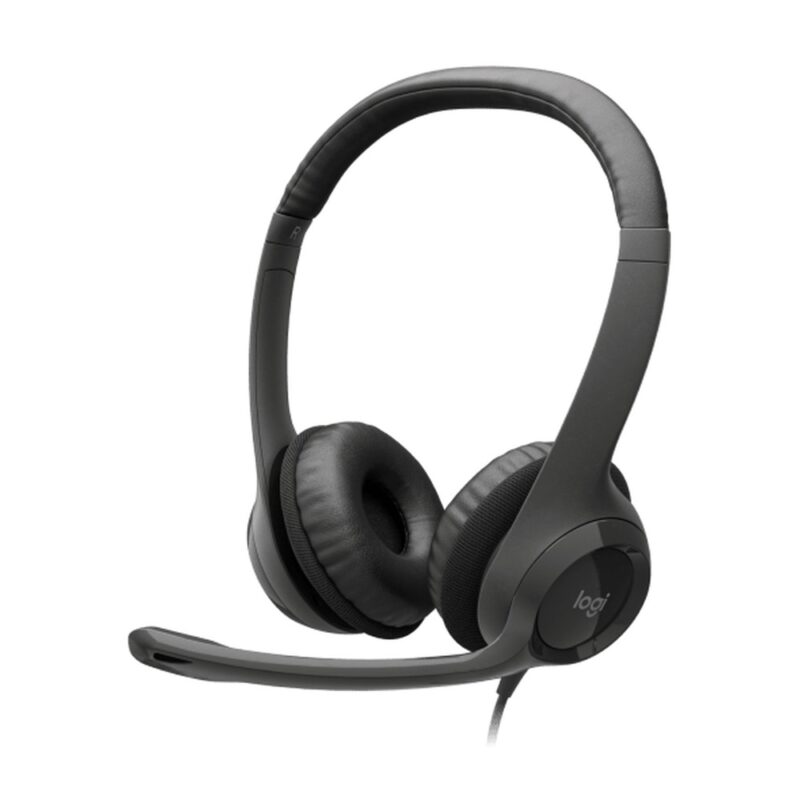
30mm stereo drivers, USB-A plug-and-play audio, a noise-reducing boom microphone and in-line volume and mute controls for meetings and daily office calls.
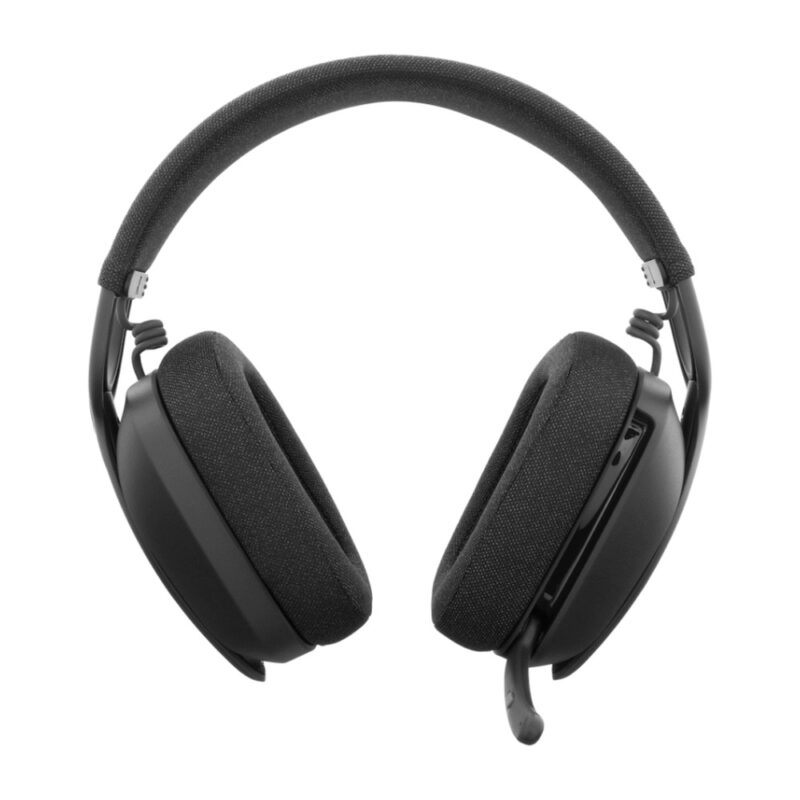
Bluetooth 5.2, 40mm over-ear drivers, a flip-to-mute dual beamforming microphone and up to 20 hours of listening for flexible work, calls and entertainment.
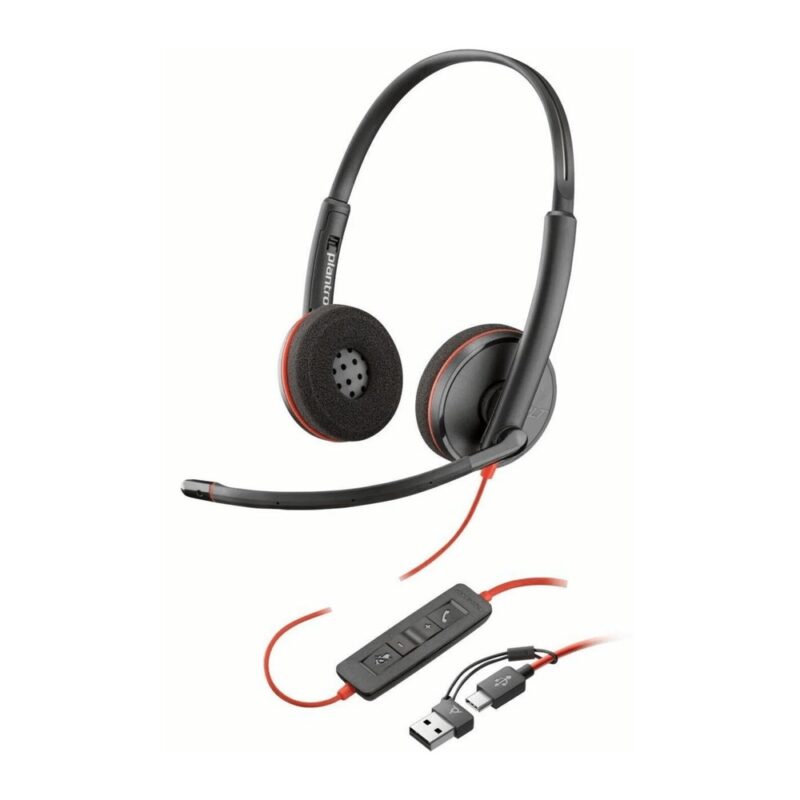
Stereo on-ear audio, USB-A connectivity, a noise-cancelling boom microphone and in-line call controls for unified communications, office calls and contact-centre work.
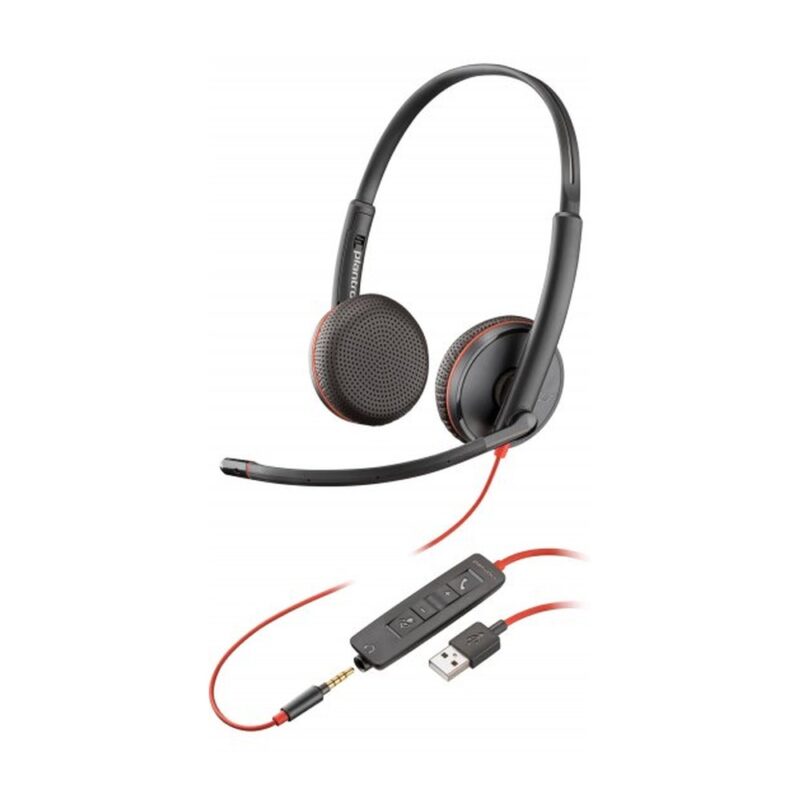
USB-A and 3.5mm connectivity, stereo on-ear audio, a noise-cancelling boom microphone and in-line controls for calls across computers and compatible mobile devices.
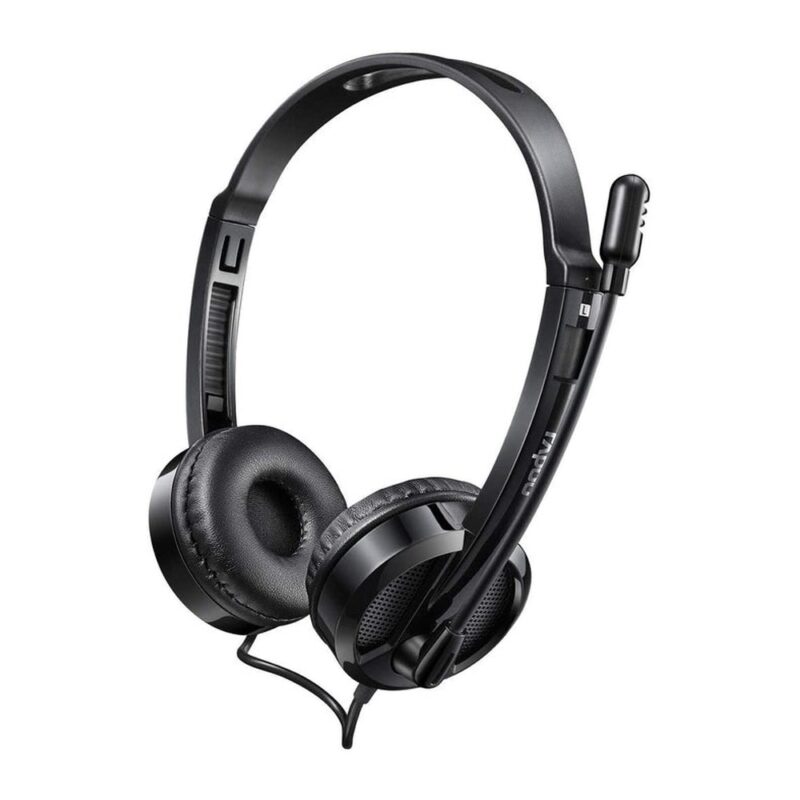
USB digital stereo audio, a rotating noise-reducing microphone and in-line controls for internet calls, online learning and everyday office communication.
No products in the cart.