
Jabra Evolve 20 MS Stereo
KSh9,900.0028mm stereo speakers, USB-A connectivity, a noise-cancelling boom microphone and an in-line call-control unit for Microsoft-focused office communication.
Business headsets are designed for office calls, video meetings, customer support, call centres, remote work and unified-communications applications.
They are commonly used with Microsoft Teams, Zoom, Google Meet, softphones, customer relationship management systems and browser-based calling platforms.
Compared with basic computer headsets, professional business models may provide:
The right headset depends on how frequently calls are made, the noise level of the working environment and whether the user needs to move away from the desk.
View the broader Headsets category for both professional and general-purpose models.
A wired USB headset is often the most practical choice for a fixed workstation.
It does not need to be charged, is difficult to misplace and can normally be deployed across several office computers with minimal setup.
Entry-level USB models such as the Logitech H340, Logitech H390 and Rapoo H120 are suitable for everyday meetings, online training and light office use.
Professional models such as the Jabra Evolve 20, Jabra Evolve2 30 SE and Poly Blackwire 3200 series are more specifically designed for frequent business communication.
In-line controls may allow users to:
The available controls depend on the exact model, certification and calling application.
USB-A headsets work with many desktop computers and conventional laptops. Users of newer ultrabooks and tablets should confirm whether they require USB-C or an adapter.
Browse Business Laptops for computers intended for office and professional use.
A wireless business headset allows the user to move around during calls and may connect to more than one device.
The Logitech Zone Vibe 100 uses Bluetooth and is suitable for users who want a lightweight headset for calls, music and general hybrid work.
Professional models such as the Jabra Evolve 65 SE and Jabra Evolve2 75 may include a dedicated USB Bluetooth adapter. This can provide a more consistent computer connection and additional call-control support compared with pairing through a laptop’s built-in Bluetooth radio.
Some models support simultaneous connection to two devices. This is useful for professionals who need to answer calls from both a computer and a mobile phone.
Check whether the listed package includes:
Do not assume that every version of the same headset includes the same accessories.
Professional headsets may be sold in Microsoft Teams or unified-communications versions.
A Microsoft Teams-certified model may include a dedicated Teams button and application-specific call controls.
A UC version is normally designed for broader compatibility across several communication platforms.
Certification does not necessarily mean that an uncertified headset cannot produce audio in Teams or Zoom. It generally indicates that the model has been tested for particular controls, call behaviour and platform integration.
Businesses buying multiple units should standardise the connector and certification where possible. Mixing USB-A, USB-C, Teams and UC versions can create unnecessary deployment and support problems.
Microphone performance matters more than speaker power for most business users.
A boom microphone positioned close to the mouth can produce more consistent voice pickup than microphones built into a laptop or ordinary headphones.
For a quiet private office, a basic noise-reducing microphone may be sufficient.
For open offices and contact centres, consider:
Remember that active noise cancellation mainly reduces the noise heard by the headset wearer. It does not automatically guarantee that people on the other side of the call will hear less background noise.
Employees who spend several hours on calls should not select a headset based on price alone.
Important comfort factors include:
Stereo headsets help users concentrate on calls and can also be used for music. Single-ear headsets allow the user to hear colleagues and activity in the surrounding office.
The products in this particular category are primarily stereo models, but the best wearing style depends on the working environment.
| Business headset | Approximate price |
| Rapoo H120 USB Headset | KSh 2,900 |
| Logitech H340 USB Headset | KSh 4,500 |
| Logitech H390 USB Headset | KSh 5,500 |
| Jabra Evolve 20 MS Stereo | KSh 9,900 |
| Poly Blackwire 3220 USB-A | KSh 10,200 |
| Poly Blackwire 3225 USB-A | KSh 13,700 |
| Jabra Evolve2 30 SE MS USB-A | KSh 14,900 |
| Logitech Zone Vibe 100 | KSh 15,700 |
| Jabra Evolve 65 SE Link380a | KSh 24,400 |
| Jabra Evolve2 75 MS USB-A | KSh 56,900 |
Affordable USB business headsets in Kenya generally start below KSh 5,000. Professional wired models commonly cost more because of their microphone systems, call controls, certification and office-focused software support.
Wireless professional headsets cost more than basic USB models. Premium pricing may reflect active noise cancellation, multiple microphones, charging accessories, wireless adapters and support for connecting to more than one device.
Before purchasing business headsets for an organisation, confirm:
Related equipment can be found under Computer Accessories, Monitors and Tablets.
Browse the available business headsets above to compare current wired and wireless models, microphone systems, connectivity and prices.
Showing all 10 results
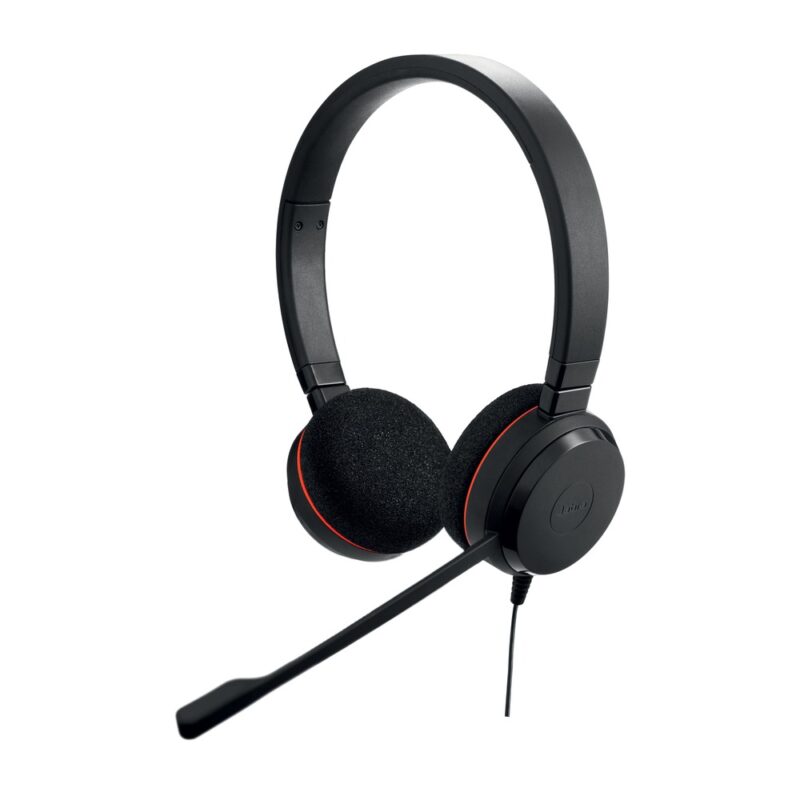
28mm stereo speakers, USB-A connectivity, a noise-cancelling boom microphone and an in-line call-control unit for Microsoft-focused office communication.
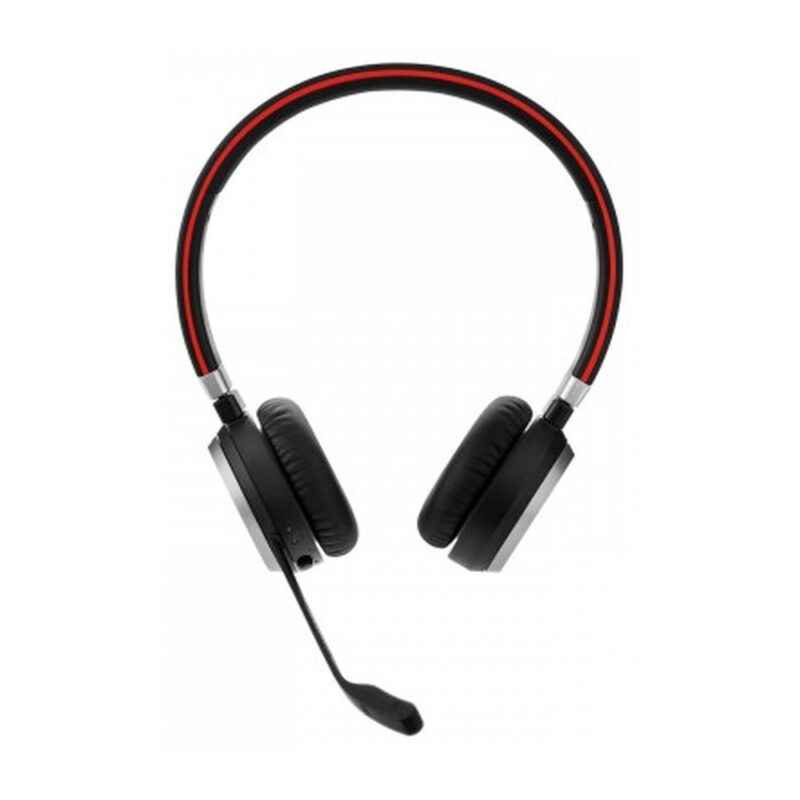
Bluetooth with a Link 380a USB-A adapter, stereo on-ear speakers, a noise-cancelling boom microphone, dual-device connectivity and up to 14 hours of battery life.
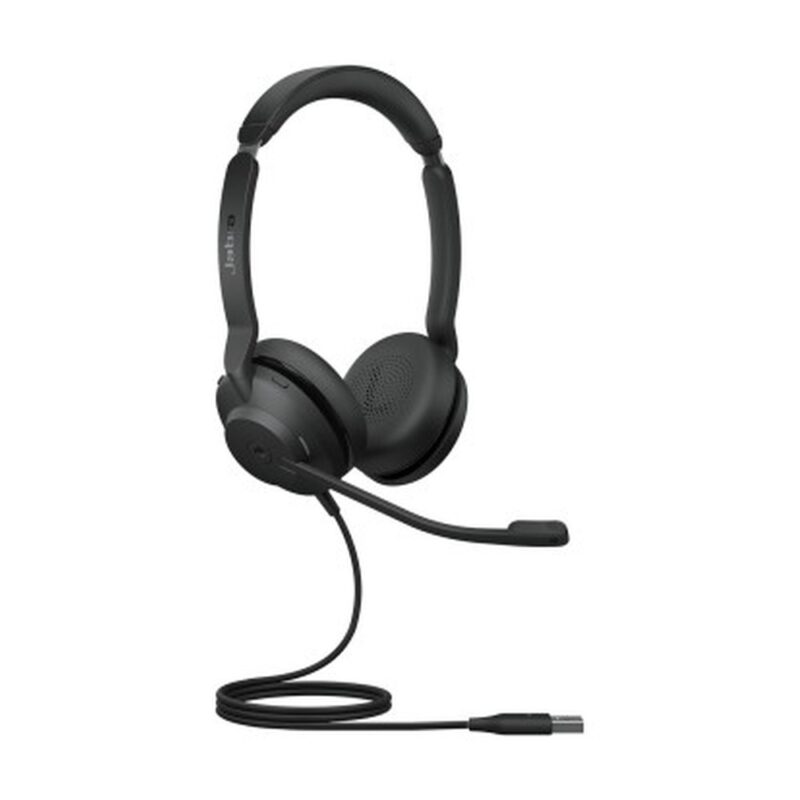
28mm stereo speakers, dual noise-cancelling microphones, USB-A connectivity and Microsoft Teams certification for professional calls in office and hybrid-work settings.
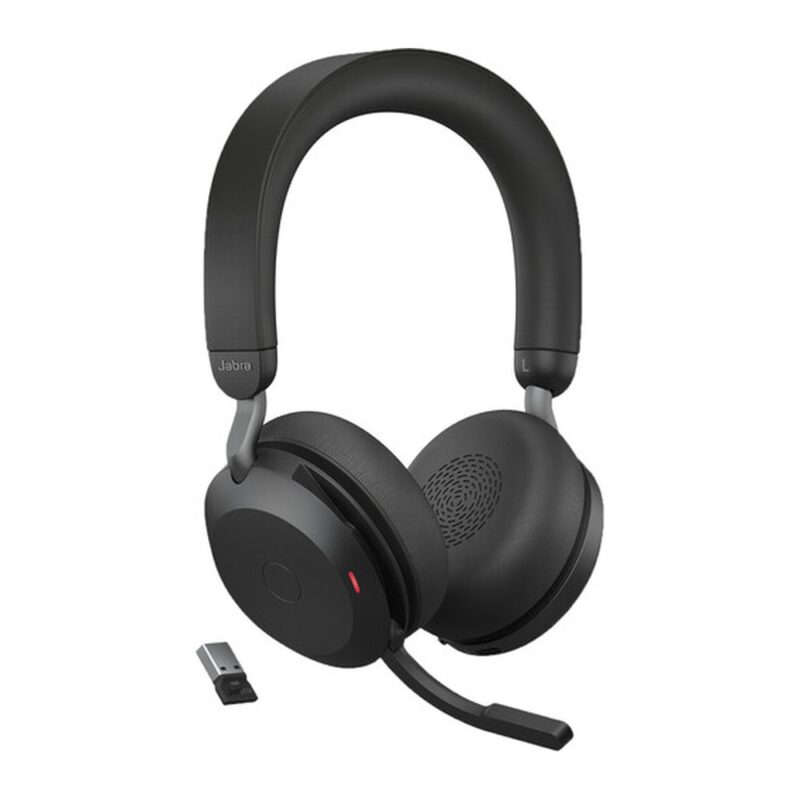
Bluetooth 5.2, a Link 380a USB-A adapter, 40mm speakers, adjustable active noise cancellation, an eight-microphone system and a charging stand for premium hybrid work.
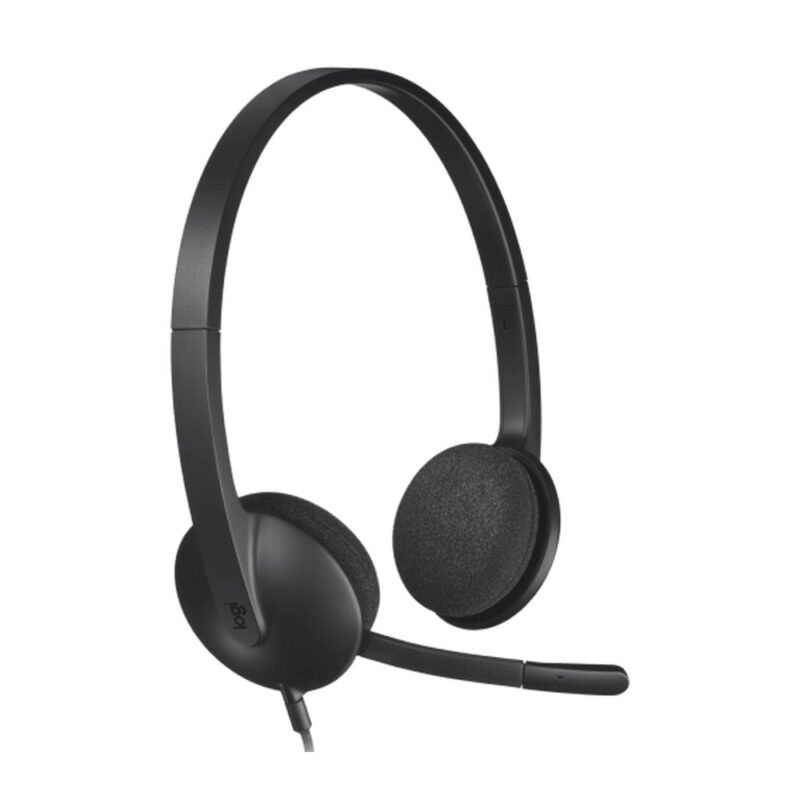
30mm stereo drivers, plug-and-play USB-A connectivity and a noise-reducing boom microphone for video meetings, calls, webinars and online study.
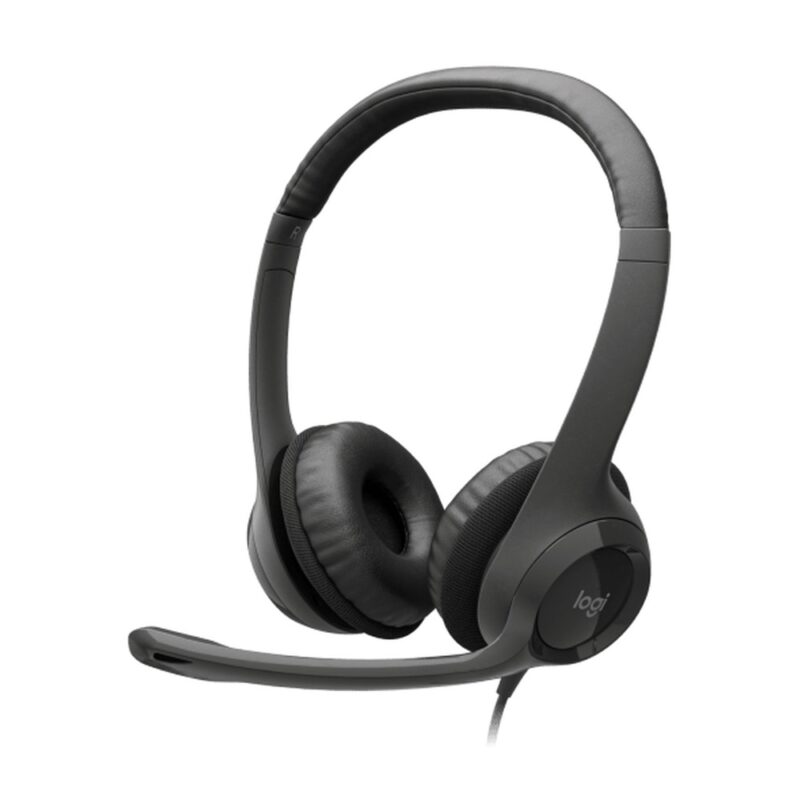
30mm stereo drivers, USB-A plug-and-play audio, a noise-reducing boom microphone and in-line volume and mute controls for meetings and daily office calls.
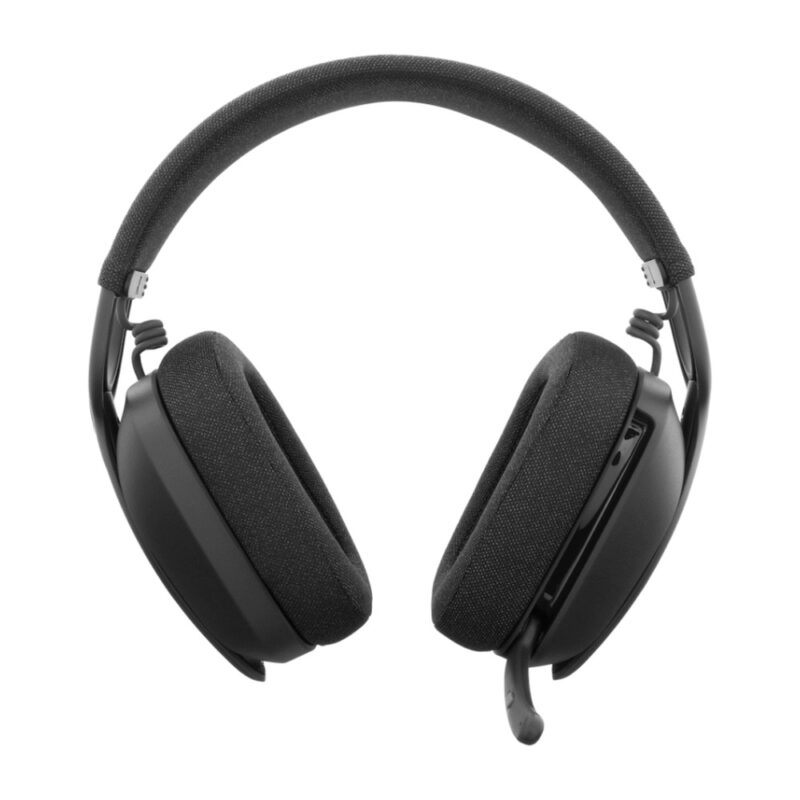
Bluetooth 5.2, 40mm over-ear drivers, a flip-to-mute dual beamforming microphone and up to 20 hours of listening for flexible work, calls and entertainment.
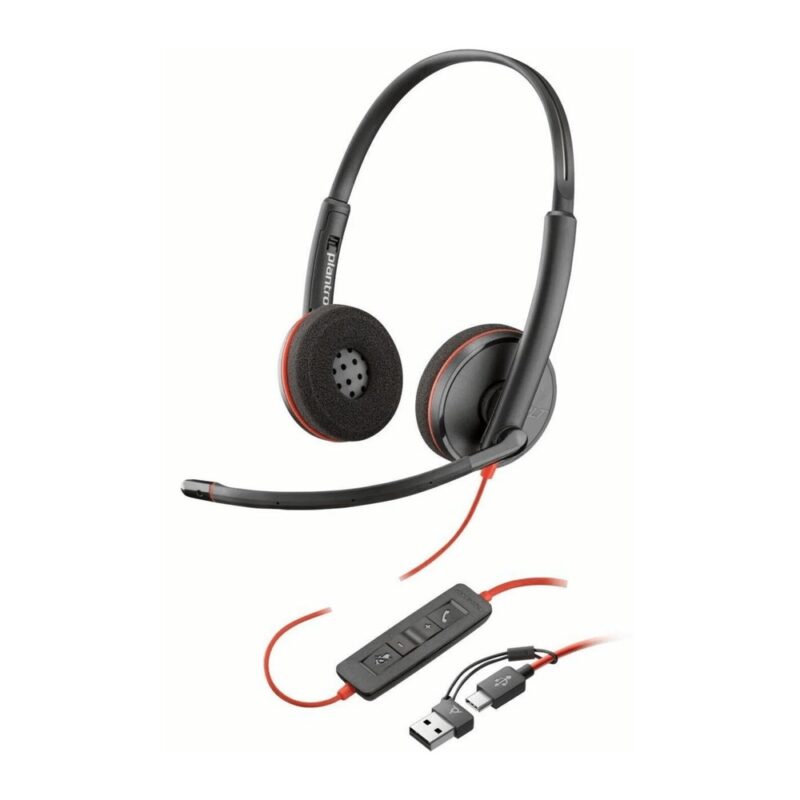
Stereo on-ear audio, USB-A connectivity, a noise-cancelling boom microphone and in-line call controls for unified communications, office calls and contact-centre work.
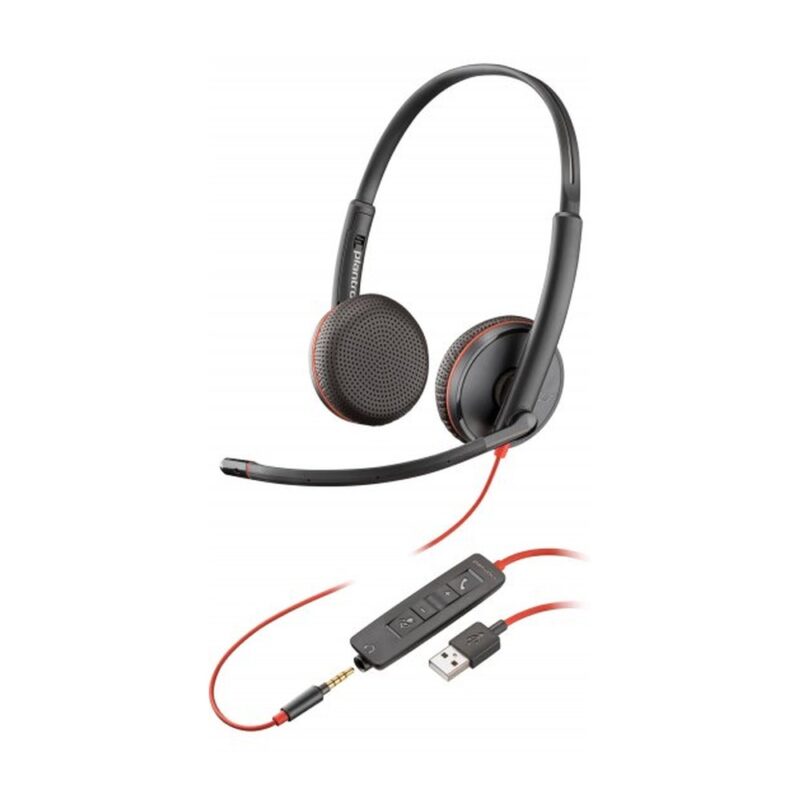
USB-A and 3.5mm connectivity, stereo on-ear audio, a noise-cancelling boom microphone and in-line controls for calls across computers and compatible mobile devices.
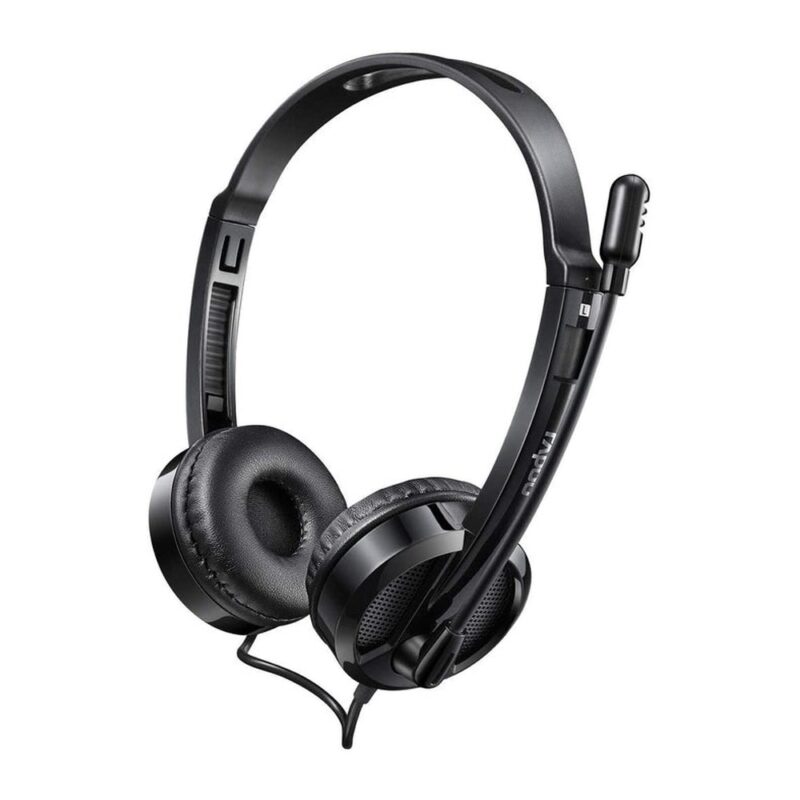
USB digital stereo audio, a rotating noise-reducing microphone and in-line controls for internet calls, online learning and everyday office communication.
No products in the cart.