
Logitech MK220 Wireless Combo
KSh3,495.00Compact full layout with number pad, 2.4GHz wireless USB receiver and Compact optical wireless mouse for small desks, study spaces and everyday computing.
A computer mouse controls navigation, selection, scrolling and other everyday functions on a laptop or desktop computer. Although most laptops include a touchpad, a separate mouse usually provides better precision and comfort for extended work.
Computer mice in Kenya include affordable wired models, portable wireless mice, silent office mice, Bluetooth models, ergonomic vertical mice and high-performance gaming mice.
When comparing computer mice in Kenya, check:
A wired mouse connects through USB and does not require batteries or wireless pairing. It is a practical choice for desktops, school laboratories, point-of-sale computers and permanent office workstations.
Advantages of wired mice include:
Check the cable length and connector type. Most models use USB-A, although laptops equipped mainly with USB-C ports may require an adapter.
Most wireless mice use a small 2.4GHz USB receiver. They are easy to carry and help reduce desk clutter.
Wireless mice are suitable for:
The receiver is usually stored inside the mouse when travelling. Because small receivers are easy to lose, confirm that a replacement can be purchased or that the mouse supports a compatible universal receiver.
A Bluetooth mouse connects directly to a compatible laptop, tablet or computer without using a USB receiver. It is useful for ultrabooks with few USB ports.
Some models support both Bluetooth and a USB receiver. Others can switch between several paired devices, making them useful for people who regularly move between a laptop, desktop and tablet.
Bluetooth availability does not guarantee compatibility with every operating system. Check the supported platforms and software features for the exact model.
Silent mice use switches designed to reduce click noise. They are useful in:
A silent mouse still produces some sound from the scroll wheel and button movement, but it can be noticeably quieter than a conventional model.
Ergonomic mice are shaped to support a more natural hand position. Vertical mice rotate the hand into a handshake-style posture that some users find more comfortable during long working sessions.
Before selecting an ergonomic mouse, consider:
An ergonomic design does not guarantee comfort for every person. Dimensions and grip style matter more than the word “ergonomic” in a product name.
Gaming mice often provide:
A very high maximum DPI is not automatically useful. Many users play at considerably lower sensitivity settings. Sensor accuracy, weight, shape and button position normally have a greater effect on practical gaming performance.
Players of MMO and strategy games may prefer additional programmable buttons. First-person shooter players often prioritise low weight, accurate tracking and responsive clicks.
| Mouse type | Approximate price range |
| Basic wired optical mouse | KSh 500–KSh 1,500 |
| Standard wireless mouse | KSh 1,000–KSh 3,000 |
| Silent wireless mouse | KSh 2,000–KSh 4,000 |
| Bluetooth multi-device mouse | KSh 3,500–KSh 8,000 |
| Entry-level gaming mouse | KSh 1,000–KSh 4,000 |
| Mid-range gaming mouse | KSh 4,000–KSh 10,000 |
| Ergonomic or vertical mouse | KSh 5,000–KSh 15,000 |
| Premium productivity mouse | KSh 10,000–KSh 20,000 |
| Premium wireless gaming mouse | KSh 15,000–KSh 25,000 |
Current Kenyan listings place basic wired models such as the Dell MS116 and Logitech M90 near KSh 900–KSh 1,100. Mainstream wireless models typically cost about KSh 1,800–KSh 4,000, while advanced gaming and productivity mice may cost KSh 10,000–KSh 20,000 or more.
The price depends on the sensor, wireless technology, build quality, shape, programmable controls, battery system and software features.
Before ordering, confirm:
Browse computer mice above to compare wired, wireless, Bluetooth, silent, ergonomic and gaming options.
You can also explore:
Showing 17–30 of 30 results
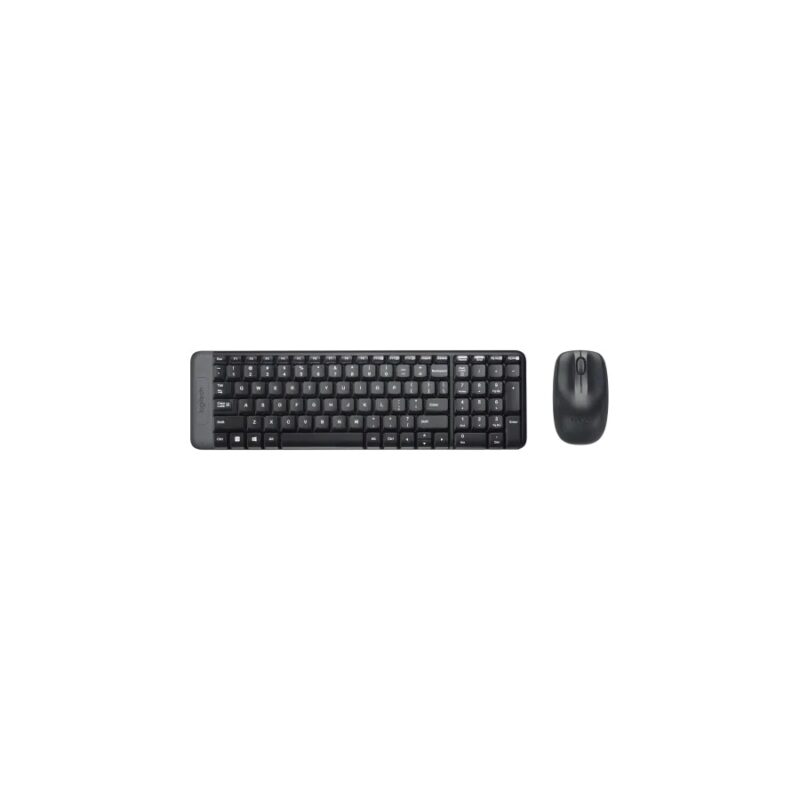
Compact full layout with number pad, 2.4GHz wireless USB receiver and Compact optical wireless mouse for small desks, study spaces and everyday computing.
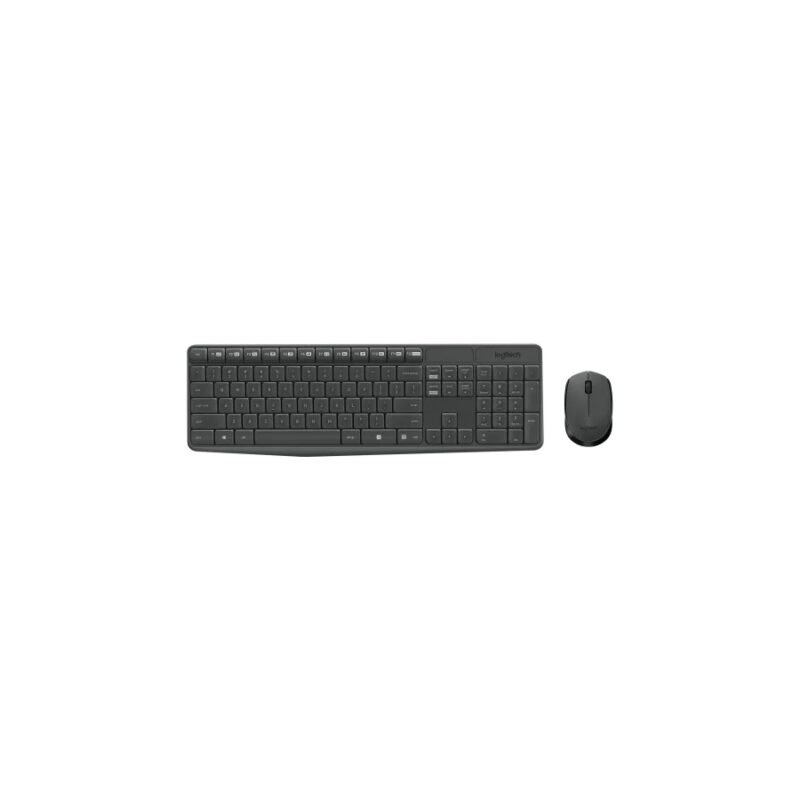
Full-size with number pad, 2.4GHz wireless USB receiver and Compact ambidextrous optical mouse for home, student and office productivity.
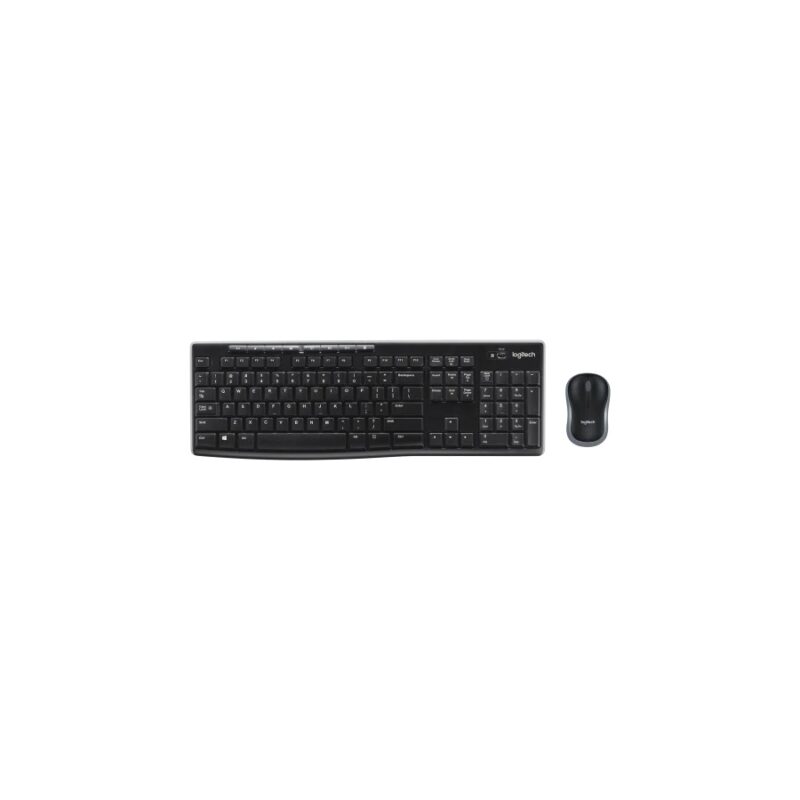
Full-size with number pad and media keys, 2.4GHz wireless USB receiver and Compact optical wireless mouse for general home and office work.
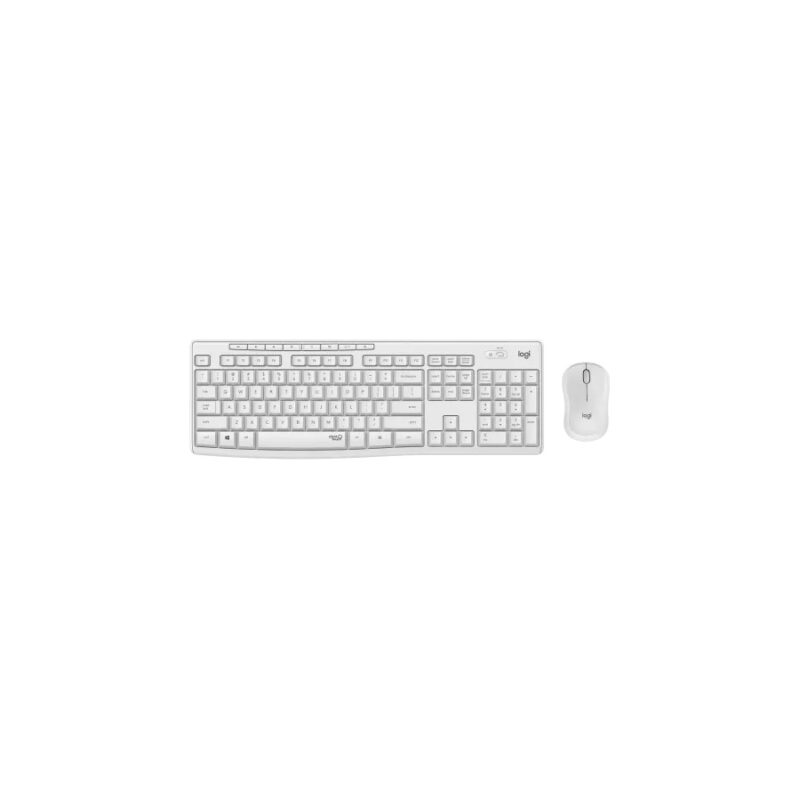
Full-size with number pad and shortcuts, 2.4GHz wireless USB receiver and Silent optical wireless mouse for quiet offices, shared workspaces and home use.
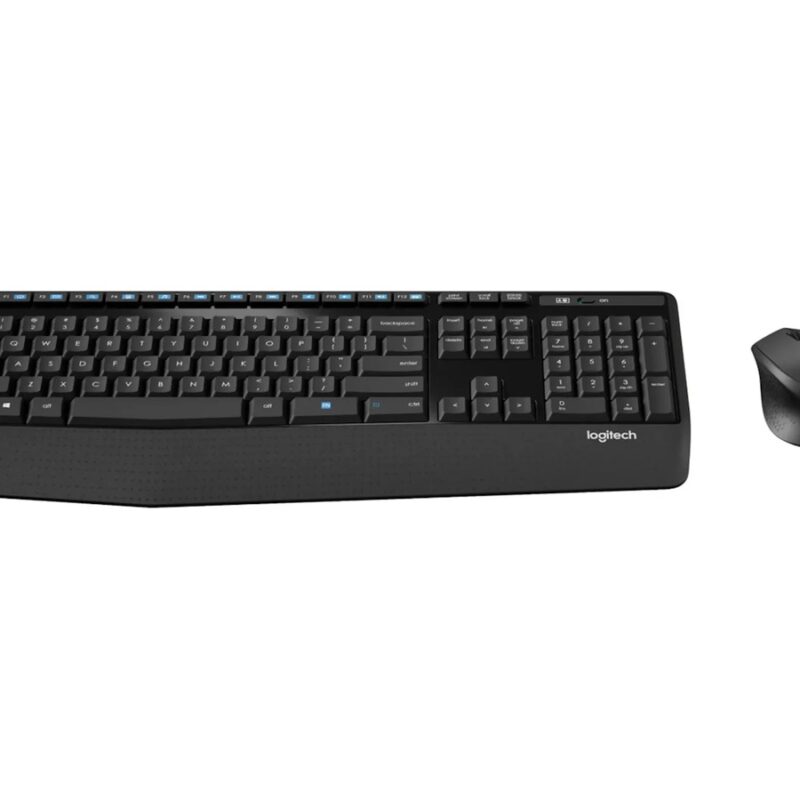
Full-size with palm rest and media controls, 2.4GHz wireless USB receiver and Right-handed contoured optical mouse for extended office typing and everyday productivity.
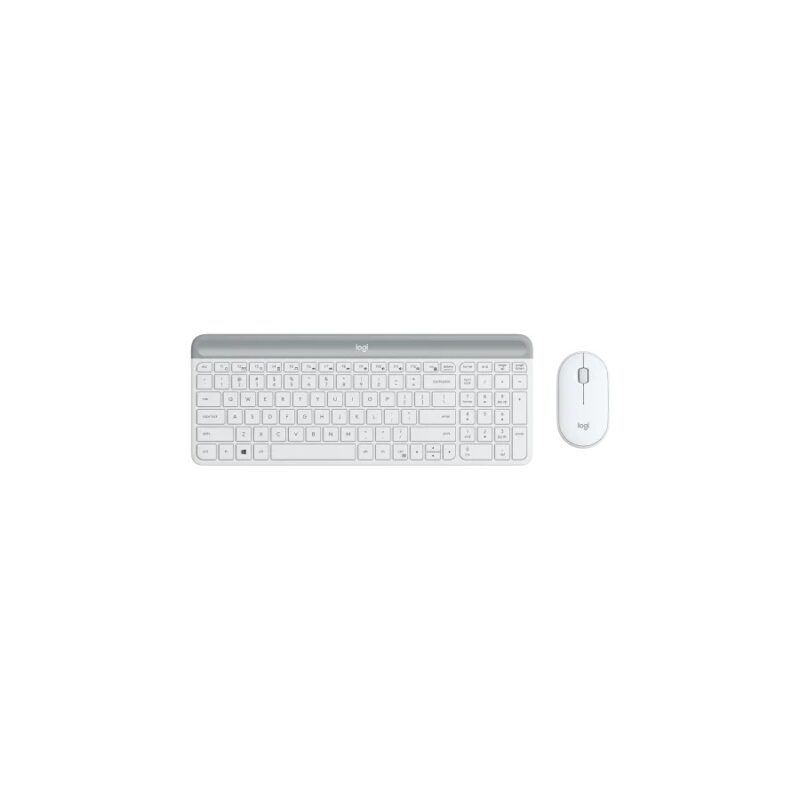
Compact slim layout with number pad, 2.4GHz wireless USB receiver and Slim ambidextrous pebble-style mouse for modern workspaces and portable desk setups.
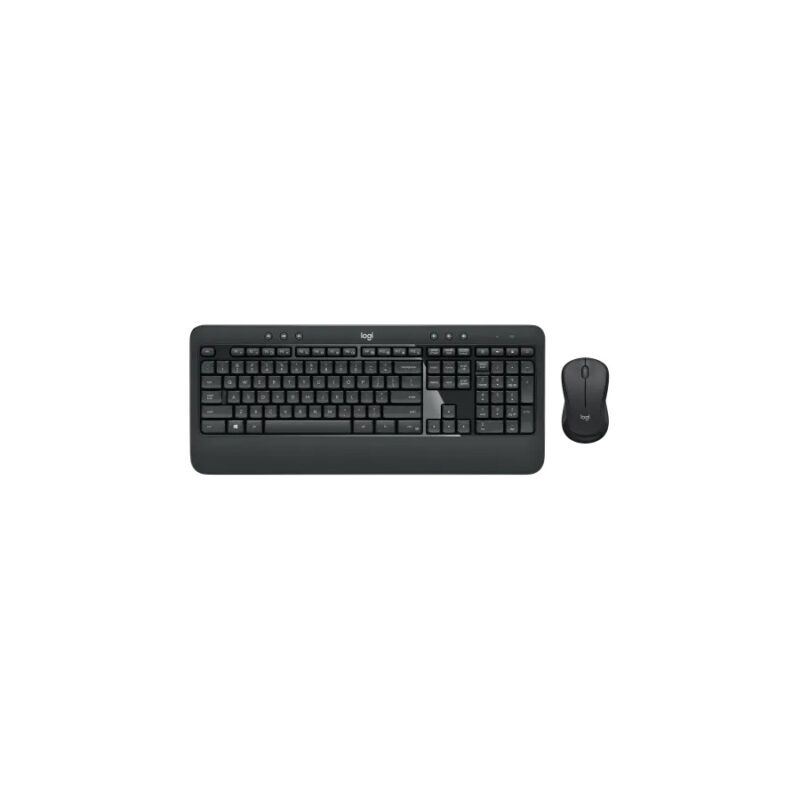
Full-size with palm rest and media keys, 2.4GHz wireless Unifying receiver and Contoured ambidextrous optical mouse for office productivity and frequent typing.
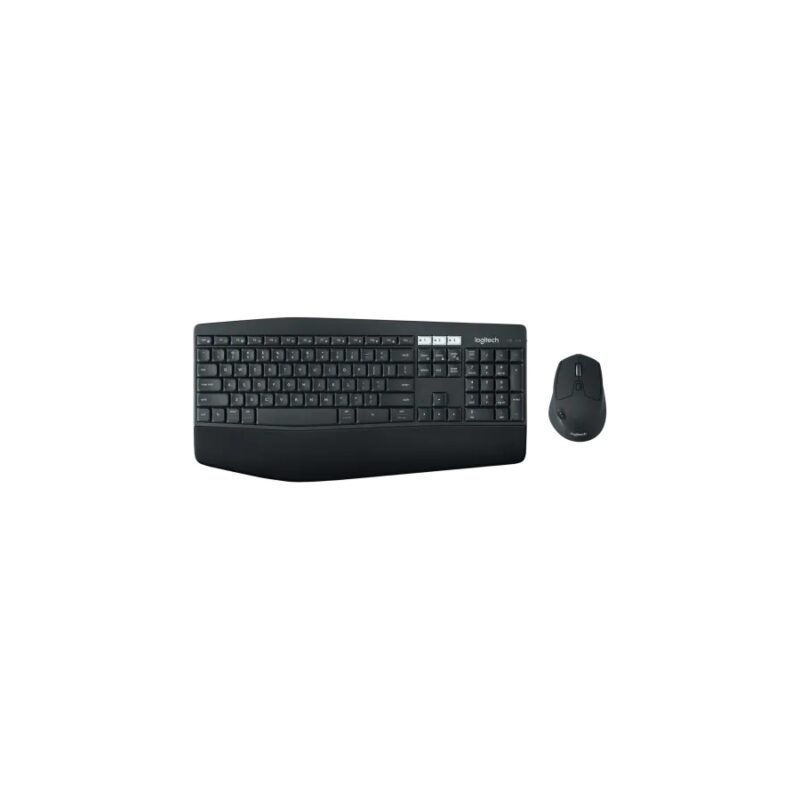
Full-size curved keyboard with cushioned palm rest, Bluetooth Smart and 2.4GHz Unifying receiver and Multi-device optical mouse with hyper-fast scrolling for multi-computer offices and advanced productivity.
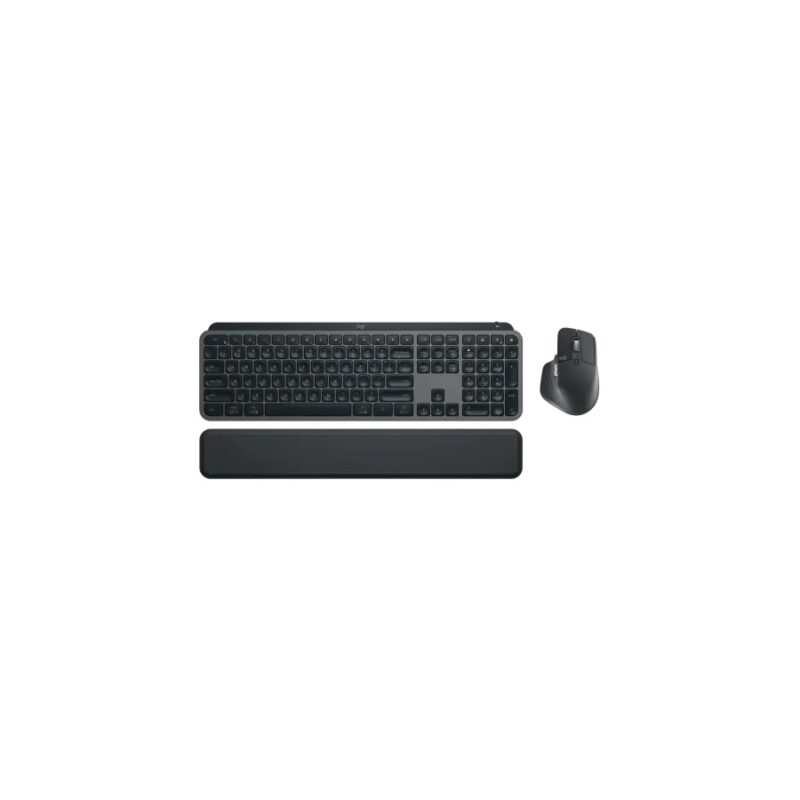
Full-size backlit low-profile keyboard, Bluetooth Low Energy and Logi Bolt USB receiver and MX Master 3S ergonomic mouse, 8000 DPI sensor for professional, creator and advanced productivity workflows.
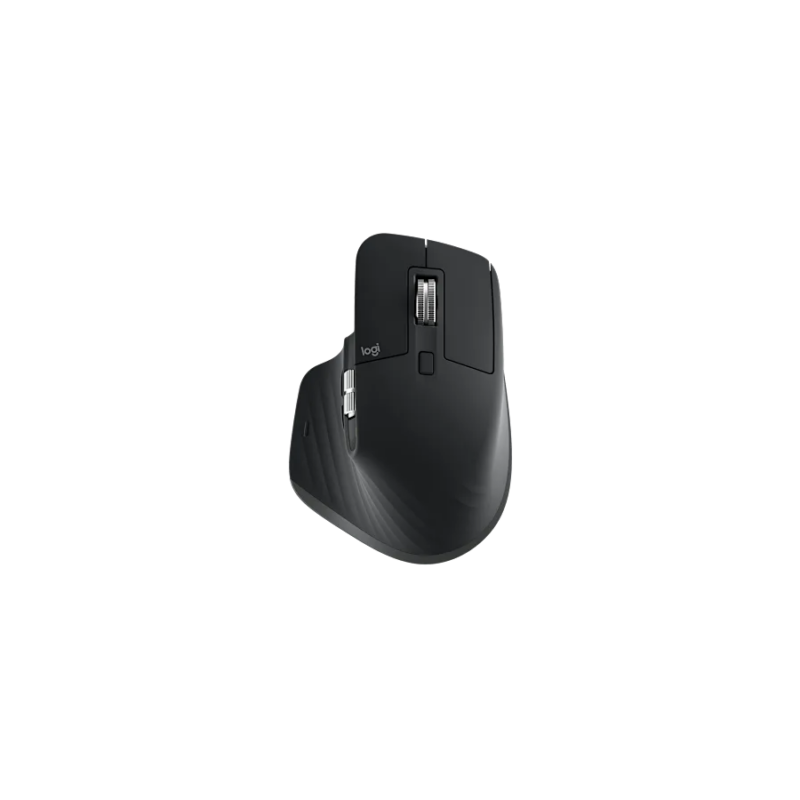
A premium right-handed productivity mouse with an 8000 DPI Darkfield sensor, quiet clicks, MagSpeed scrolling and multi-device wireless connectivity.
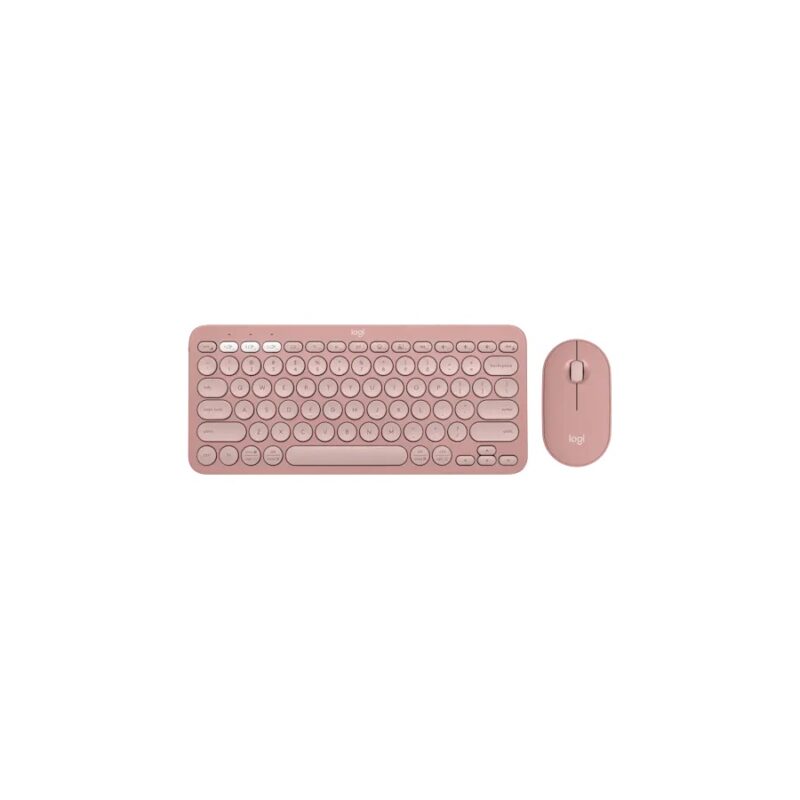
Compact slim multi-device keyboard, Bluetooth Low Energy and Logi Bolt compatible and Slim quiet multi-device mouse for portable work, tablets and minimalist desks.
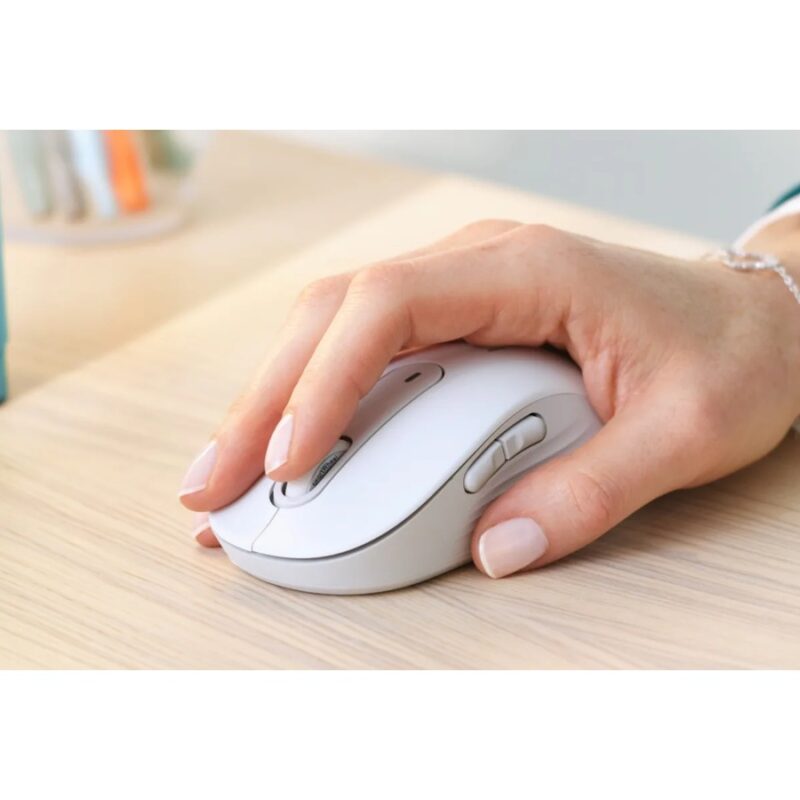
A comfortable wireless productivity mouse with SmartWheel scrolling, quiet clicks, Bluetooth and Logi Bolt connectivity for office and multi-platform work.
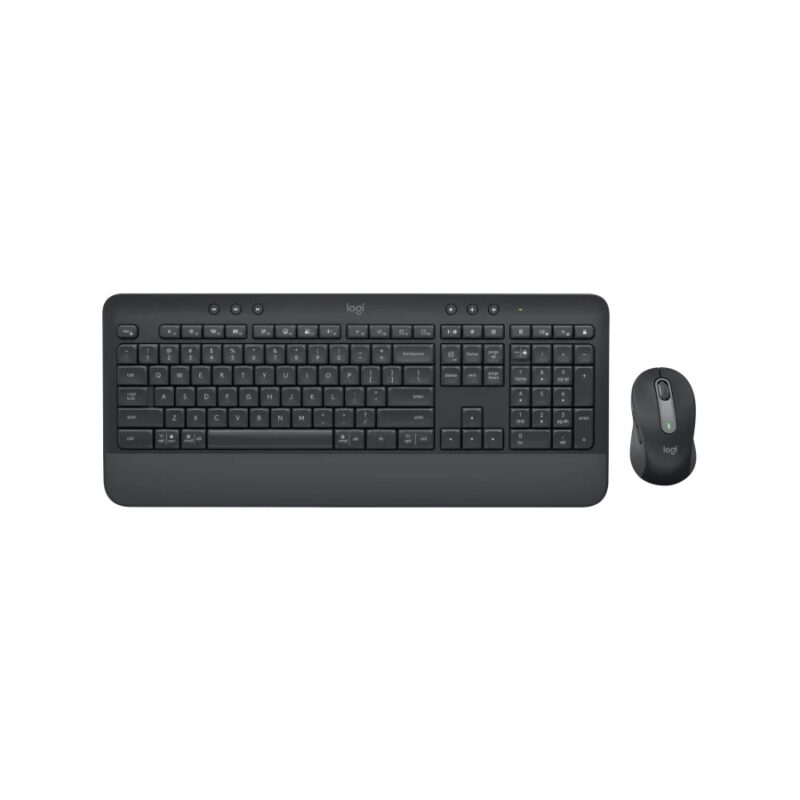
Full-size with cushioned palm rest, Bluetooth Low Energy and Logi Bolt USB receiver and Signature M650 multi-button wireless mouse, up to 4000 DPI for business users and multi-platform productivity.
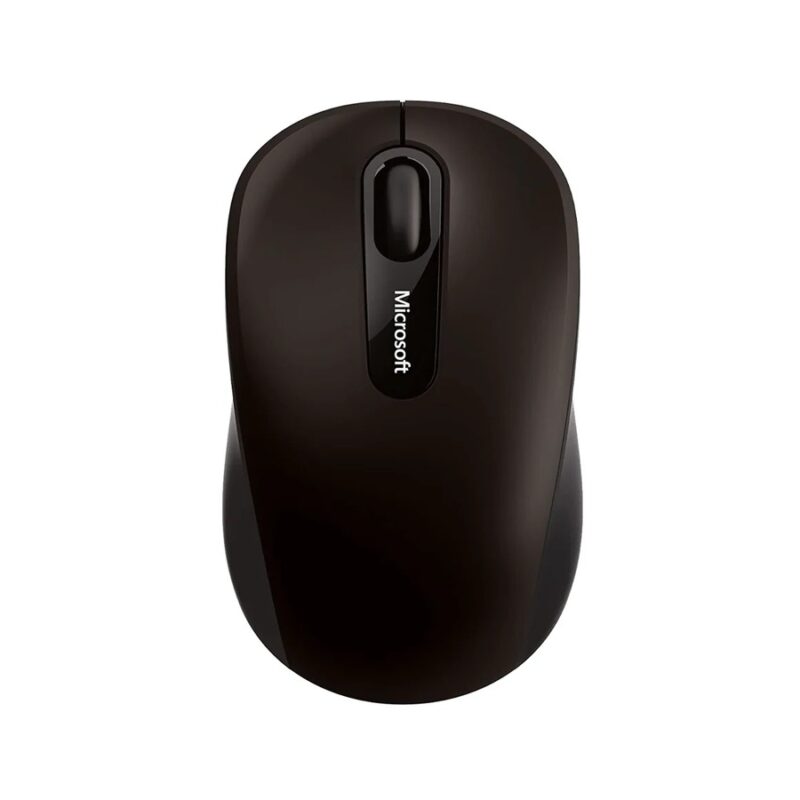
A compact Bluetooth mobile mouse with BlueTrack technology, three-button control and an ambidextrous design for travel, tablets and laptops.
No products in the cart.