
Crucial P3 Plus 1TB
KSh16,500.001TB M.2 2280 solid-state drive with PCIe 4.0 x4 NVMe, up to 5000 MB/s read and 3600 MB/s write speeds for faster PC storage and application loading.
Computer storage products allow you to increase device capacity, replace a slow or failing drive, transfer large files and maintain backups of important documents, photos, videos and business data.
The main storage options are:
The right option depends on whether you need faster computer performance, portable working storage or the lowest cost per gigabyte.
An internal SSD can significantly improve startup times, application loading and general system responsiveness when replacing a traditional mechanical hard drive. External SSDs provide similar solid-state performance in a portable enclosure, while external hard drives offer larger capacities at a lower cost.
When comparing storage devices in Kenya, check:
SSDs store data using flash memory and contain no moving mechanical parts. They are generally faster, quieter and more resistant to movement than traditional hard disk drives.
Hard disk drives use spinning magnetic disks. Although they are slower and more vulnerable to drops, they normally provide more storage capacity for the same budget.
Choose an SSD when speed is the priority. Choose an external hard drive when you need affordable capacity for backups, media libraries or archived files.
A common setup is to use:
Storage devices should not be treated as the only copy of important files. Keep critical information in more than one location, preferably across a computer, external drive and secure off-site or cloud backup.
Common storage capacities include:
The usable capacity displayed by a computer is normally lower than the capacity printed on the drive. Part of the difference results from how manufacturers and operating systems calculate storage, while formatting and system files may use additional space.
SATA SSDs commonly use a 2.5-inch enclosure and connect through the same interface used by many laptop hard drives. They are a practical choice for upgrading older laptops and desktop computers.
NVMe SSDs normally use an M.2 card-shaped form factor and communicate through PCI Express. Compatible NVMe drives can provide substantially faster transfer speeds than SATA SSDs.
However, not every M.2 slot supports every M.2 SSD. Before buying, confirm:
Browse compatible laptops and computer monitors when upgrading a complete workstation.
External storage devices may use:
The connector shape does not by itself determine maximum transfer speed. For example, a USB-C port may support different USB standards depending on the computer or phone.
A fast external SSD connected through a slower USB port will operate at the lower speed supported by the port, cable or adapter.
Before ordering, confirm that the package includes the cable needed for your device. Some portable drives include both USB-C and USB-A support, while others require a separate adapter.
| Storage product | Approximate price range |
|---|---|
| 480GB–512GB internal SATA SSD | KSh 10,000–KSh 16,000 |
| 500GB–512GB internal NVMe SSD | KSh 10,000–KSh 18,000 |
| 1TB budget internal NVMe SSD | KSh 16,000–KSh 22,000 |
| 1TB premium internal NVMe SSD | KSh 20,000–KSh 35,000 |
| 1TB portable external SSD | KSh 14,000–KSh 35,000 |
| 1TB rugged external SSD | KSh 21,000–KSh 40,000 |
| 1TB external hard drive | KSh 6,000–KSh 10,000 |
| 2TB external hard drive | KSh 11,000–KSh 16,000 |
| 4TB external hard drive | KSh 20,000–KSh 27,000 |
| High-capacity professional storage | KSh 30,000 and above |
Current Kenyan listings vary substantially by model, seller, interface, capacity and warranty. Portable 1TB SSD listings can range from roughly KSh 14,000 for entry-level models to above KSh 30,000 for rugged, higher-performance options. External 2TB hard drives are generally less expensive than 2TB portable SSDs because HDDs have a lower cost per gigabyte.
Before ordering, confirm:
Browse the storage products above to compare internal SSDs, external SSDs, external hard drives, capacities, interfaces and current prices in Kenya.
Showing all 15 results

1TB M.2 2280 solid-state drive with PCIe 4.0 x4 NVMe, up to 5000 MB/s read and 3600 MB/s write speeds for faster PC storage and application loading.
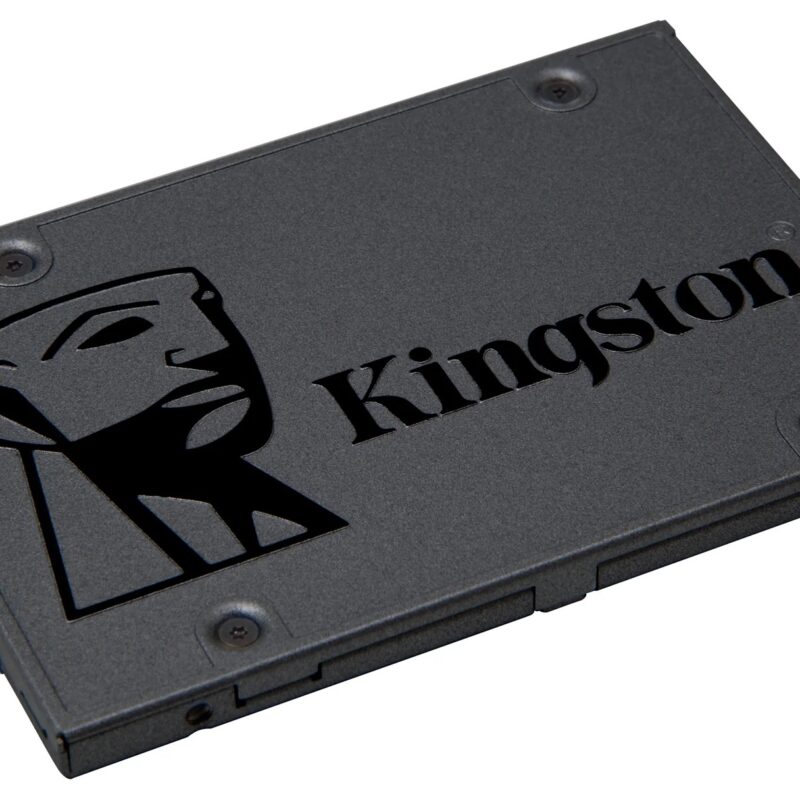
480GB 2.5-inch, 7mm solid-state drive with SATA 6Gb/s, up to 500 MB/s read and 450 MB/s write speeds for faster PC storage and application loading.

1TB M.2 2280 solid-state drive with PCIe 4.0 x4 NVMe, up to 6000 MB/s read and 4000 MB/s write speeds for faster PC storage and application loading.

512GB M.2 2280 solid-state drive with PCIe Gen3 x4 NVMe, up to 3300 MB/s read and 2400 MB/s write speeds for faster PC storage and application loading.

1TB portable SSD with USB 3.1 Type-C and transfer speeds up to 550 MB/s read and 400 MB/s write for fast backups, media and mobile work.
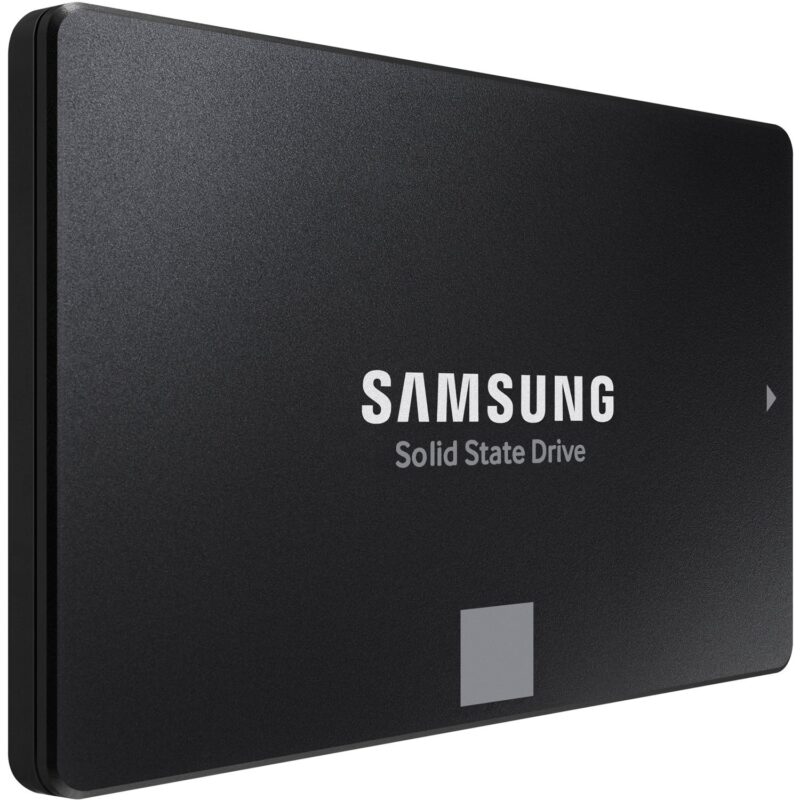
500GB 2.5-inch, 7mm solid-state drive with SATA 6Gb/s, up to 560 MB/s read and 530 MB/s write speeds for faster PC storage and application loading.
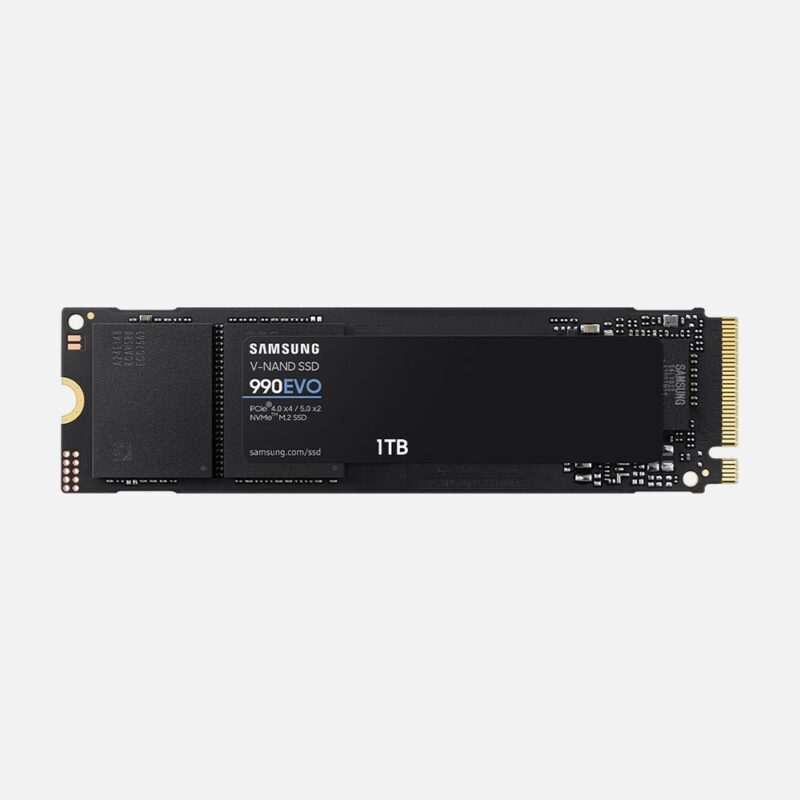
1TB M.2 2280 solid-state drive with PCIe 4.0 x4 / PCIe 5.0 x2 NVMe, up to 5000 MB/s read and 4200 MB/s write speeds for faster PC storage and application loading.

1TB portable SSD with USB 3.2 Gen 2 Type-C and transfer speeds up to 1050 MB/s read and 1000 MB/s write for fast backups, media and mobile work.

1TB portable SSD with USB 3.2 Gen 2 Type-C and transfer speeds up to 1050 MB/s read and 1000 MB/s write for fast backups, media and mobile work.
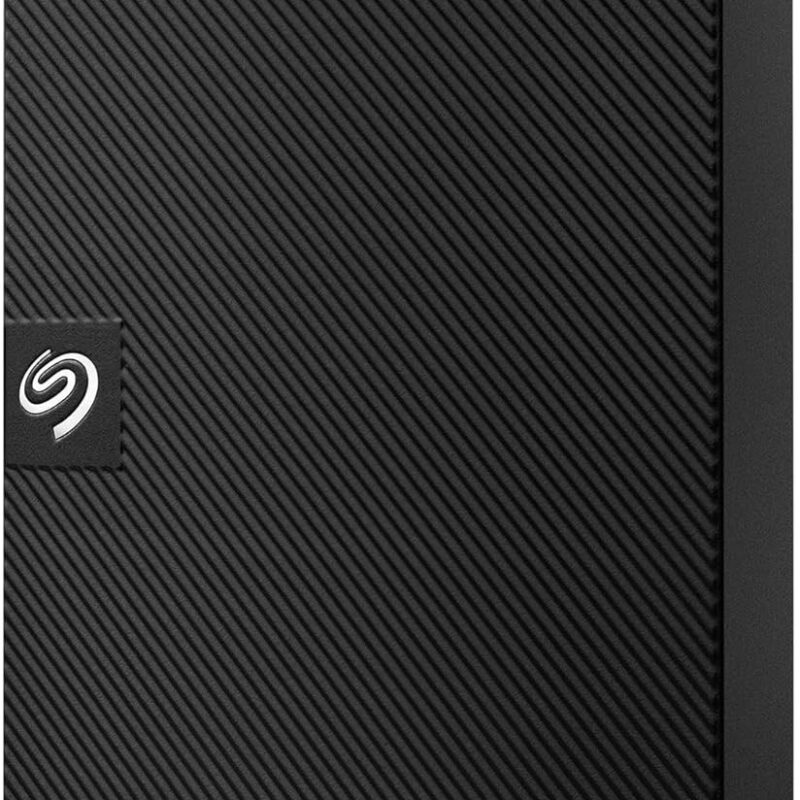
2TB portable external hard drive with USB 3.0 / USB 3.2 Gen 1 connectivity for backups, documents, photos, videos and expanding laptop or desktop storage.

2TB portable external hard drive with USB 3.2 Gen 1 connectivity for backups, documents, photos, videos and expanding laptop or desktop storage.
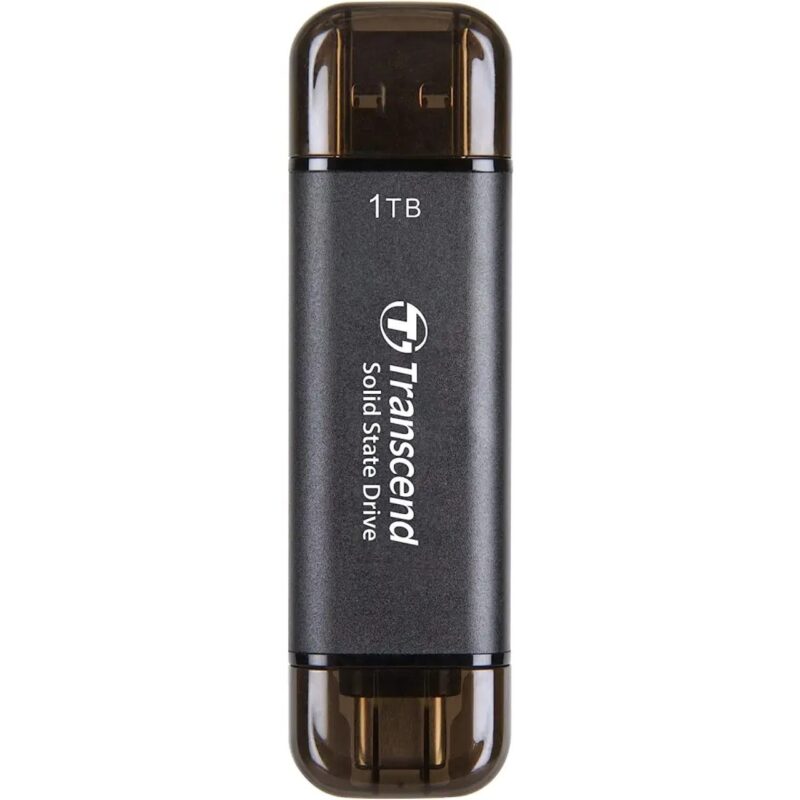
1TB portable SSD with USB 10Gbps, USB-C and USB-A and transfer speeds up to 1050 MB/s read and 950 MB/s write for fast backups, media and mobile work.
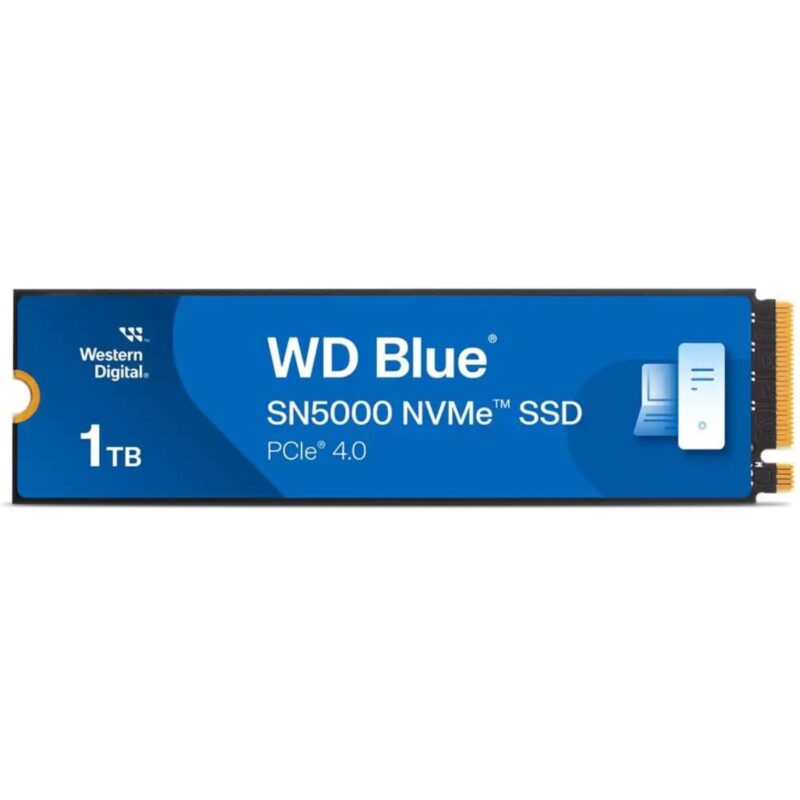
1TB M.2 2280 solid-state drive with PCIe 4.0 x4 NVMe, up to 5150 MB/s read and 4900 MB/s write speeds for faster PC storage and application loading.
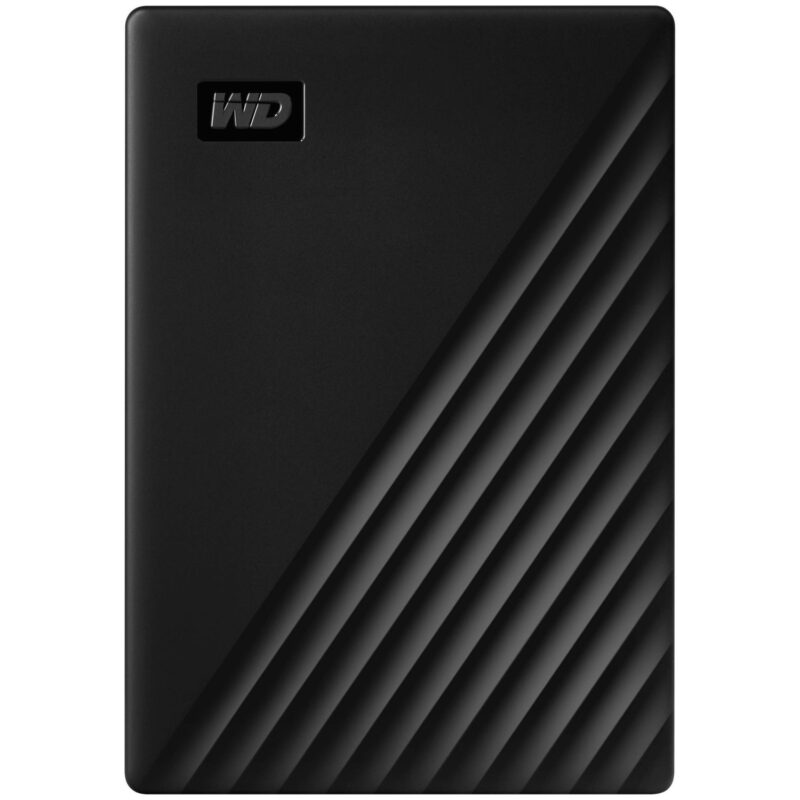
2TB portable external hard drive with USB 3.2 Gen 1, Micro-B connectivity for backups, documents, photos, videos and expanding laptop or desktop storage.
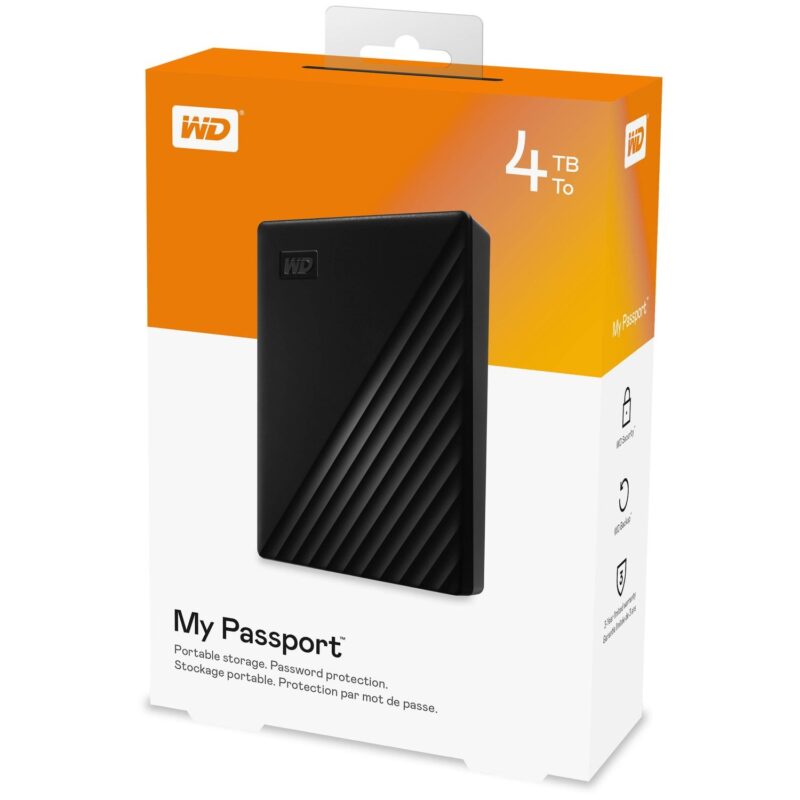
4TB portable external hard drive with USB 3.2 Gen 1, Micro-B connectivity for backups, documents, photos, videos and expanding laptop or desktop storage.
No products in the cart.