
Seagate Expansion Portable 2TB
KSh13,499.002TB portable external hard drive with USB 3.0 / USB 3.2 Gen 1 connectivity for backups, documents, photos, videos and expanding laptop or desktop storage.
External hard drives provide portable, high-capacity storage for computer backups, documents, photos, videos, music libraries and archived business files.
They generally cost less per gigabyte than external SSDs, making them suitable for users who prioritise capacity over maximum transfer speed.
External hard drives are commonly used for:
When comparing external hard drives in Kenya, check:
Portable external hard drives are normally powered through a laptop or desktop USB port. They are compact and easy to carry but should be protected from drops and sudden movement.
Desktop external hard drives are usually larger, offer higher capacities and may require a separate power adapter. They are suitable for fixed backup stations, offices and large media collections.
For everyday backups and travel, a portable 1TB or 2TB drive is often sufficient. A 4TB drive provides more room for videos, creative files and long-term archives.
Businesses or content creators with very large datasets may need higher-capacity desktop storage, network-attached storage or multiple backup drives.
External hard drives offer:
External SSDs offer:
Choose an external hard drive for economical backup capacity. Choose an external SSD when transfer speed, portability or shock resistance is more important.
For frequently edited files, use an SSD as the active working drive and move completed projects to a hard drive for long-term storage.
A 1TB external hard drive can store documents, photographs and moderate personal backups.
A 2TB drive is suitable for larger laptop backups, media libraries and regular office use.
A 4TB drive provides more room for:
Do not buy a drive that only matches your current data usage. Backup software, file versions and future media can quickly increase the amount of space required.
An external hard drive can fail, become damaged, be misplaced or be stolen. It should not be the only location containing important files.
For critical information, keep:
This is commonly known as the 3-2-1 backup approach: three copies of the data, stored on two types of media, with one copy kept off-site.
Disconnecting a backup drive when it is not being used can also reduce exposure to malware, accidental deletion and electrical damage.
When moving a hard drive, eject it through the operating system and wait for activity to stop before disconnecting it.
Many portable hard drives can be used with Windows and macOS after suitable formatting.
Some drives may also work with:
Compatibility depends on the device’s supported file systems, power output and maximum drive capacity.
Reformatting a drive erases existing content. Back up files before changing the file system.
| External hard-drive model | Approximate price range |
| 1TB portable external hard drive | KSh 6,000–KSh 10,000 |
| WD My Passport 2TB | KSh 11,000–KSh 15,000 |
| Seagate Expansion Portable 2TB | KSh 12,000–KSh 16,000 |
| Toshiba Canvio Basics 2TB | KSh 12,000–KSh 16,000 |
| WD My Passport 4TB | KSh 20,000–KSh 25,000 |
| 4TB portable external hard drive | KSh 19,000–KSh 27,000 |
| 5TB portable external hard drive | KSh 24,000–KSh 35,000 |
| 6TB desktop external hard drive | KSh 28,000–KSh 42,000 |
| 8TB desktop external hard drive | KSh 38,000–KSh 60,000 |
| High-capacity desktop backup drive | KSh 50,000 and above |
External hard drive prices in Kenya depend on capacity, design, brand, interface, encryption features, included software and warranty.
Earlier Kenyan storage guides commonly placed 2TB external hard drives around KSh 8,000–KSh 12,000, but current retail pricing can be higher depending on exchange rates, model availability and warranty coverage.
Before ordering, confirm whether the drive is portable or desktop-sized and whether it requires an external power supply.
Related categories:
Browse the external hard drives above to compare portable models, storage capacities, features and current prices in Kenya.
Showing all 4 results
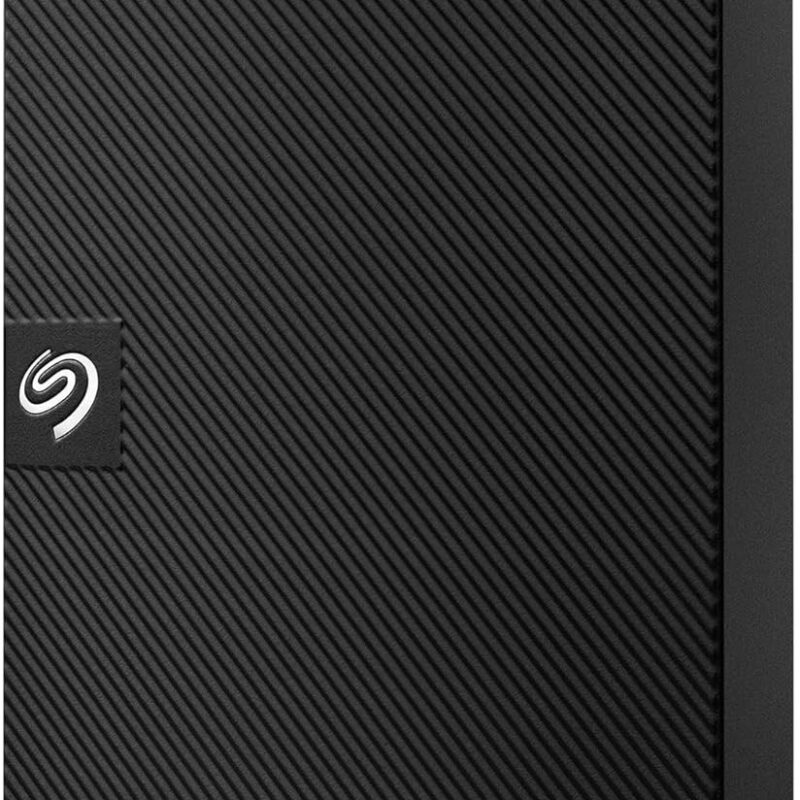
2TB portable external hard drive with USB 3.0 / USB 3.2 Gen 1 connectivity for backups, documents, photos, videos and expanding laptop or desktop storage.

2TB portable external hard drive with USB 3.2 Gen 1 connectivity for backups, documents, photos, videos and expanding laptop or desktop storage.
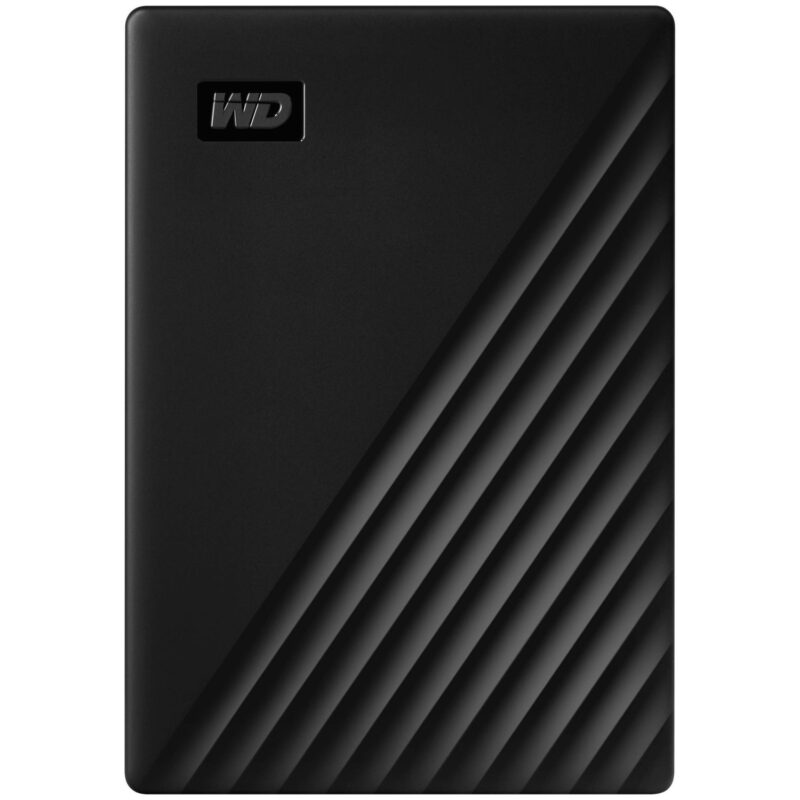
2TB portable external hard drive with USB 3.2 Gen 1, Micro-B connectivity for backups, documents, photos, videos and expanding laptop or desktop storage.
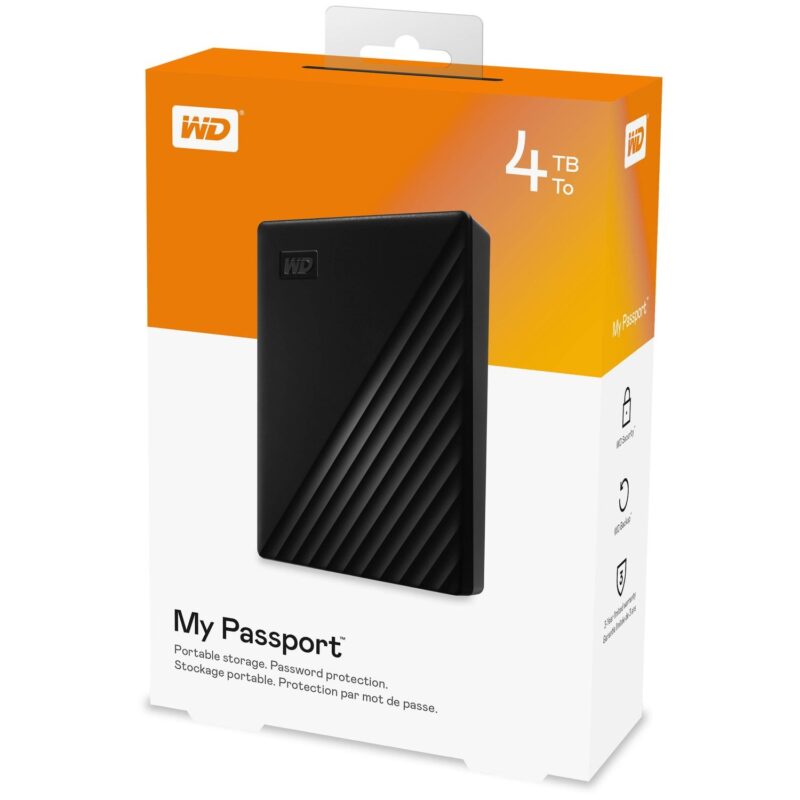
4TB portable external hard drive with USB 3.2 Gen 1, Micro-B connectivity for backups, documents, photos, videos and expanding laptop or desktop storage.
No products in the cart.