
Crucial P3 Plus 1TB
KSh16,500.001TB M.2 2280 solid-state drive with PCIe 4.0 x4 NVMe, up to 5000 MB/s read and 3600 MB/s write speeds for faster PC storage and application loading.
Internal solid-state drives are used to upgrade laptop and desktop storage, improve system responsiveness and replace slower mechanical hard drives.
An SSD can reduce computer startup times, open applications faster and improve file-transfer performance. It is one of the most practical upgrades for a computer that still uses a traditional hard drive.
Internal SSDs are available in several formats, including:
These formats are not automatically interchangeable. The correct drive depends on the interfaces and physical dimensions supported by the computer.
When comparing internal SSDs in Kenya, check:
A 2.5-inch SATA SSD is often the easiest replacement for a laptop or desktop hard drive. It normally uses the same SATA data and power connections as a 2.5-inch mechanical drive.
SATA SSDs are suitable for:
Although SATA SSDs are slower than modern NVMe drives, they still provide a noticeable improvement over mechanical storage.
Models such as the Kingston A400 and Samsung 870 EVO are common examples of 2.5-inch SATA SSDs. Always confirm the required thickness and whether the laptop needs a mounting bracket, connector cable or drive caddy.
NVMe SSDs connect through PCI Express and are commonly installed in an M.2 slot. They are designed for higher data-transfer speeds and lower latency than SATA drives.
NVMe storage is useful for:
PCIe generations include Gen 3, Gen 4 and Gen 5. A newer-generation SSD may work in an older compatible slot, but performance will normally be limited to the speed supported by the computer.
Do not buy an M.2 SSD based only on its physical appearance. Some M.2 slots support NVMe, some support SATA and others support both.
A 480GB or 500GB SSD is suitable for basic work, study, browsing and office applications.
A 512GB SSD provides slightly more room for documents, applications and media files while remaining relatively affordable.
A 1TB SSD is a stronger option for users who install large applications, maintain substantial work files or store several modern games.
Higher capacities may be appropriate for video editors, designers, engineers and users who want to minimise dependence on external storage.
Before replacing an existing drive, calculate how much space is already in use and allow room for future applications, updates and files.
Maximum advertised speeds are usually measured under controlled conditions. Actual performance depends on:
SSD endurance may be expressed as terabytes written, commonly abbreviated as TBW. A higher endurance rating can be useful for workloads that write large amounts of data, although everyday users may never approach the stated limit.
Professional users should also check whether the drive includes features such as hardware encryption, power-loss protection or management software.
| Internal SSD model | Approximate price range |
| Lexar NM620 512GB | KSh 10,000–KSh 13,000 |
| Kingston A400 480GB | KSh 12,000–KSh 15,000 |
| Samsung 870 EVO 500GB | KSh 14,000–KSh 18,000 |
| Crucial P3 Plus 1TB | KSh 15,000–KSh 20,000 |
| WD Blue SN5000 1TB | KSh 18,000–KSh 23,000 |
| Samsung 990 EVO 1TB | KSh 19,000–KSh 25,000 |
| Kingston NV3 1TB | KSh 25,000–KSh 34,000 |
| Premium 2TB NVMe SSD | KSh 28,000–KSh 50,000 |
| High-performance Gen 4 SSD | KSh 20,000–KSh 45,000 |
| PCIe Gen 5 SSD | KSh 35,000 and above |
Internal SSD prices in Kenya depend on capacity, interface, NAND type, speed, endurance, brand and warranty. Budget NVMe drives generally cost less than premium performance models with higher endurance or faster sustained transfer speeds.
Before ordering an internal SSD, confirm the computer’s exact model and supported storage interface. Where possible, check the laptop service manual or motherboard specification page.
Related categories:
Browse the internal SSDs above to compare SATA and NVMe models, capacities, form factors, specifications and current prices in Kenya.
Showing all 7 results

1TB M.2 2280 solid-state drive with PCIe 4.0 x4 NVMe, up to 5000 MB/s read and 3600 MB/s write speeds for faster PC storage and application loading.
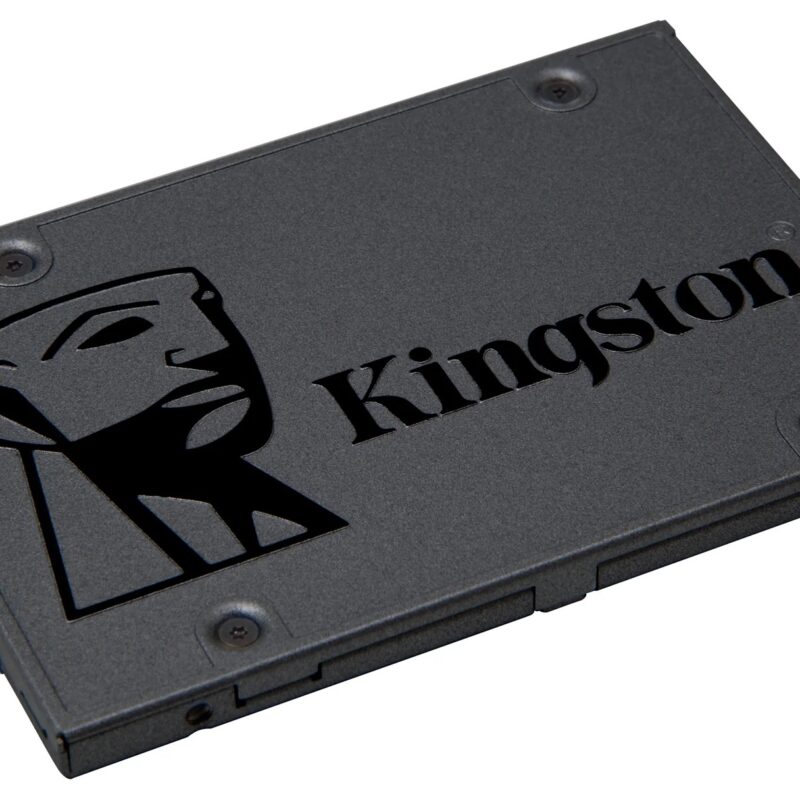
480GB 2.5-inch, 7mm solid-state drive with SATA 6Gb/s, up to 500 MB/s read and 450 MB/s write speeds for faster PC storage and application loading.

1TB M.2 2280 solid-state drive with PCIe 4.0 x4 NVMe, up to 6000 MB/s read and 4000 MB/s write speeds for faster PC storage and application loading.

512GB M.2 2280 solid-state drive with PCIe Gen3 x4 NVMe, up to 3300 MB/s read and 2400 MB/s write speeds for faster PC storage and application loading.
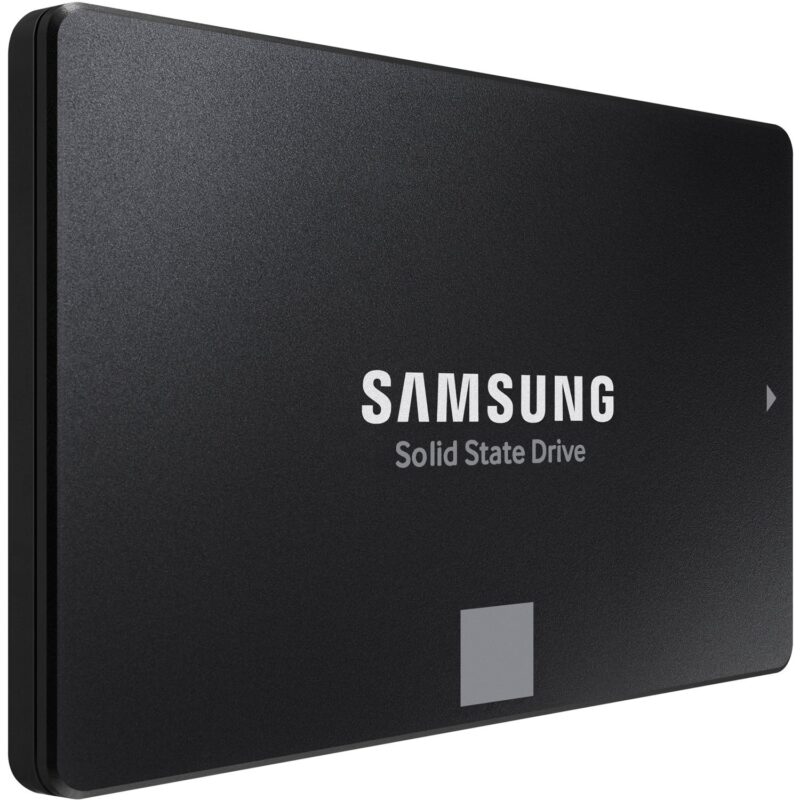
500GB 2.5-inch, 7mm solid-state drive with SATA 6Gb/s, up to 560 MB/s read and 530 MB/s write speeds for faster PC storage and application loading.
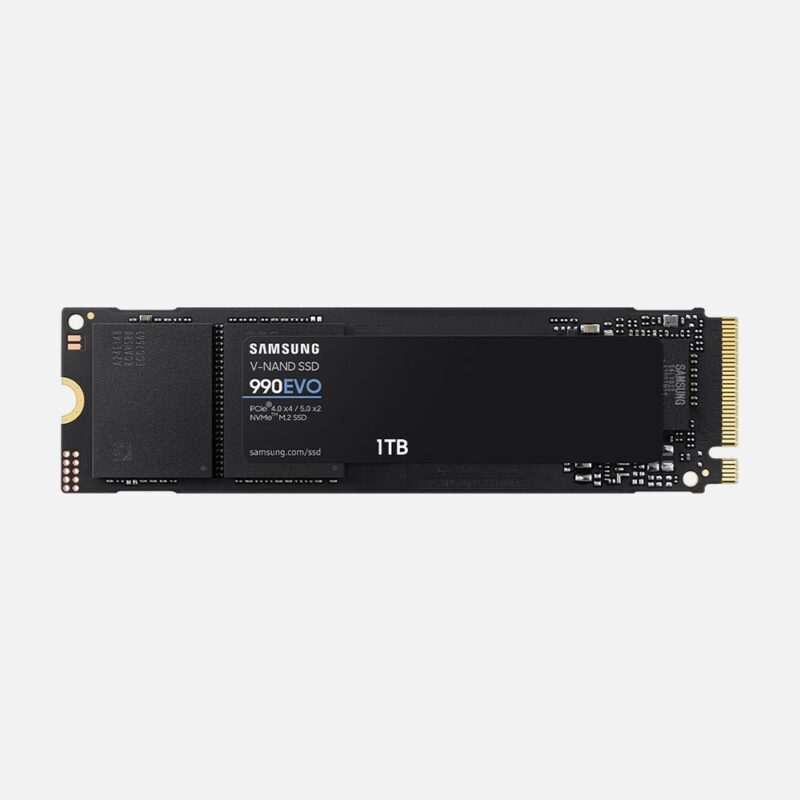
1TB M.2 2280 solid-state drive with PCIe 4.0 x4 / PCIe 5.0 x2 NVMe, up to 5000 MB/s read and 4200 MB/s write speeds for faster PC storage and application loading.
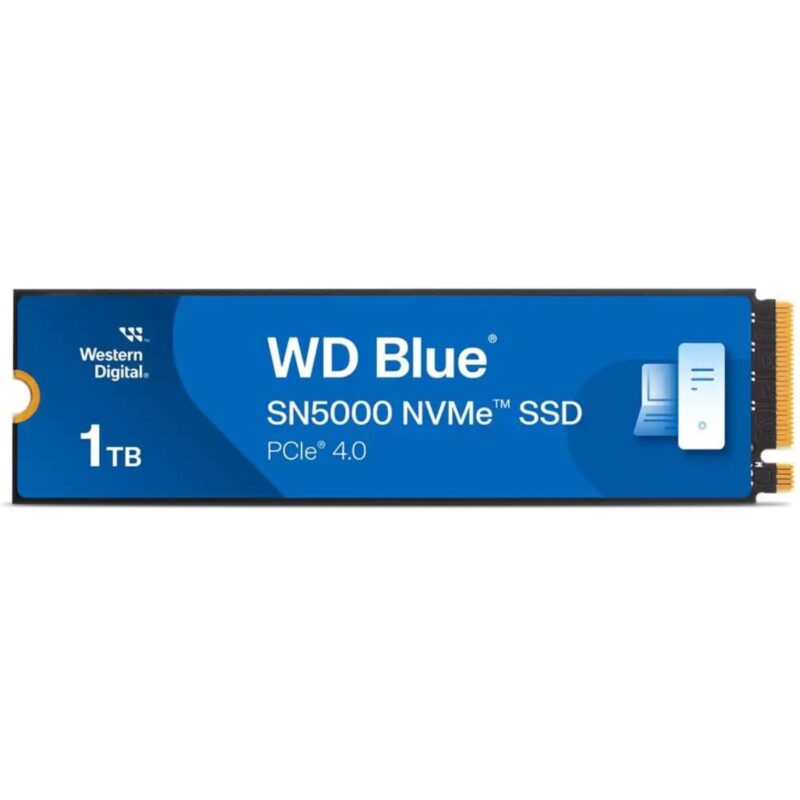
1TB M.2 2280 solid-state drive with PCIe 4.0 x4 NVMe, up to 5150 MB/s read and 4900 MB/s write speeds for faster PC storage and application loading.
No products in the cart.