
Anker 332 A8355 5-in-1 USB-C Hub
KSh4,600.004K 30Hz HDMI, two USB-A data ports, one USB-C data port and 100W Power Delivery input for compact everyday laptop connectivity.
USB hubs and docking stations expand the number and type of connections available on a laptop, desktop computer, tablet or compatible smartphone.
They are useful when a device has too few ports or lacks connections such as HDMI, DisplayPort, Ethernet, USB-A, SD card or microSD card slots.
A basic USB hub may simply turn one USB port into four or seven USB ports. A more advanced USB-C hub can add display output, wired networking, memory-card readers and Power Delivery charging. A full docking station is designed to create a more permanent workstation with monitors, keyboards, storage devices, Ethernet and other accessories connected through one laptop cable.
USB hubs and docking stations are commonly used by:
When comparing USB hubs and docking stations in Kenya, check:
The correct choice depends on whether you only need additional USB ports or want to connect a complete desktop workstation through one cable.
A USB hub normally focuses on adding more USB ports.
For example, a four-port USB-A hub can connect a mouse, keyboard, flash drive and printer to a laptop through one USB port. This is useful for basic home, school and office setups.
A USB-C multiport hub may also provide:
A docking station is generally larger and designed for a permanent desk setup. It may support several monitors, more USB devices, Gigabit Ethernet, laptop charging, audio equipment and business-management features.
Choose a basic USB hub when you mainly need more USB ports.
Choose a USB-C multiport hub when you need a portable adapter for a laptop or tablet.
Choose a full docking station when you want to connect a laptop to a complete office workstation using one cable.
USB-A hubs are suitable for laptops and desktop computers that already have a conventional rectangular USB port.
A four-port hub is generally enough for:
Compact models such as the TP-Link UH400 are easy to carry and do not normally require an external power adapter for light accessories.
An unpowered hub draws electricity from the computer. It may not provide enough power for several portable hard drives, high-power USB devices or multiple charging devices at the same time.
For a large number of peripherals, consider a powered hub such as the TP-Link UH720 or UGREEN CM481.
A powered USB hub connects to an external power adapter instead of relying entirely on the computer’s USB port.
Powered hubs are useful for:
Some powered hubs include individual switches that let you turn specific USB ports on and off without disconnecting cables.
Check whether the listed package includes the original power adapter. Also confirm the adapter’s plug type and output rating before ordering.
A powered USB hub should not automatically be treated as a laptop docking station. Many powered hubs provide USB data and device charging but do not offer HDMI, DisplayPort or laptop Power Delivery.
USB-C hubs are designed for laptops, tablets and other devices that use USB-C.
Common ports include:
A five-in-one hub may be sufficient for study, presentations and everyday office work. An eight-in-one, nine-in-one or eleven-in-one hub provides more flexibility for displays, wired internet, memory cards and desktop accessories.
Portable hubs from brands such as UGREEN, Anker, Baseus and Belkin are useful for users who work from different locations and need an adapter that fits inside a laptop bag.
Before buying, decide which connections you actually need. An eleven-port hub is not necessarily better if you only need HDMI and two USB ports.
USB-C describes the shape of the connector. It does not guarantee that a port supports every USB-C feature.
For HDMI or DisplayPort output to work, the laptop’s USB-C port normally needs compatible video-output support, such as DisplayPort Alt Mode, Thunderbolt or another technology supported by the dock.
A USB-C port used only for basic data transfer may not output video.
Before ordering a hub for an external monitor, check the laptop manufacturer’s specifications for:
A hub advertised with 4K HDMI cannot force an unsupported laptop to produce a 4K display signal.
You can compare suitable screens under Monitors after confirming the laptop and dock’s display capabilities.
Display resolution and refresh rate are separate specifications.
A hub supporting 4K at 30Hz can display a 4K image, but movement may appear less smooth than on a 60Hz connection. It may be acceptable for presentations, spreadsheets, documents and general office use.
A 4K 60Hz connection is preferable for:
The laptop, hub, cable and monitor must all support the required resolution and refresh rate.
Some hubs support 4K 60Hz on one display but reduce the resolution or refresh rate when several displays are connected. Check the exact display configuration supported by the model.
USB-C Power Delivery allows a compatible charger to pass power through the hub to the connected laptop.
This can reduce the number of cables on a desk because the same USB-C connection may handle:
A hub with a 100W Power Delivery input does not necessarily deliver the full 100W to the laptop. The hub may reserve part of the power for its own operation and connected accessories.
You also need a compatible USB-C charger and cable. These may not be included with a portable hub.
Check:
Users who need portable laptop charging can also compare Laptop Power Banks.
Business docking stations from HP, Dell and Lenovo are designed for more permanent workstations.
Depending on the exact model, a business dock may include:
They are suitable for:
Brand matching can provide extra features, but a branded dock is not automatically compatible with every laptop from that manufacturer.
For example, charging wattage, power-button control, firmware management and multi-monitor support may depend on the specific laptop model.
Browse Laptops if you are building a complete work or study setup.
A USB-C hub can add HDMI, USB-A, Ethernet and memory-card slots to a compatible MacBook.
However, the number of external displays supported depends on the MacBook model, processor and docking technology. Buying a dock with three video outputs does not guarantee that a particular MacBook can extend the desktop across three monitors.
MacBook users should check:
You can browse compatible computers under Apple MacBooks.
A USB-C hub with Ethernet is useful when Wi-Fi is unavailable, unstable or unsuitable for the task.
Gigabit Ethernet can provide a more consistent connection for:
Actual network speed depends on the hub, computer, Ethernet cable, router and internet connection.
An Ethernet port described only as 10/100Mbps is slower than Gigabit Ethernet. Check the exact model specifications when fast wired networking is important.
Photographers, videographers and content creators may benefit from a hub with built-in SD and microSD card readers.
Check:
A memory-card reader is convenient, but professionals transferring large video files should also check the hub’s USB transfer speed.
For backups and large project files, compare External SSDs and External Hard Drives.
| Model | Approximate price |
|---|---|
| UGREEN CM511 5-in-1 USB-C Hub | KSh 3,480 |
| UGREEN CM512 6-in-1 USB-C Hub | KSh 3,900 |
| TP-Link UH400 4-Port USB 3.0 Hub | KSh 4,500 |
| Anker 332 A8355 5-in-1 USB-C Hub | KSh 4,600 |
| UGREEN CM481 7-Port Powered USB Hub | KSh 5,399 |
| UGREEN CM498 9-in-1 USB-C Hub | KSh 5,499 |
| TP-Link UH720 7-Port Powered USB Hub | KSh 5,999 |
| Baseus Joystar WKWG080113 8-in-1 Hub | KSh 7,499 |
| Belkin Connect AVC008btSGY 6-in-1 Adapter | KSh 9,850 |
| Anker 555 A8383 8-in-1 USB-C Hub | KSh 12,500 |
| Baseus Metal Gleam CAHUB-CT0G 11-in-1 Hub | KSh 18,599 |
| HP USB-C Dock G5 5TW10AA | KSh 19,708 |
| Dell DA305 6-in-1 USB-C Adapter | KSh 19,999 |
| Dell Universal Dock UD22 | KSh 34,999 |
| Lenovo ThinkPad Universal USB-C Dock 40AY0090UK | KSh 36,990 |
USB hub and docking station prices in Kenya vary according to the brand, port count, USB speed, display support, Ethernet, Power Delivery, included power adapter and warranty.
Basic multiport hubs generally cost less than full business docking stations. Premium docks cost more because they may support several displays, higher charging wattage, more USB ports and office-management features.
Before ordering, confirm whether the quoted package includes:
Consider a compact four-port USB hub or five-in-one USB-C hub.
Useful features include:
Consider a six-in-one, eight-in-one or nine-in-one USB-C hub with:
Look for:
Consider a powered docking station with:
Choose a powered USB hub with enough ports and an appropriate external power supply.
A hub or dock is only one part of a productive workstation.
You may also need:
Browse the USB hubs and docking stations above to compare current models, connection types, port selections, display capabilities and prices in Kenya.
Showing all 15 results
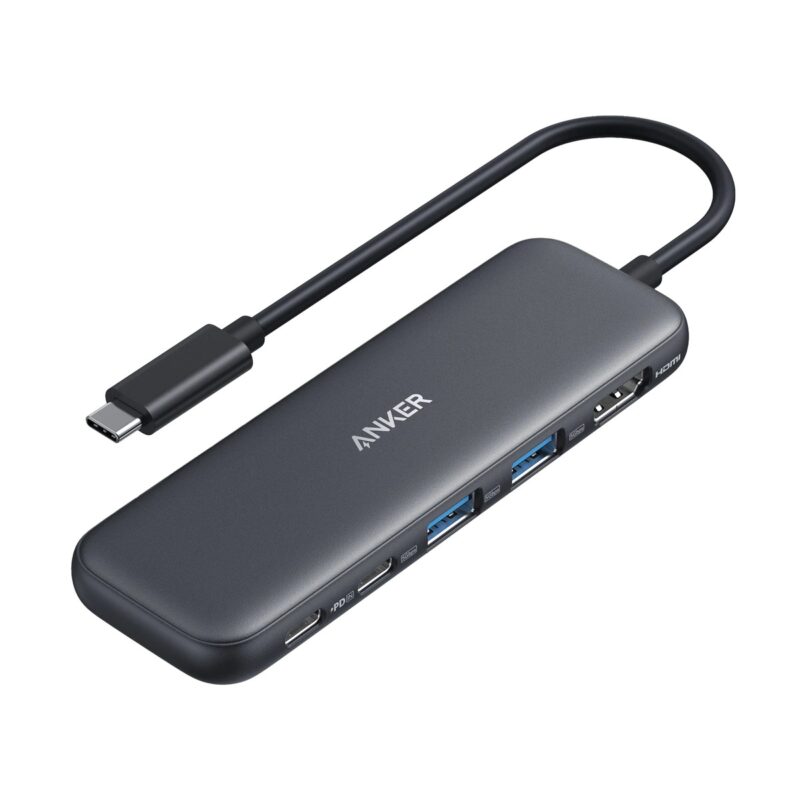
4K 30Hz HDMI, two USB-A data ports, one USB-C data port and 100W Power Delivery input for compact everyday laptop connectivity.
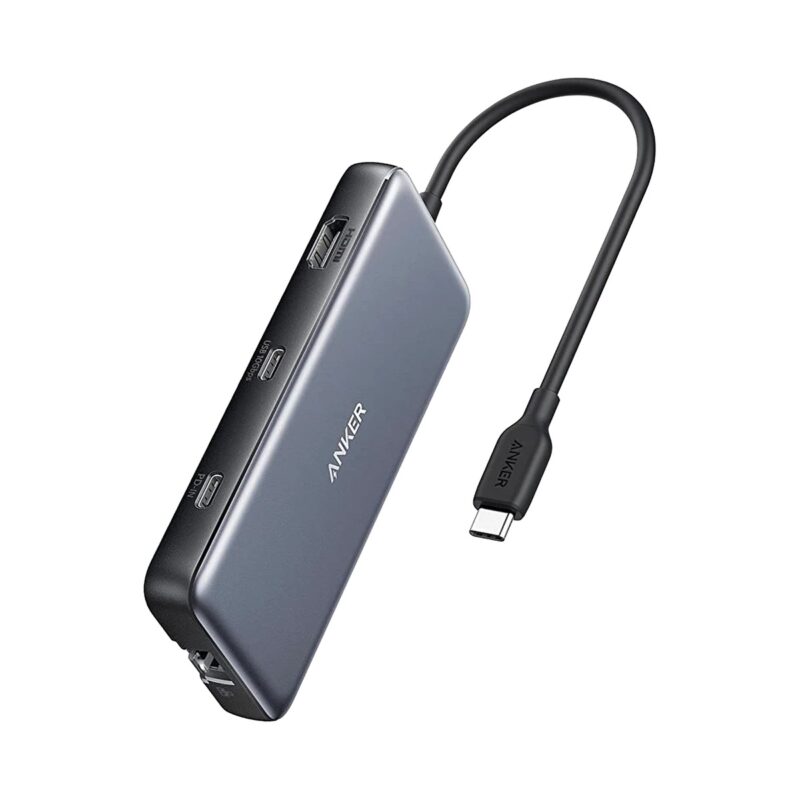
4K 60Hz HDMI, 10Gbps USB-C and USB-A data, Gigabit Ethernet, SD and microSD readers, plus 100W Power Delivery input.
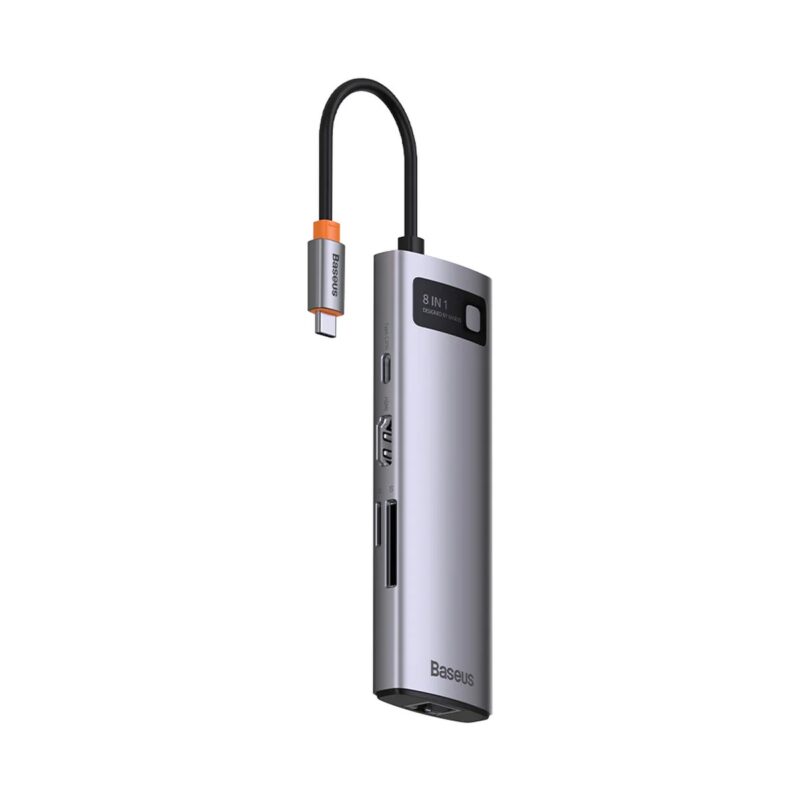
4K 60Hz HDMI, three USB 3.0 ports, Gigabit Ethernet, SD and TF card readers, and 100W Power Delivery in an 8-in-1 hub.
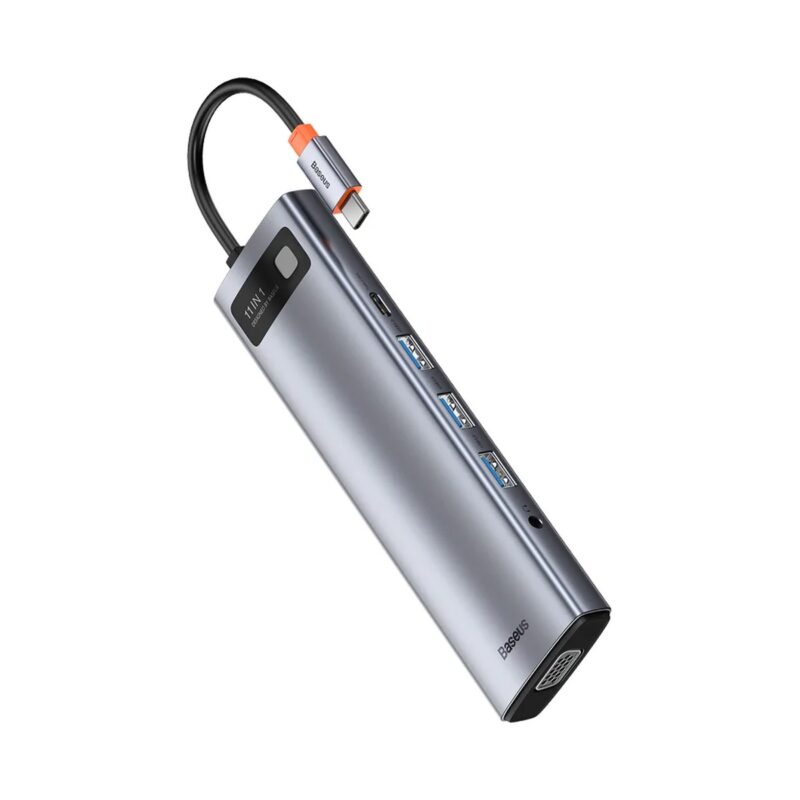
HDMI, VGA, Gigabit Ethernet, USB 3.0, SD and TF card readers, 3.5mm audio and 100W Power Delivery for full workstation expansion.
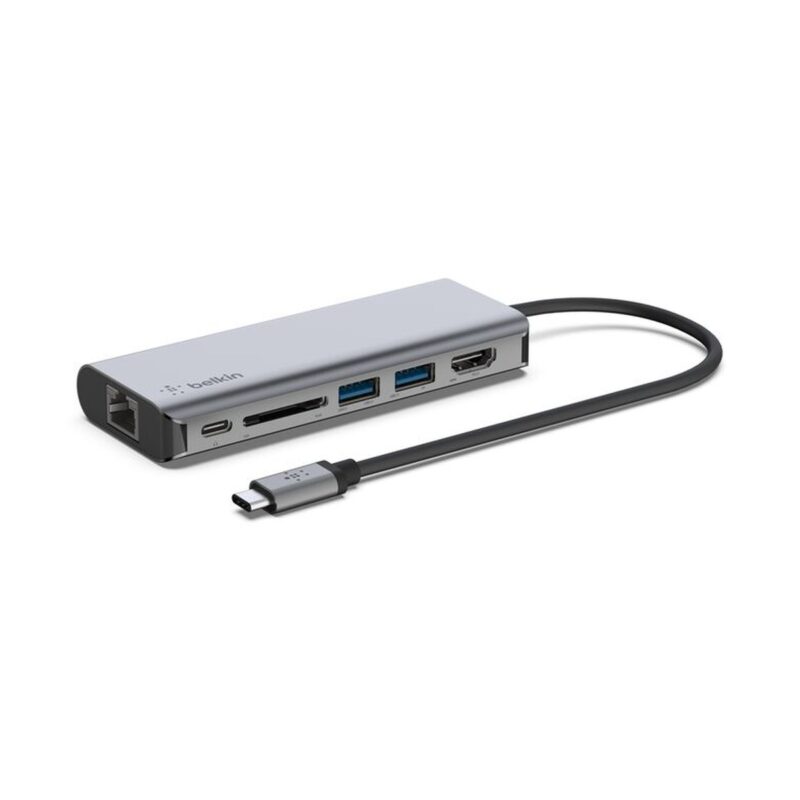
4K 30Hz HDMI, two USB-A ports, Gigabit Ethernet, SD card reader and up to 100W Power Delivery for business and home-office use.
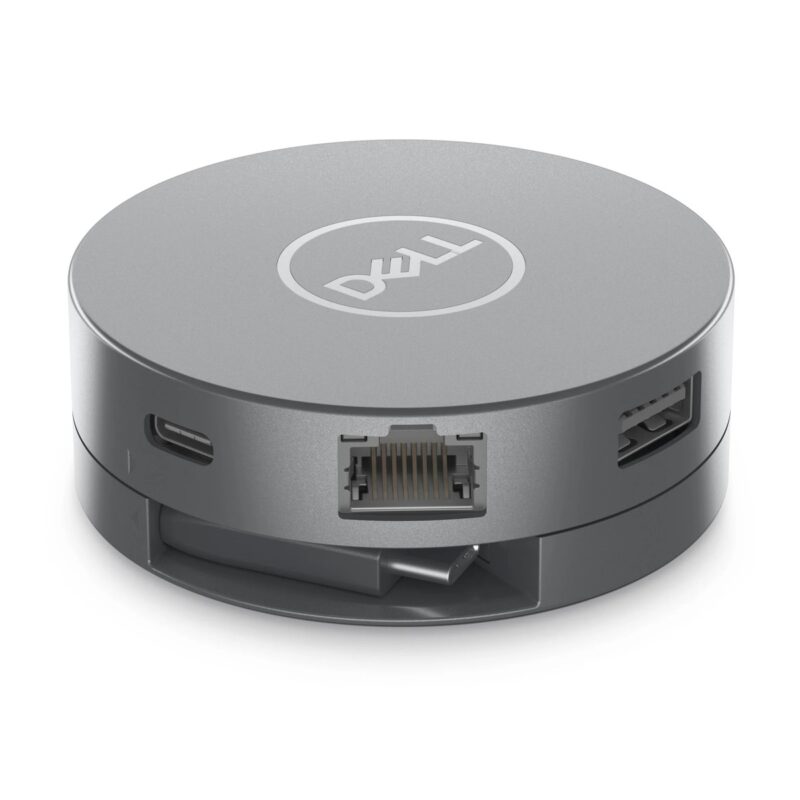
Compact 6-in-1 USB-C adapter with HDMI 2.0, DisplayPort, Gigabit Ethernet, two 10Gbps USB-A ports and up to 90W power pass-through.
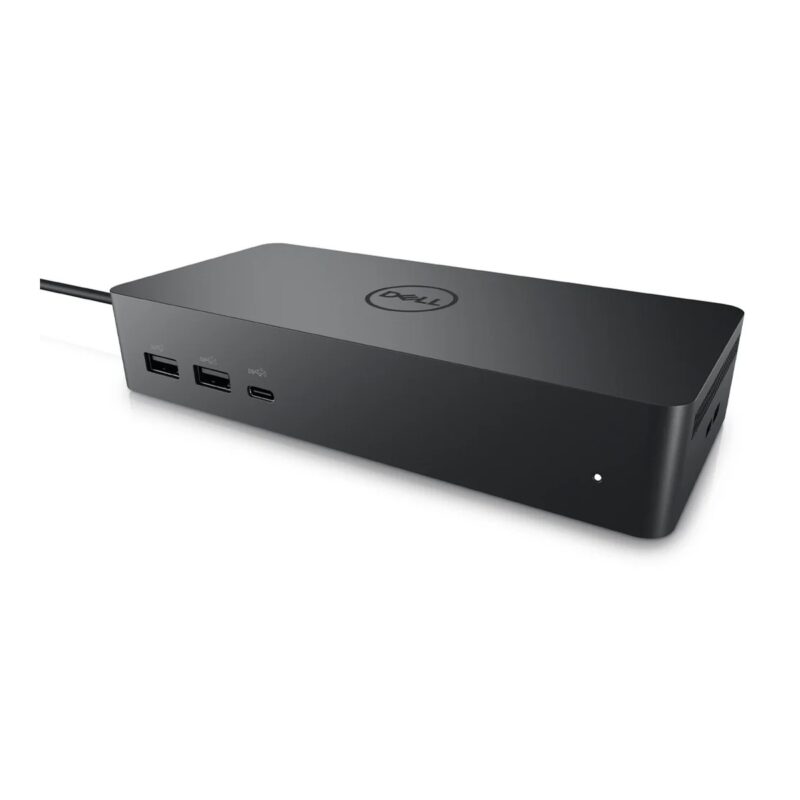
Universal USB-C business dock with dual DisplayPort, HDMI, USB-C display output, multiple 10Gbps USB ports, Gigabit Ethernet and up to 96W host power.
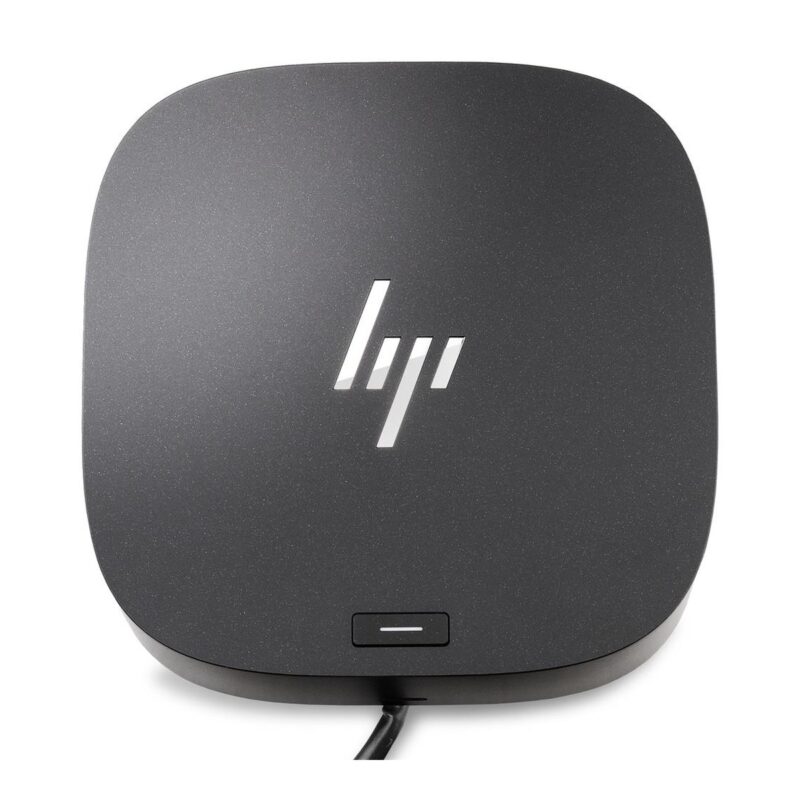
USB-C docking station with dual DisplayPort, HDMI 2.0, Gigabit Ethernet, multiple USB ports and up to 100W host power for business desks.
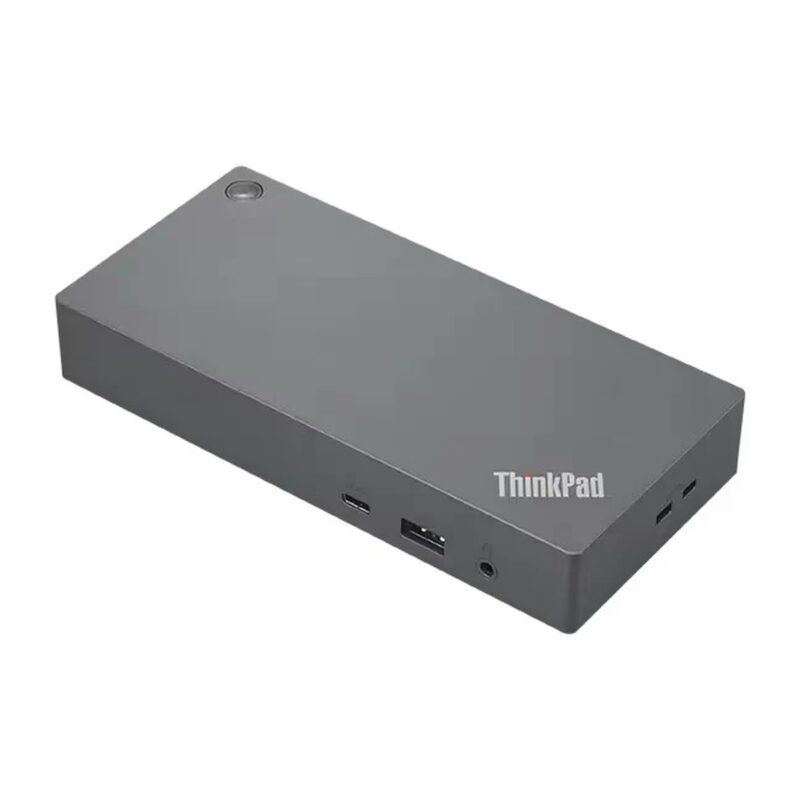
Business USB-C dock with dual DisplayPort, HDMI, five USB-A ports, USB-C, Gigabit Ethernet and 65W charging from the included 90W adapter.
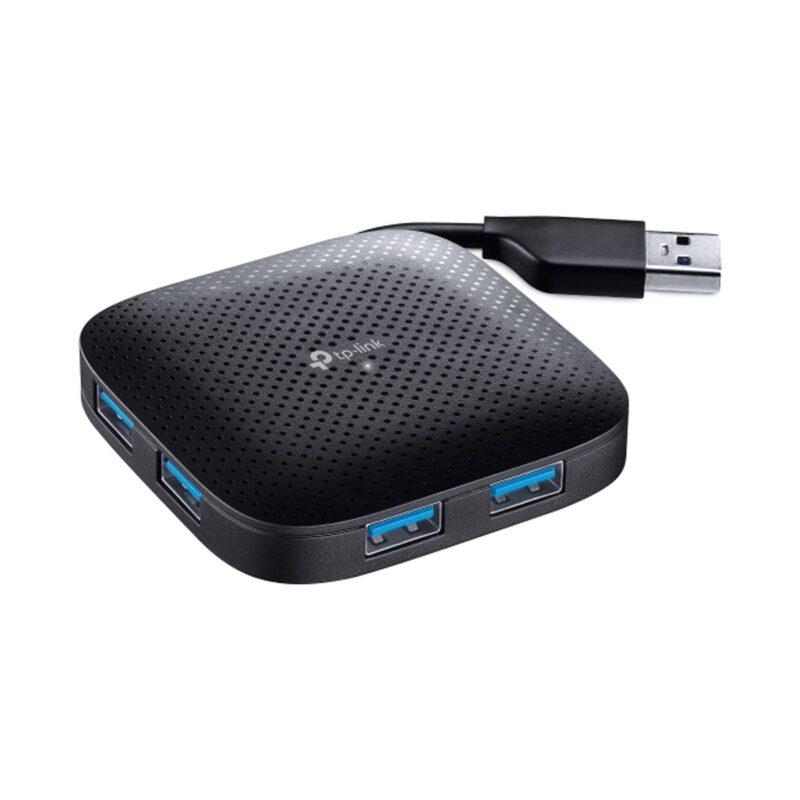
Four USB 3.0 Type-A ports with transfers up to 5Gbps in a compact foldable-cable hub for everyday laptop and desktop peripherals.
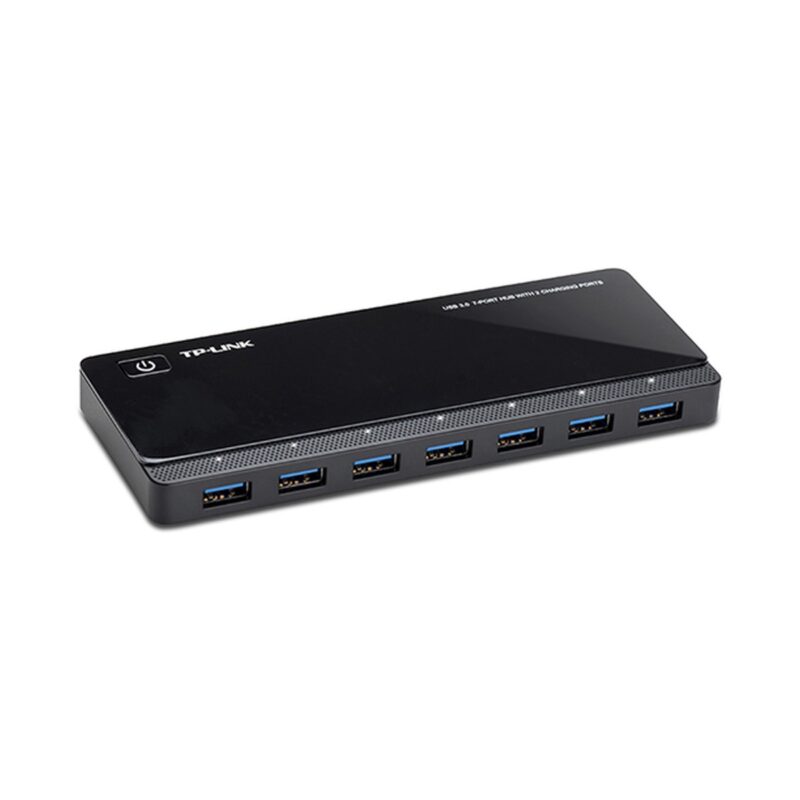
Seven USB 3.0 data ports, two dedicated 5V/2.4A charging ports and a 12V/4A adapter for high-capacity desktop expansion.
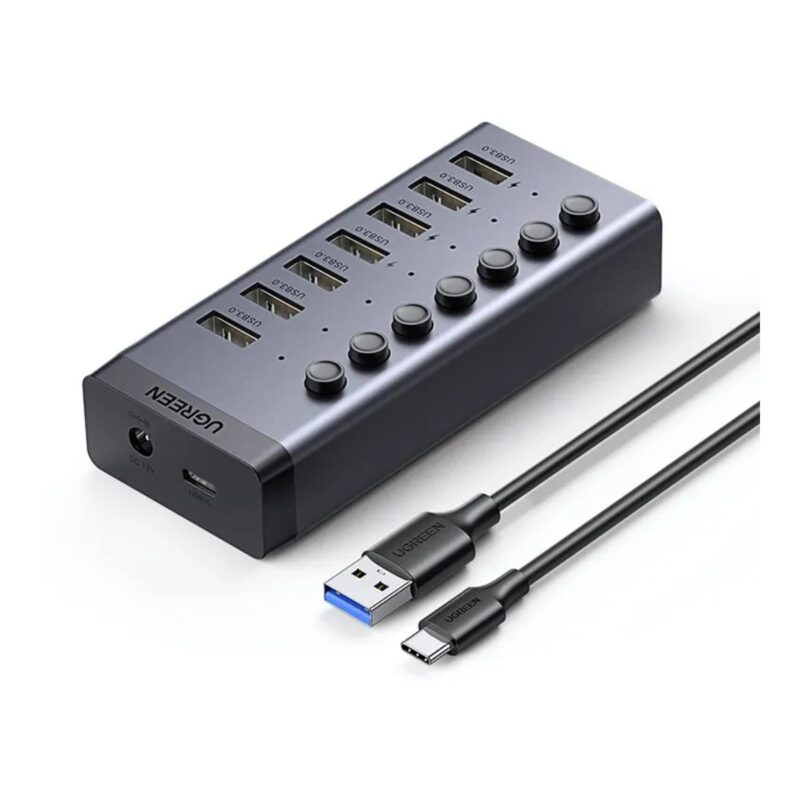
Seven individually switched USB 3.0 ports, up to 5Gbps transfers and external power for organised desktop peripheral expansion.
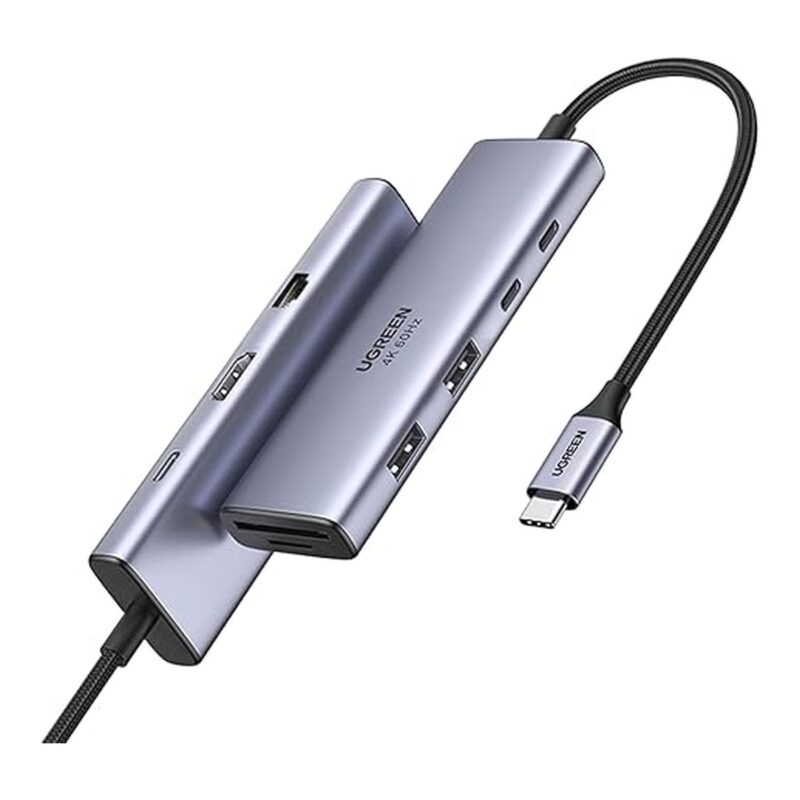
HDMI, VGA, Gigabit Ethernet, SD and TF card readers, three USB-A 3.0 ports and 100W Power Delivery for versatile laptop expansion.
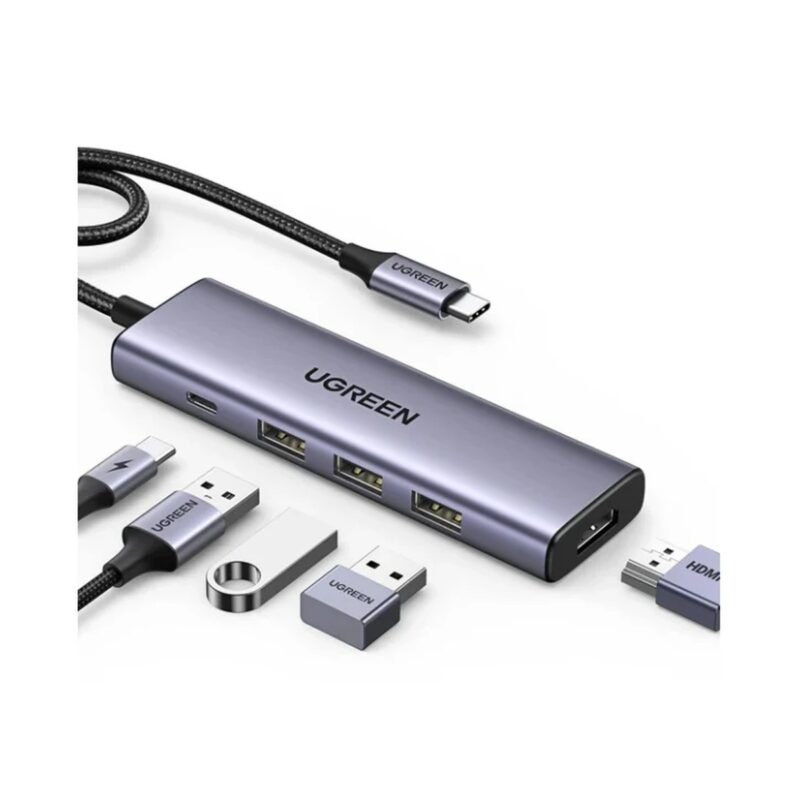
Three USB-A 3.0 ports, 4K 30Hz HDMI and USB-C Power Delivery input in a compact 5-in-1 hub for study, travel and everyday work.
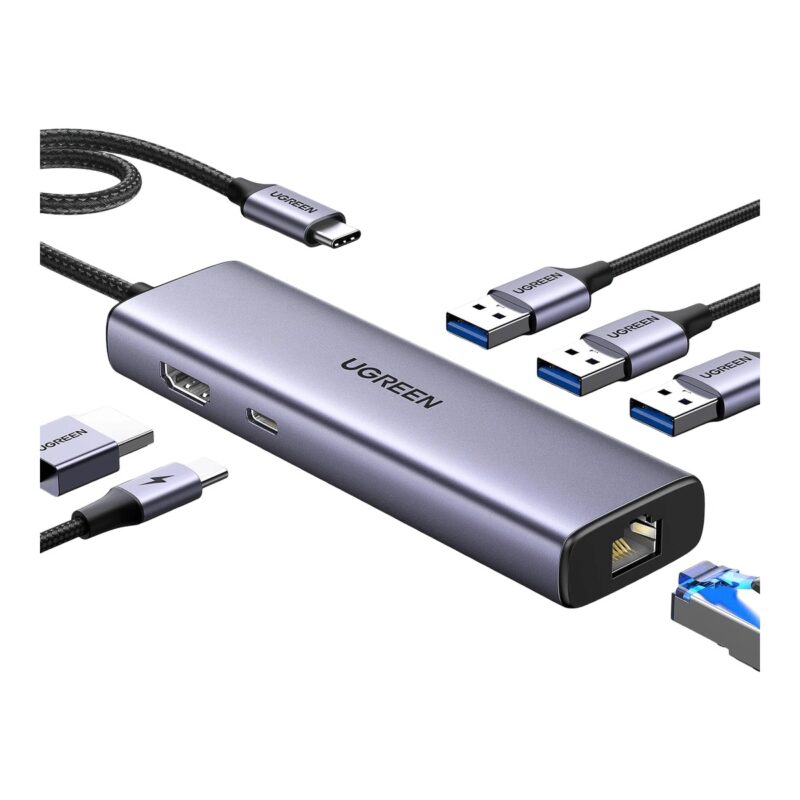
Three USB-A 3.0 ports, 4K 30Hz HDMI, Gigabit Ethernet and USB-C Power Delivery for connected workstations and home offices.
No products in the cart.