
Jabra Evolve2 75 MS USB-A
KSh56,900.00Bluetooth 5.2, a Link 380a USB-A adapter, 40mm speakers, adjustable active noise cancellation, an eight-microphone system and a charging stand for premium hybrid work.
Computer accessories help improve how laptops and desktop computers are used, upgraded, connected, and protected.
They include storage devices, input devices, connectivity accessories, power products and workstation equipment used at home, in offices, schools, businesses and professional environments.
The right accessories can improve storage capacity, productivity, portability, connectivity and everyday comfort without replacing the entire computer.
When comparing computer accessories in Kenya, check:
Avoid choosing an accessory based only on its appearance or brand. Confirm that its connectors, dimensions, power requirements and supported standards match the computer you intend to use.
Storage is one of the most common computer upgrades.
Browse Storage to compare internal and portable storage products for backups, upgrades and file transfers.
The main options include:
An internal SSD can improve startup times and application loading when replacing a mechanical hard drive.
External SSDs are suitable for users who frequently transfer large files or work with portable project storage. External hard drives are generally more economical when the main priority is backup capacity.
Before ordering storage, confirm:
Laptop users often need accessories that improve portability, connectivity, and everyday productivity.
Useful laptop accessories may include:
A USB hub or docking station can be useful when a laptop has limited ports. However, not every USB-C port supports charging, video output, or high-speed data transfer.
Confirm the exact capabilities of the laptop port before buying a USB-C accessory.
Browse Laptops when comparing accessories with a new computer.
Desktop accessories are commonly used to improve comfort, performance, and connectivity.
These may include:
When building a workstation, consider how the computer, display, storage and power accessories will work together.
Browse Monitors for desktop displays and Power Extensions for additional power outlets.
Computer accessories use several connector standards, including:
A connector that physically fits may not support every intended function.
For example, USB-C can support charging, data transfer, video output, or Thunderbolt, but the exact capabilities depend on the computer and accessory.
When buying cables or adapters, confirm:
An HDMI-to-VGA adapter does not necessarily work in the reverse direction unless it is specifically designed to do so.
Wireless keyboards, mice, headsets, and other accessories may connect through Bluetooth or a USB receiver.
Bluetooth accessories reduce the need for separate receivers, but compatibility and latency can vary.
USB receiver accessories are often easy to set up but require an available USB port. Some brands allow several compatible devices to share one receiver, while others require a separate receiver for every accessory.
Before ordering a wireless accessory, check:
For wireless internet connectivity, browse Networking and Wi-Fi Routers.
Students and office users should prioritise reliable, practical accessories that support long periods of everyday use.
A basic workstation may include:
For video calls, consider a webcam, microphone or headset with clear voice pickup.
For document-heavy work, an external monitor can provide more screen space than a laptop display. Browse Business Laptops and Everyday Laptops for compatible computers.
Photographers, designers, video editors and other professional users may require higher-performance accessories.
Important considerations include:
Large image and video files require both fast working storage and a separate backup system.
An External SSD can be used for active projects, while an External Hard Drive can provide more affordable archive capacity.
Browse Creator Laptops for computers designed for creative applications.
Computers and accessories should be connected to suitable power equipment.
Useful power products include:
A standard power extension increases the number of available sockets but does not always provide surge protection.
Browse Surge Protectors for protection against voltage spikes and Smart Power Strips for connected power-control features.
For portable charging, browse Laptop Power Banks.
Before buying a charger or power bank, confirm:
Using an incompatible charger can result in slow charging, failure to charge or possible equipment damage.
| Computer accessory | Approximate price range |
|---|---|
| Basic wired mouse | KSh 500–KSh 1,500 |
| Wireless mouse | KSh 1,000–KSh 5,000 |
| Basic keyboard | KSh 1,000–KSh 3,500 |
| Keyboard and mouse combo | KSh 1,500–KSh 7,000 |
| USB hub | KSh 1,000–KSh 6,000 |
| USB-C hub or docking adapter | KSh 3,000–KSh 20,000 |
| Laptop stand | KSh 1,500–KSh 8,000 |
| Webcam | KSh 2,000–KSh 15,000 |
| Computer headset | KSh 1,500–KSh 20,000 |
| External storage device | KSh 6,000–KSh 40,000+ |
Computer accessory prices in Kenya vary according to brand, compatibility, build quality, connectivity standard and warranty.
Low-cost accessories may be suitable for basic everyday use, while professional models generally cost more because they offer better durability, higher transfer speeds or advanced features.
Before ordering, confirm:
Browse the computer accessories above to compare storage devices, connectivity products, workstation equipment and other accessories for laptops and desktop computers.
Showing 17–32 of 90 results
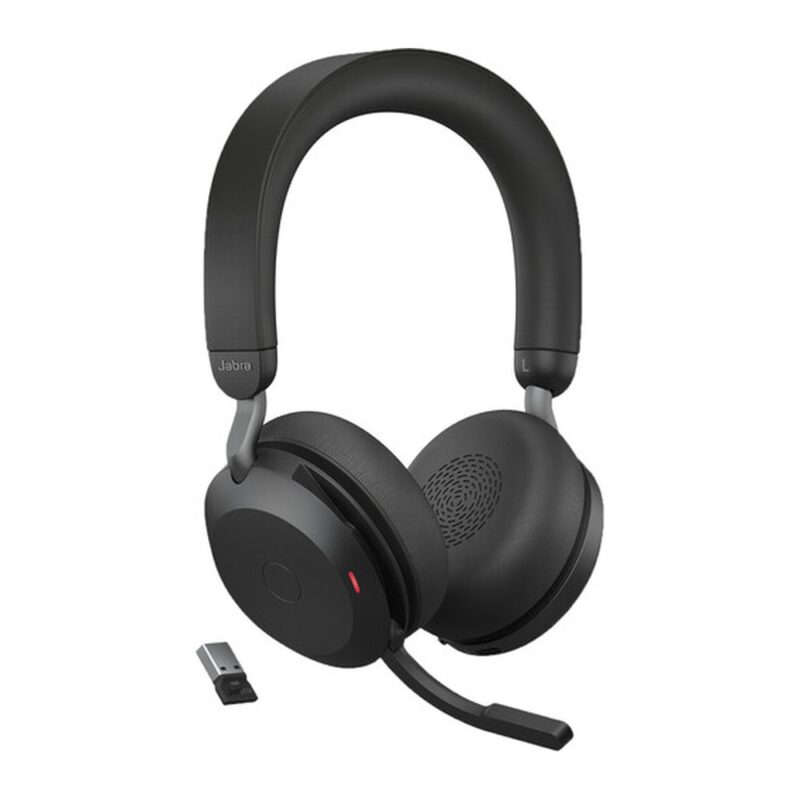
Bluetooth 5.2, a Link 380a USB-A adapter, 40mm speakers, adjustable active noise cancellation, an eight-microphone system and a charging stand for premium hybrid work.
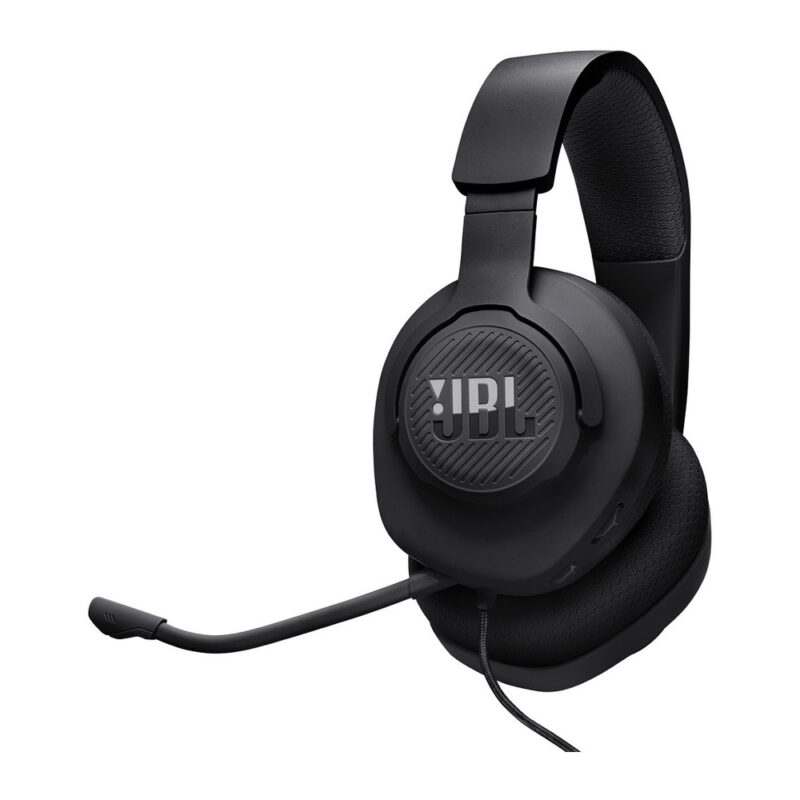
40mm drivers, a 3.5mm wired connection, breathable memory-foam ear cushions and a detachable directional boom microphone for affordable multi-platform gaming.
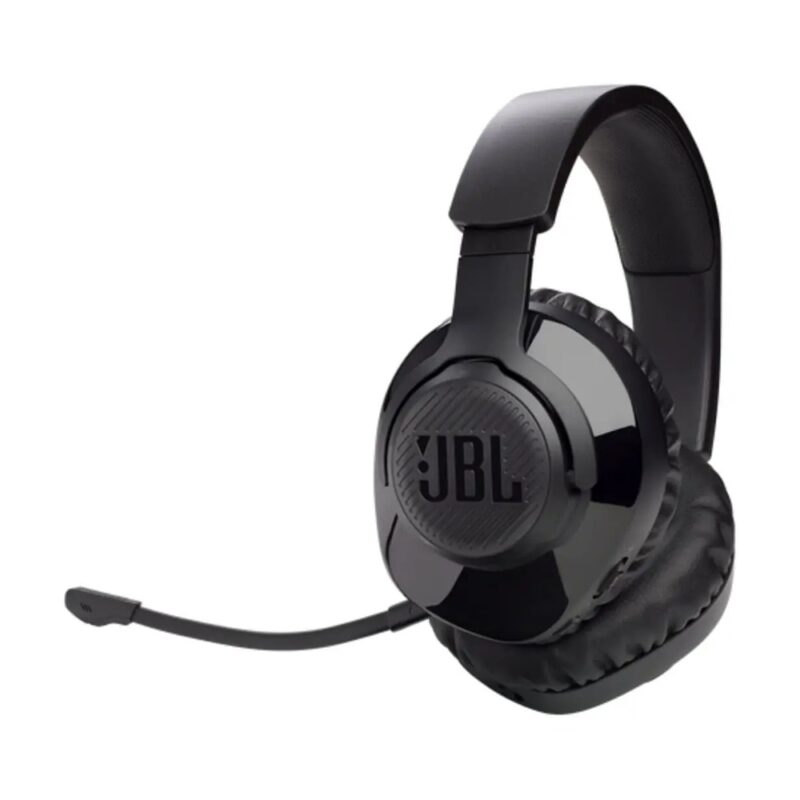
Low-latency 2.4GHz wireless, 40mm drivers, a detachable boom microphone, USB-C charging and up to 22 hours of battery life for PC and compatible console gaming.
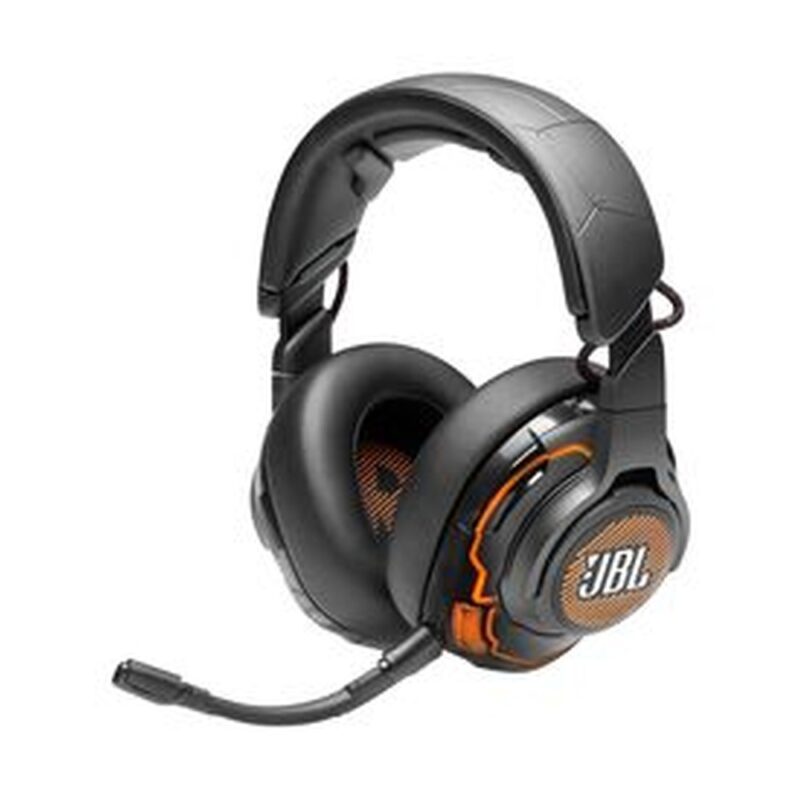
50mm Hi-Res drivers, USB and 3.5mm connectivity, active noise cancellation, a detachable boom microphone and QuantumSPHERE 360 head tracking for premium PC gaming.
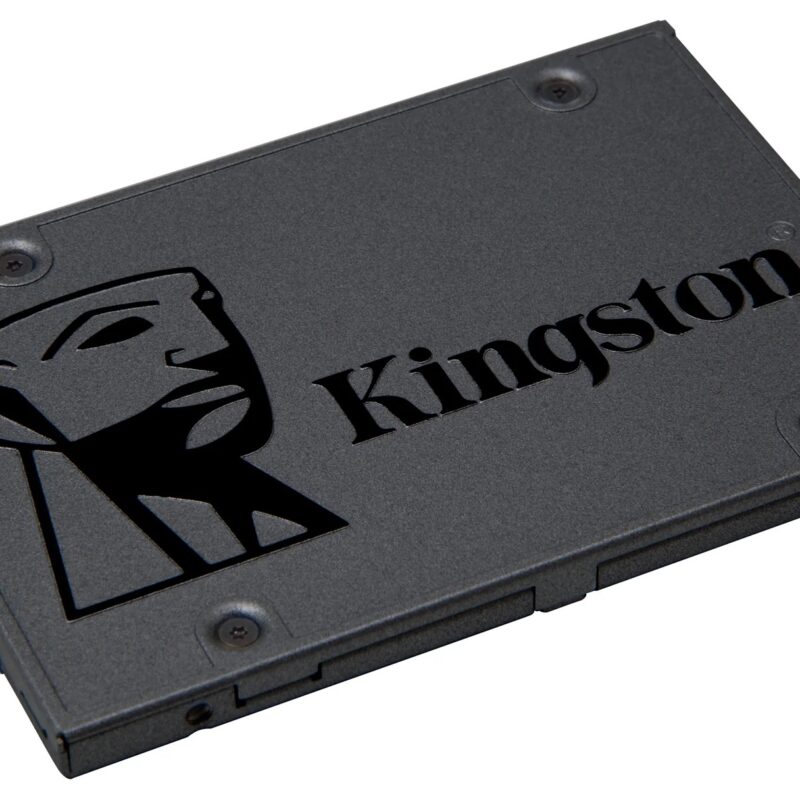
480GB 2.5-inch, 7mm solid-state drive with SATA 6Gb/s, up to 500 MB/s read and 450 MB/s write speeds for faster PC storage and application loading.

1TB M.2 2280 solid-state drive with PCIe 4.0 x4 NVMe, up to 6000 MB/s read and 4000 MB/s write speeds for faster PC storage and application loading.
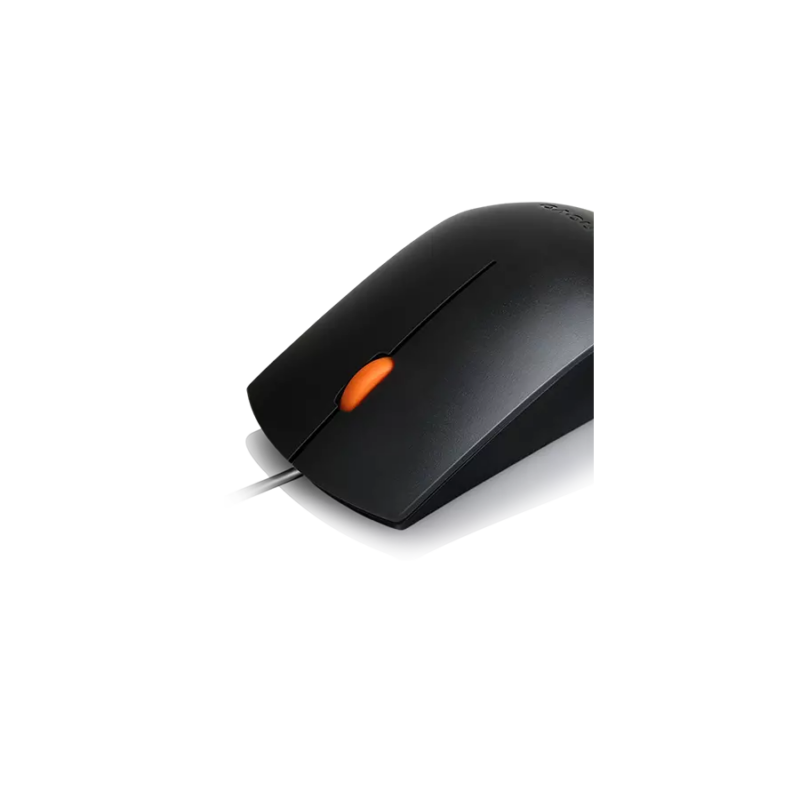
A wired USB optical mouse with 1600 DPI tracking and an ambidextrous three-button design for office desktops, study and general navigation.
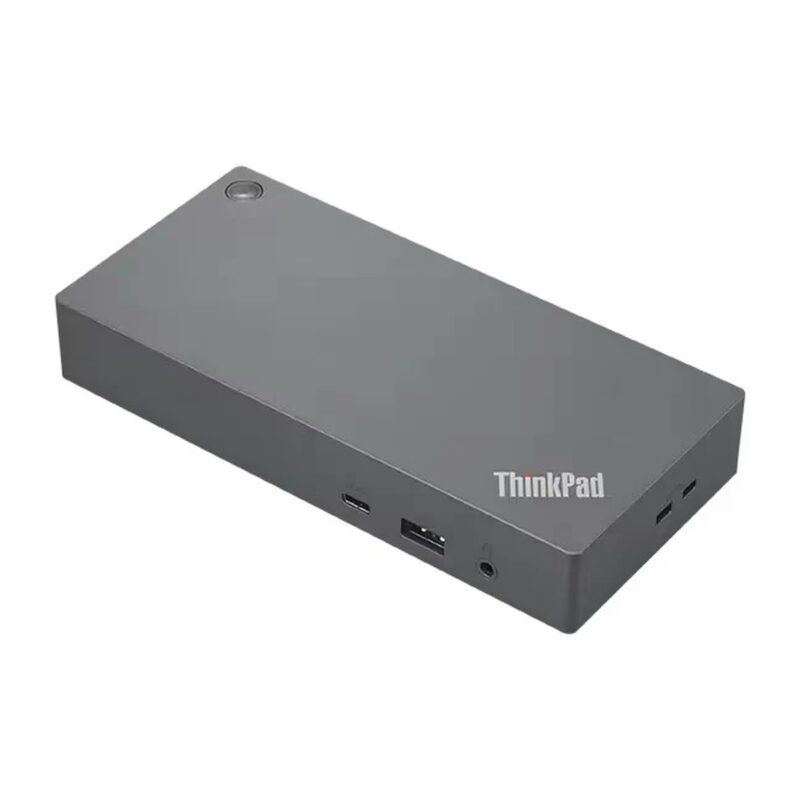
Business USB-C dock with dual DisplayPort, HDMI, five USB-A ports, USB-C, Gigabit Ethernet and 65W charging from the included 90W adapter.

512GB M.2 2280 solid-state drive with PCIe Gen3 x4 NVMe, up to 3300 MB/s read and 2400 MB/s write speeds for faster PC storage and application loading.

1TB portable SSD with USB 3.1 Type-C and transfer speeds up to 550 MB/s read and 400 MB/s write for fast backups, media and mobile work.
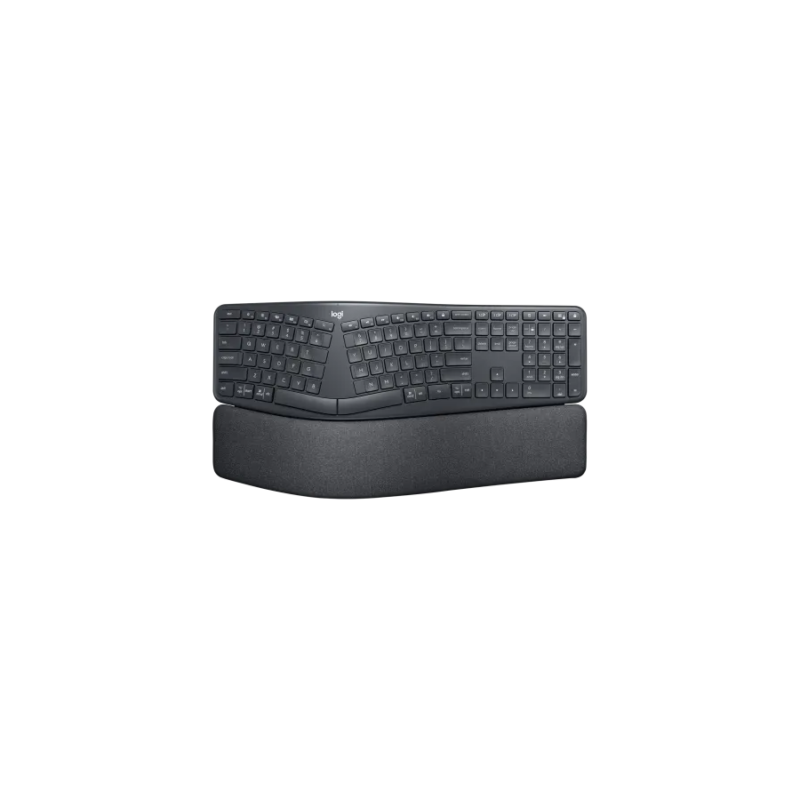
Split ergonomic wireless keyboard with a curved keyframe, full-size layout, cushioned palm rest and adjustable palm-lift legs for extended office typing.
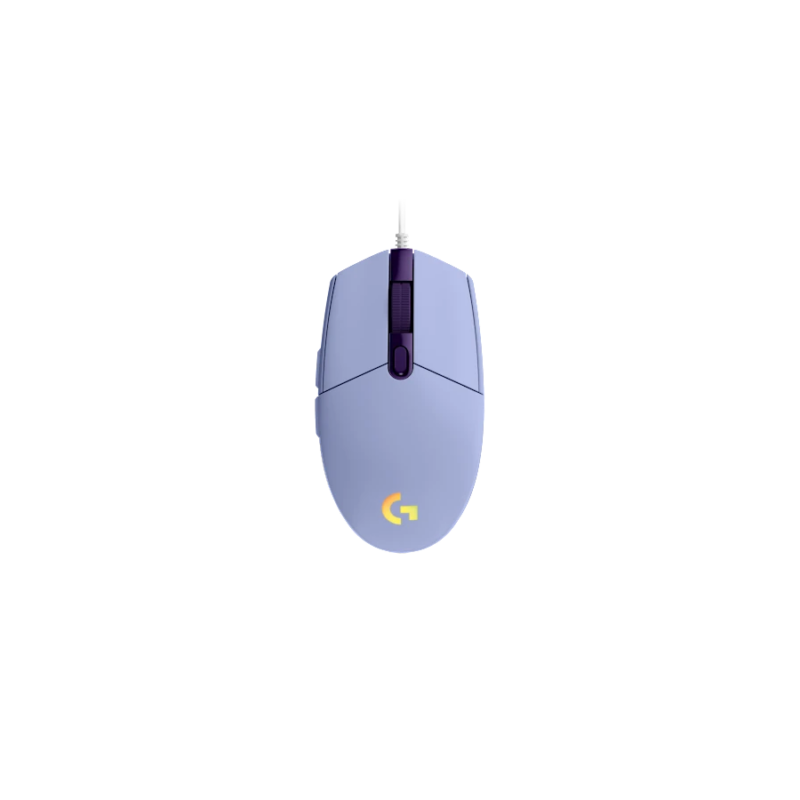
A wired gaming mouse with an 8000 DPI sensor, six programmable buttons and LIGHTSYNC RGB for entry-level PC gaming and configurable desktop control.
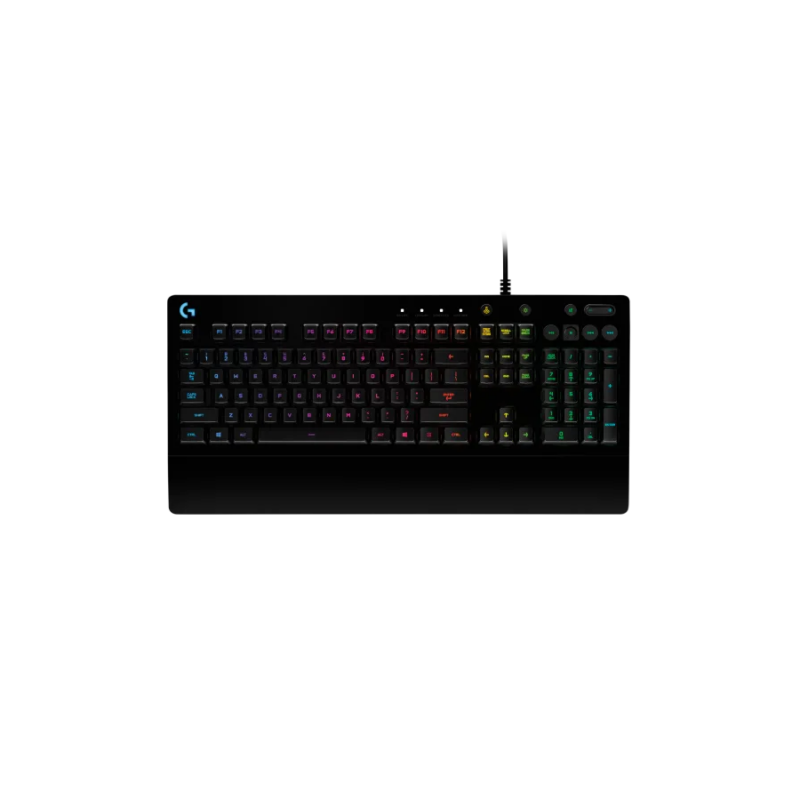
Full-size wired gaming keyboard with tactile Mech-Dome keys, five-zone LIGHTSYNC RGB, integrated palm rest and dedicated media controls.
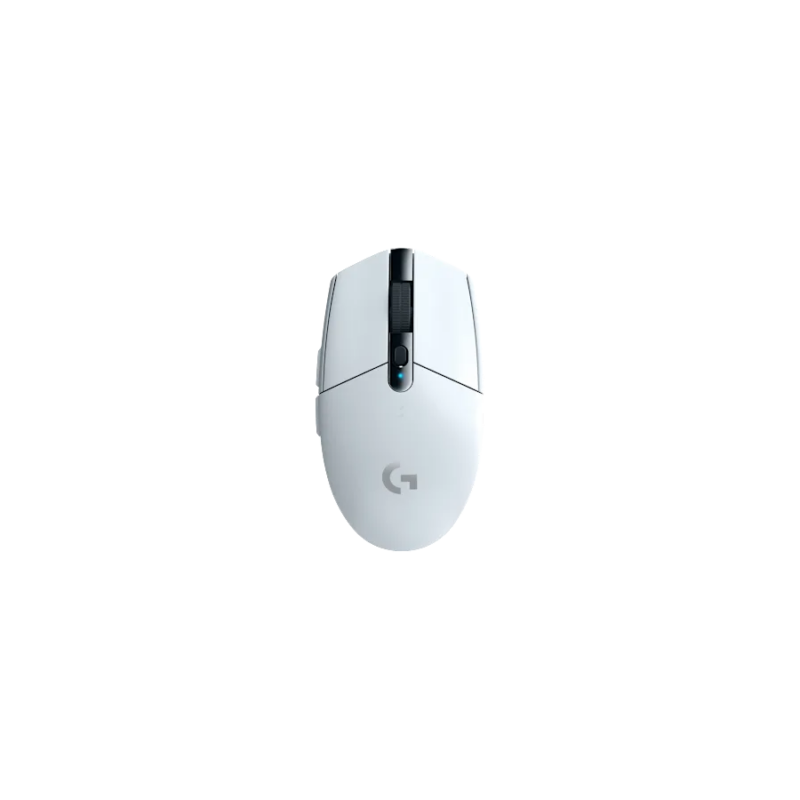
A LIGHTSPEED wireless gaming mouse with a HERO sensor, 200–12000 DPI range, six buttons and up to 250 hours of battery life.
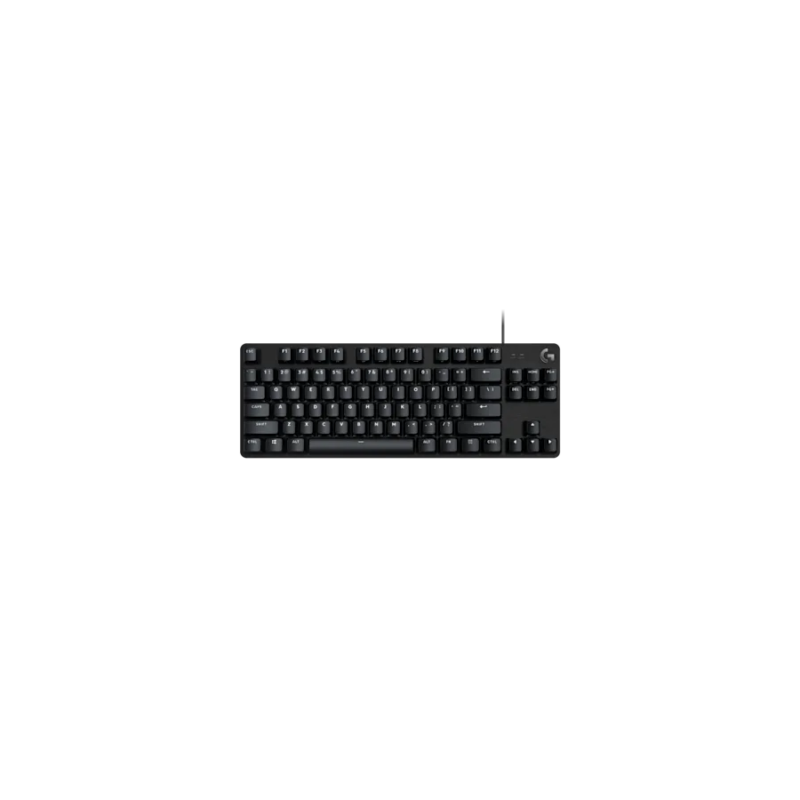
Tenkeyless wired gaming keyboard with tactile mechanical switches, durable PBT keycaps, white LED lighting and six-key rollover with anti-ghosting.
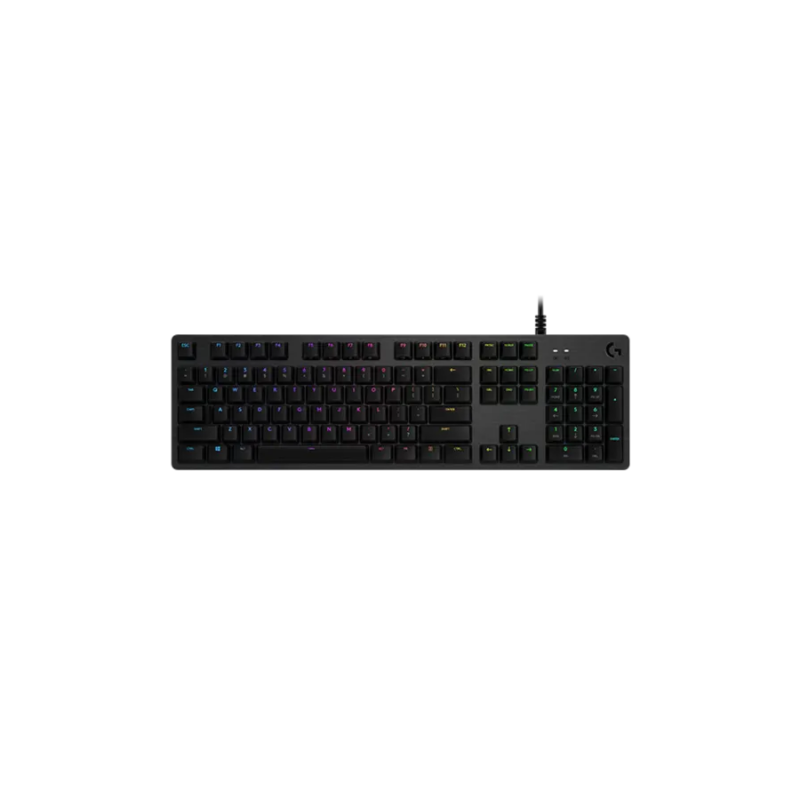
Full-size wired mechanical gaming keyboard with per-key LIGHTSYNC RGB, aluminium-alloy construction, USB passthrough and a choice of GX switch types.
No products in the cart.